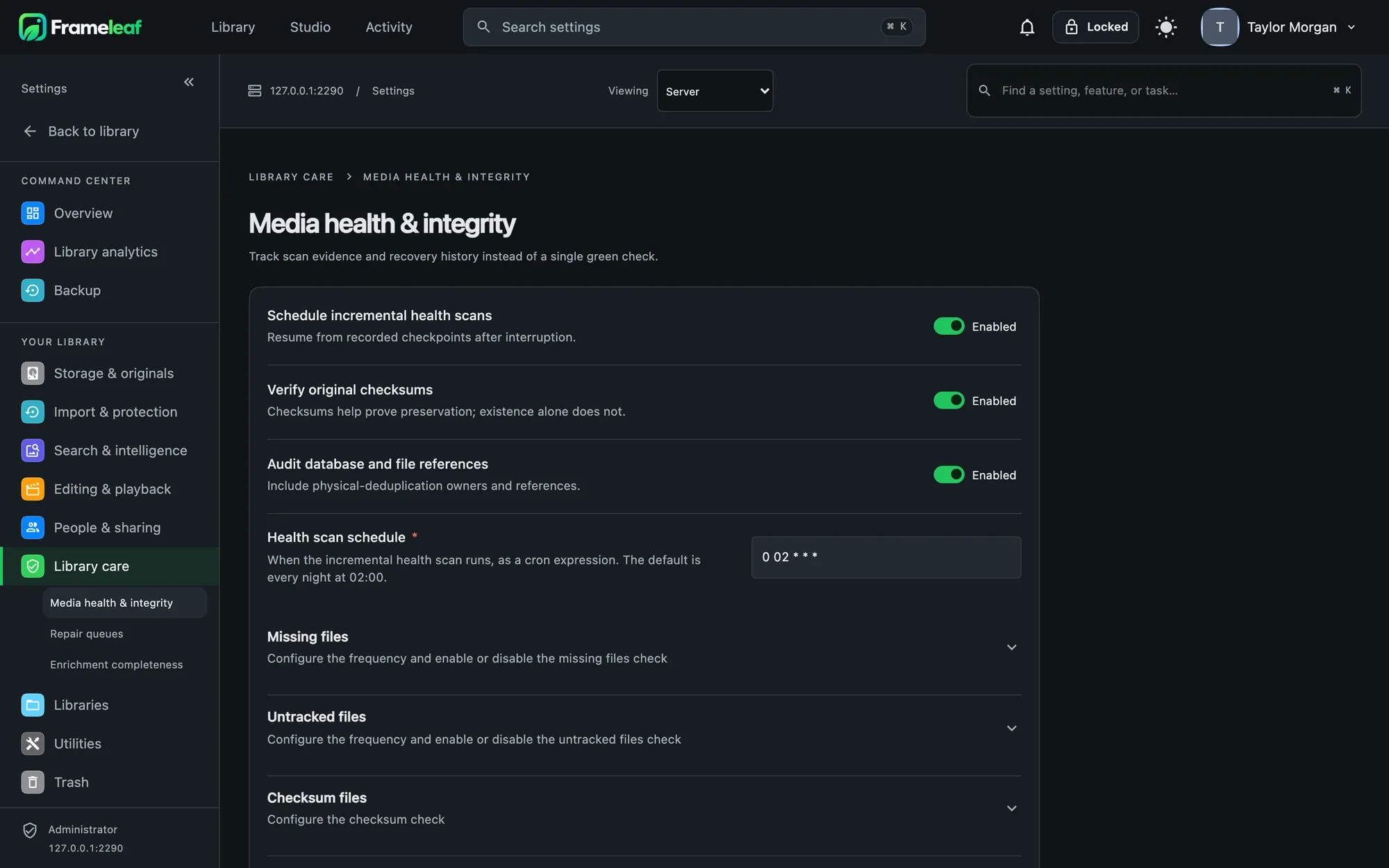
The whole library, in any browser.
The web app is where Frameleaf does the most: organise thousands of photos at once, run your server, and edit photos and video on a big screen.
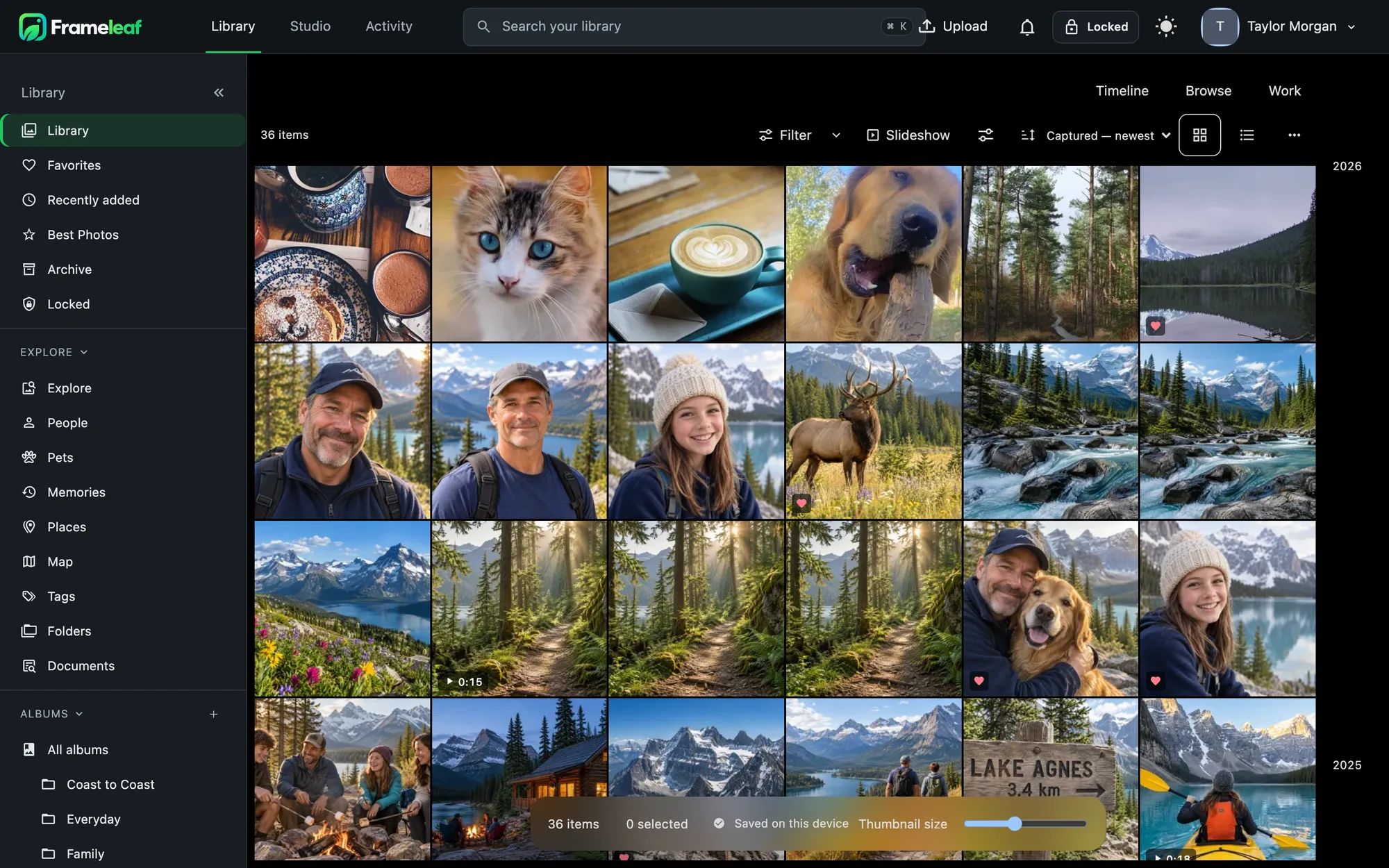
Three ways to look at an album.
Filter by people, media type, capture date and place, and see the count change as you go. Select, compare, quick-edit or send a set to Studio without leaving the grid.
- Timeline groups by day, month and year.
- Browse for large thumbnails and slideshows.
- Work adds ratings, file names and an info panel for sorting and culling.
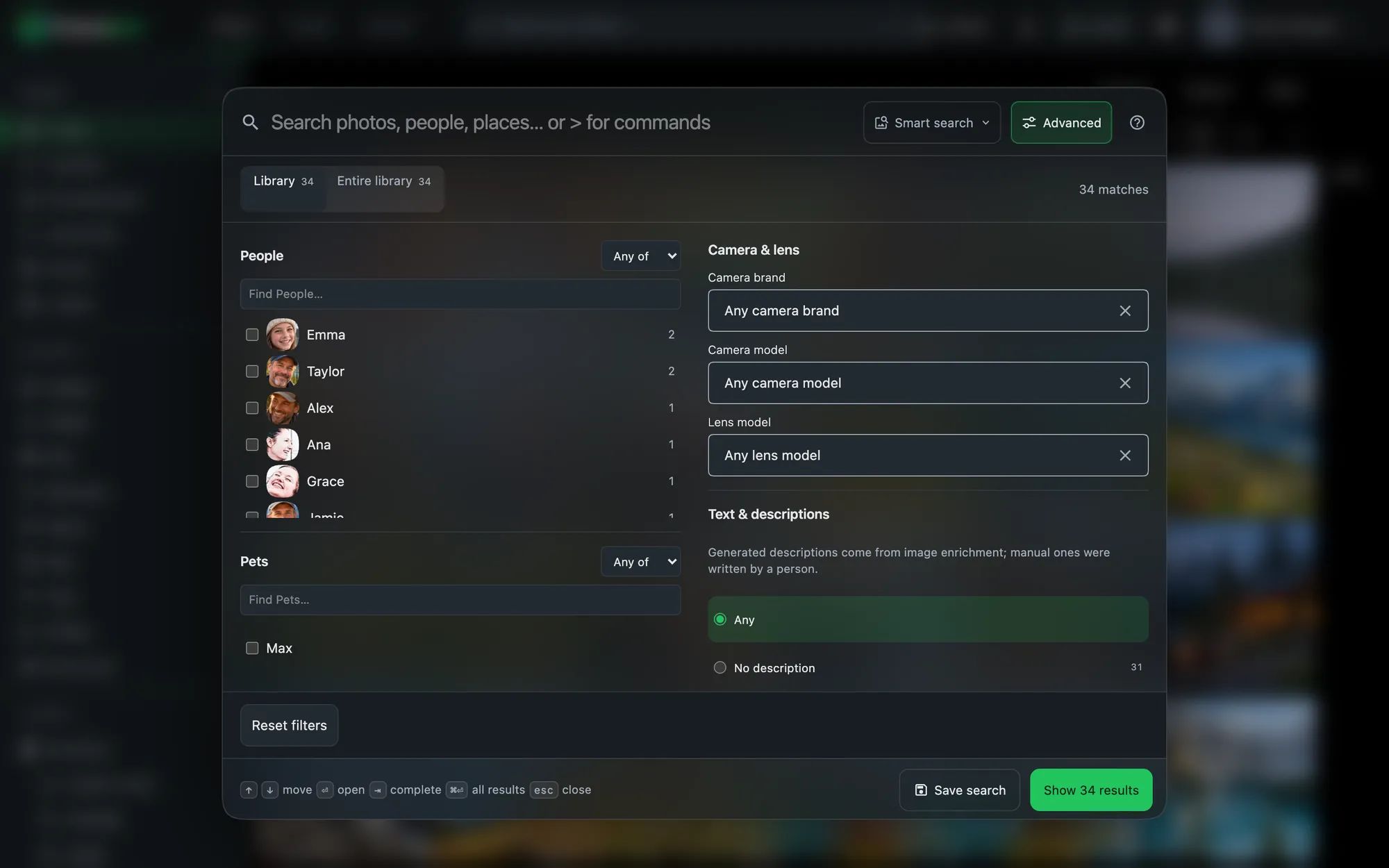
Timeline, months and years.
Group the timeline by years, months, days or everything at once. Hold ⌘ and scroll to change the grouping, and drag the floating slider to resize thumbnails.
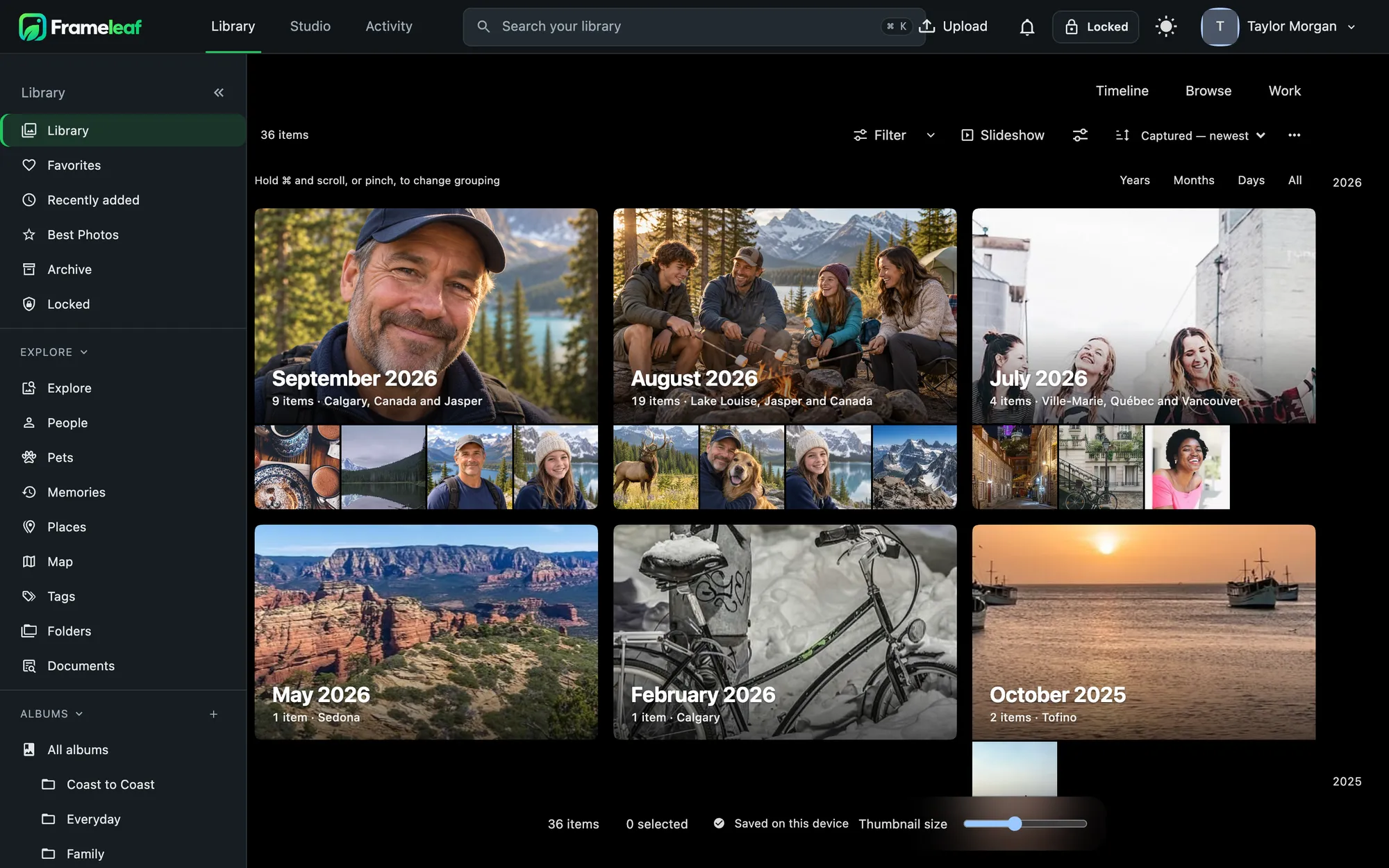
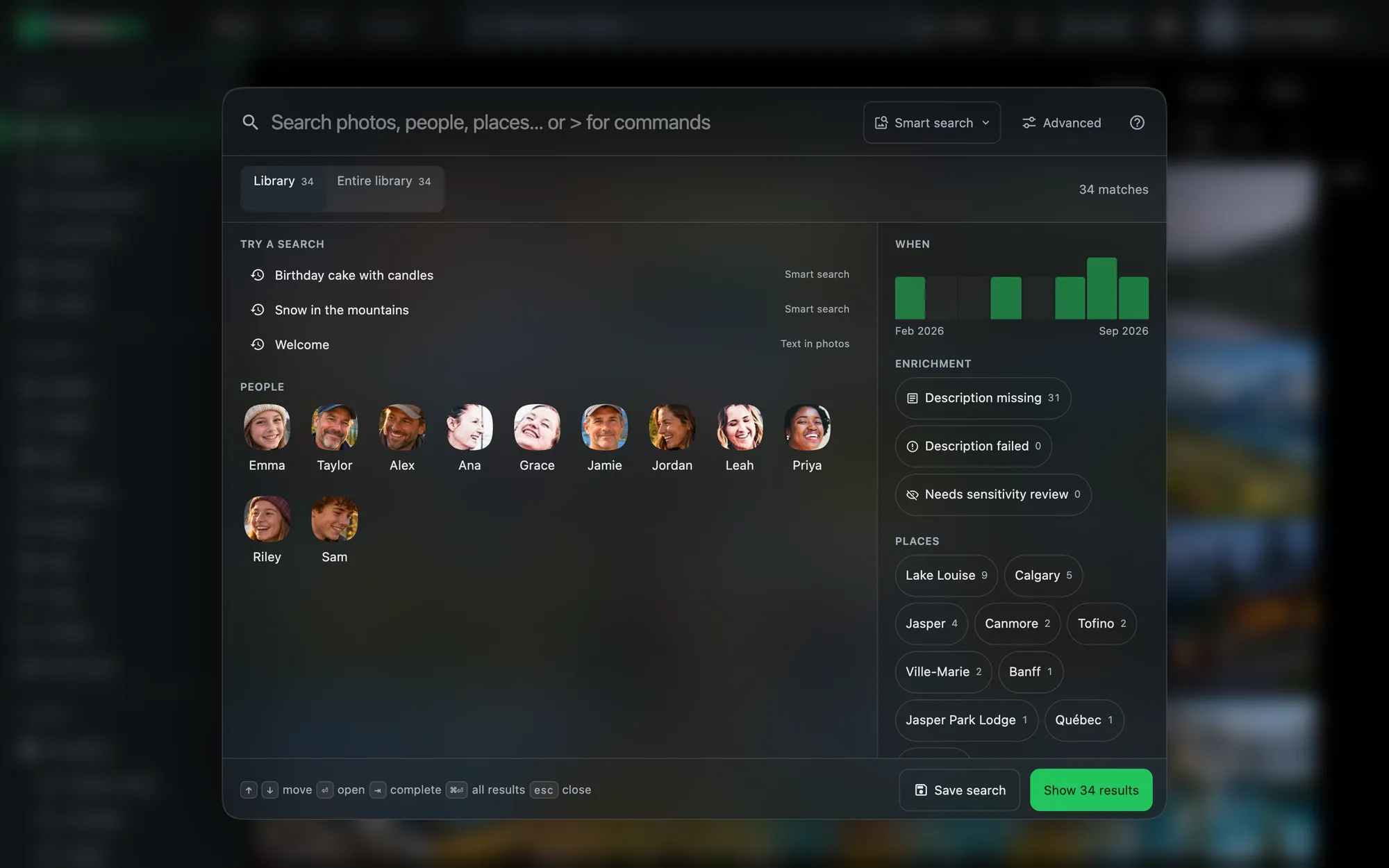
Search with a keystroke.
Press ⌘K and type. Search understands what's in a photo, matches people and places, and offers typed filters such as person:Jamie. Type > for commands.
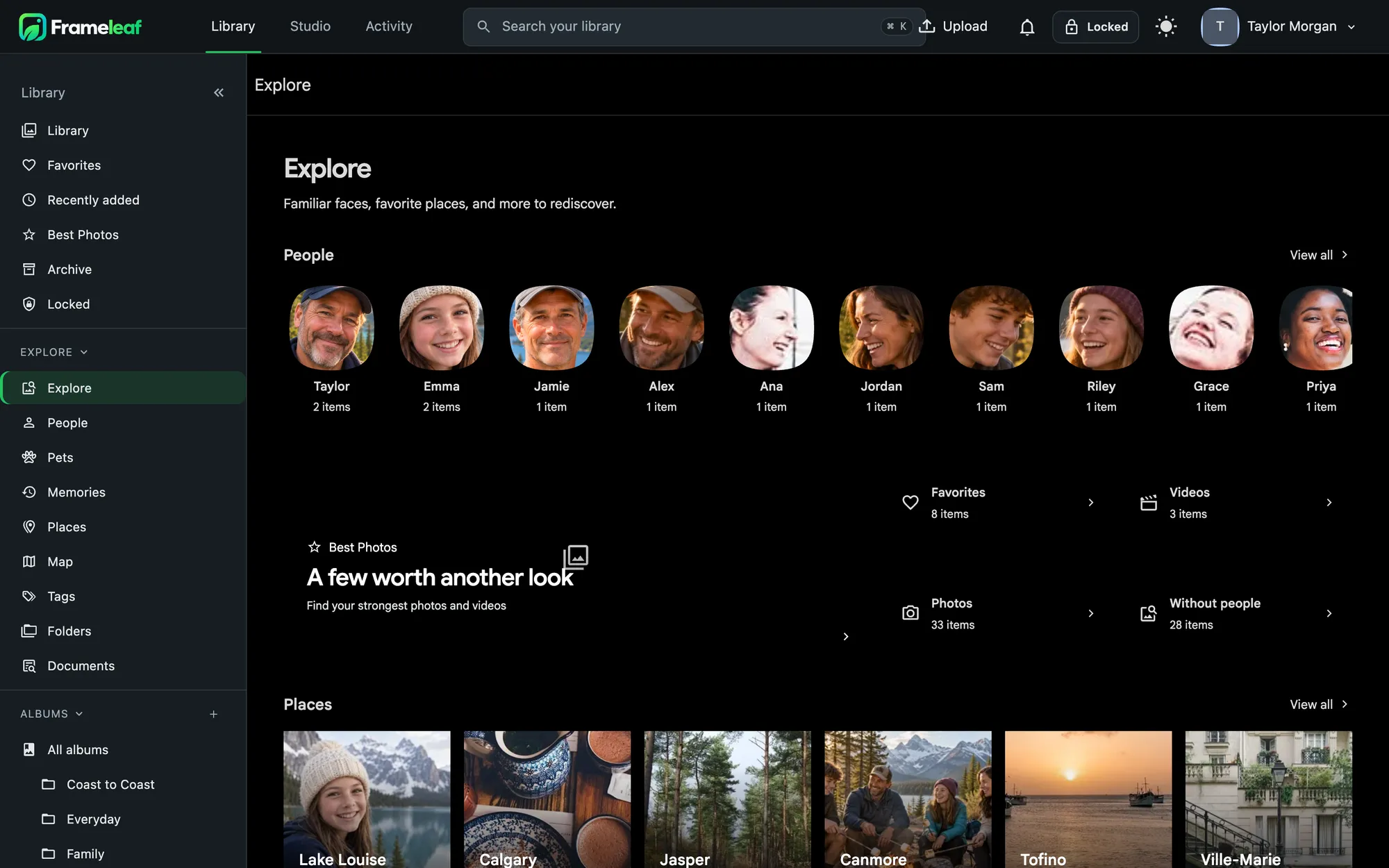
Explore, people and places.
Explore gathers familiar faces, places, pets, documents and a few photos worth another look. People shows everyone your server recognises; Places and the map show where you've been.
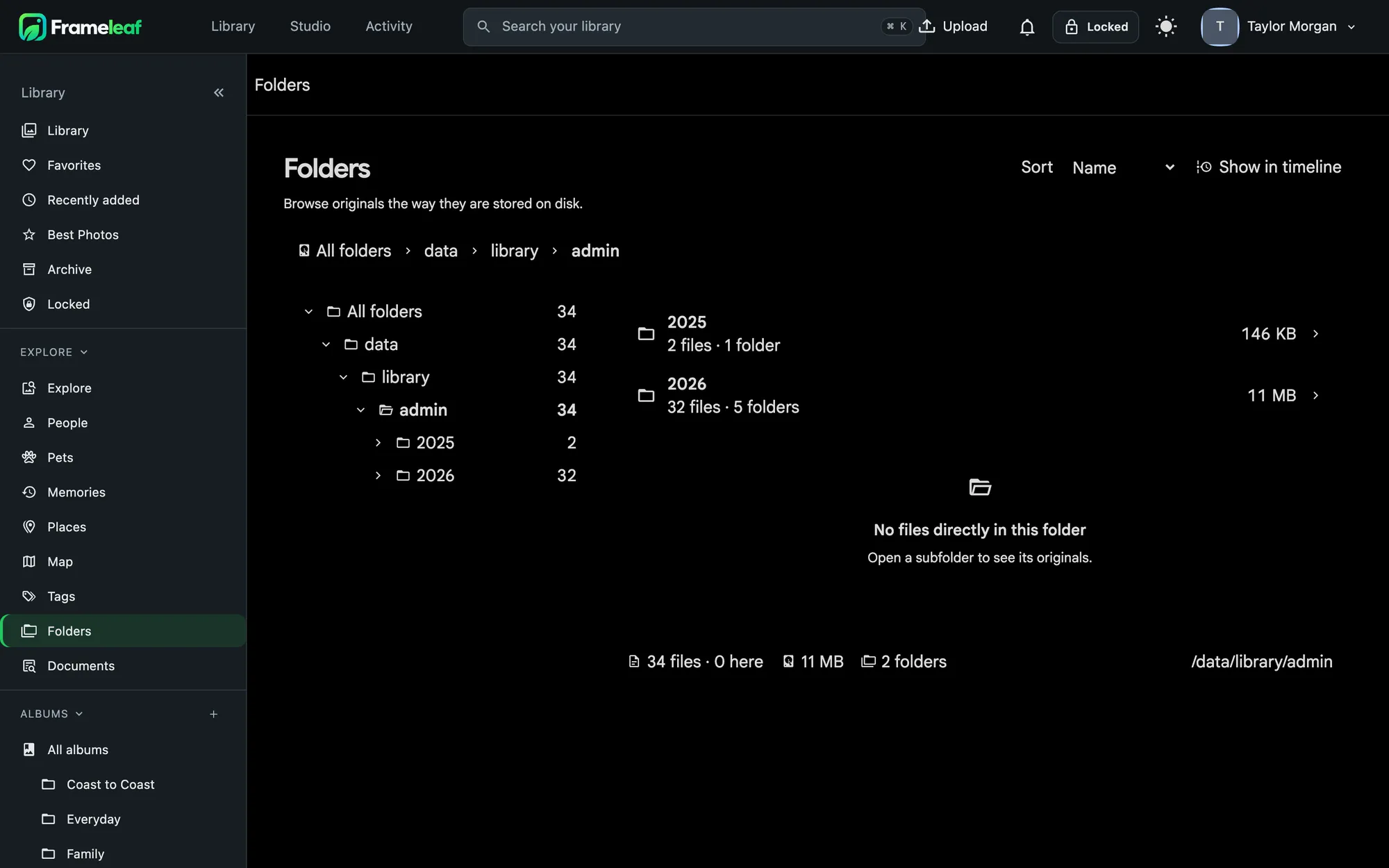
Folders and tags, if that's how you think.
Browse originals the way they're stored on disk, or organise with nested tags. Albums, folders and tags all work together.
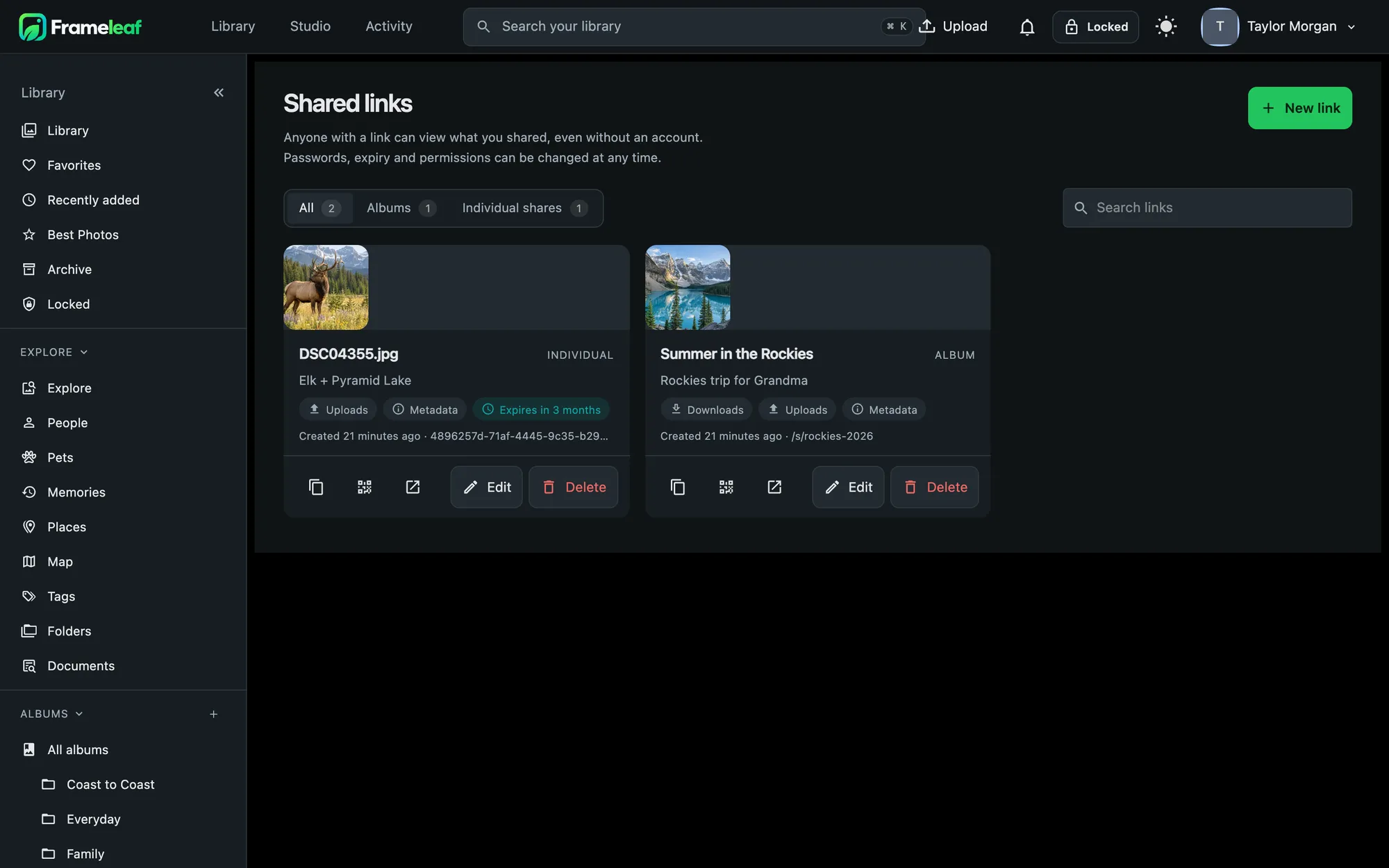
Share on your terms.
Every shared link in one place, with expiry dates, passwords, download permission and view counts. Edit or revoke any of them at once.
Run the server from the same app.
- Command Center shows storage, backups and anything that needs attention.
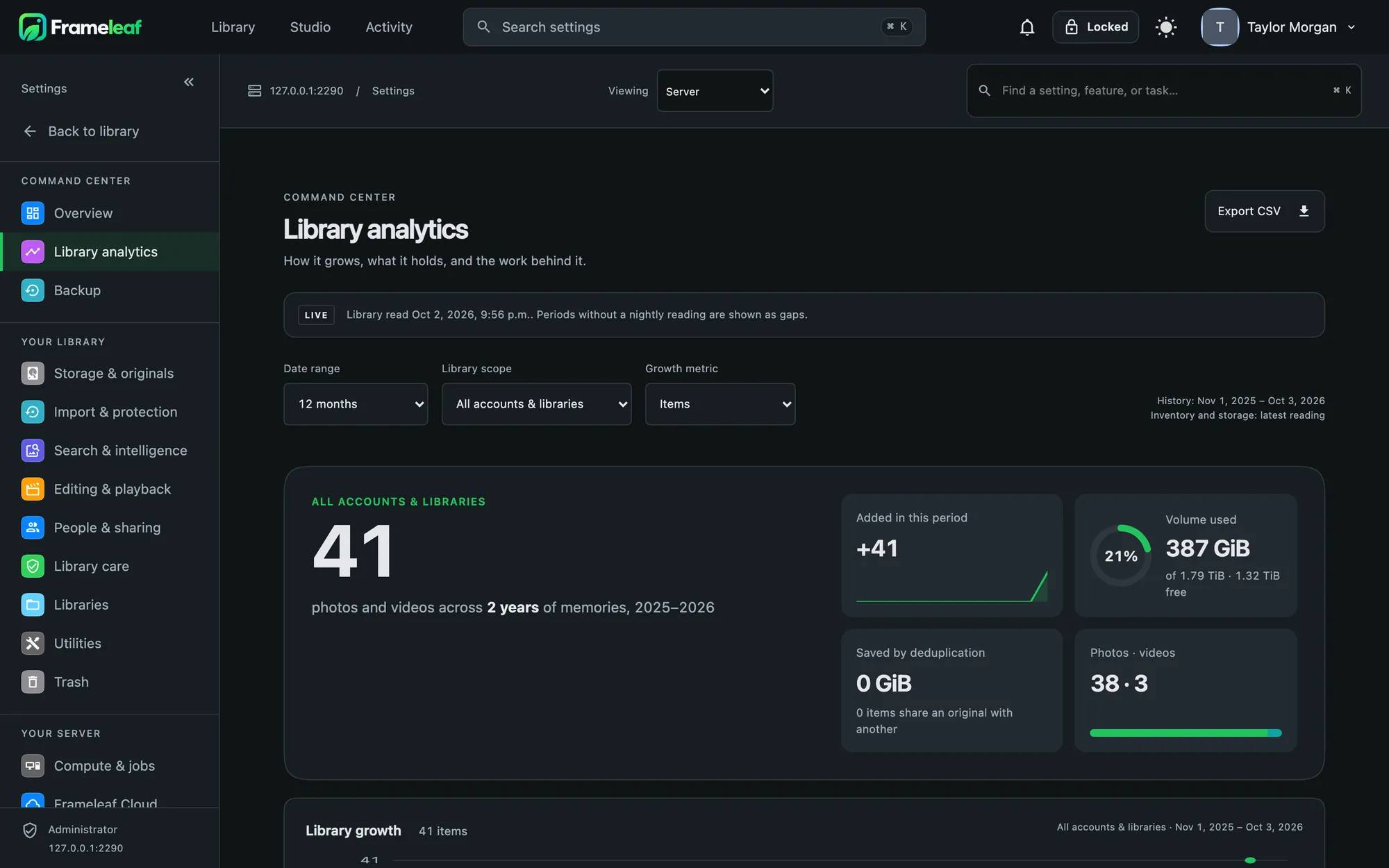
- Library analytics charts your library by year, people, places and storage.
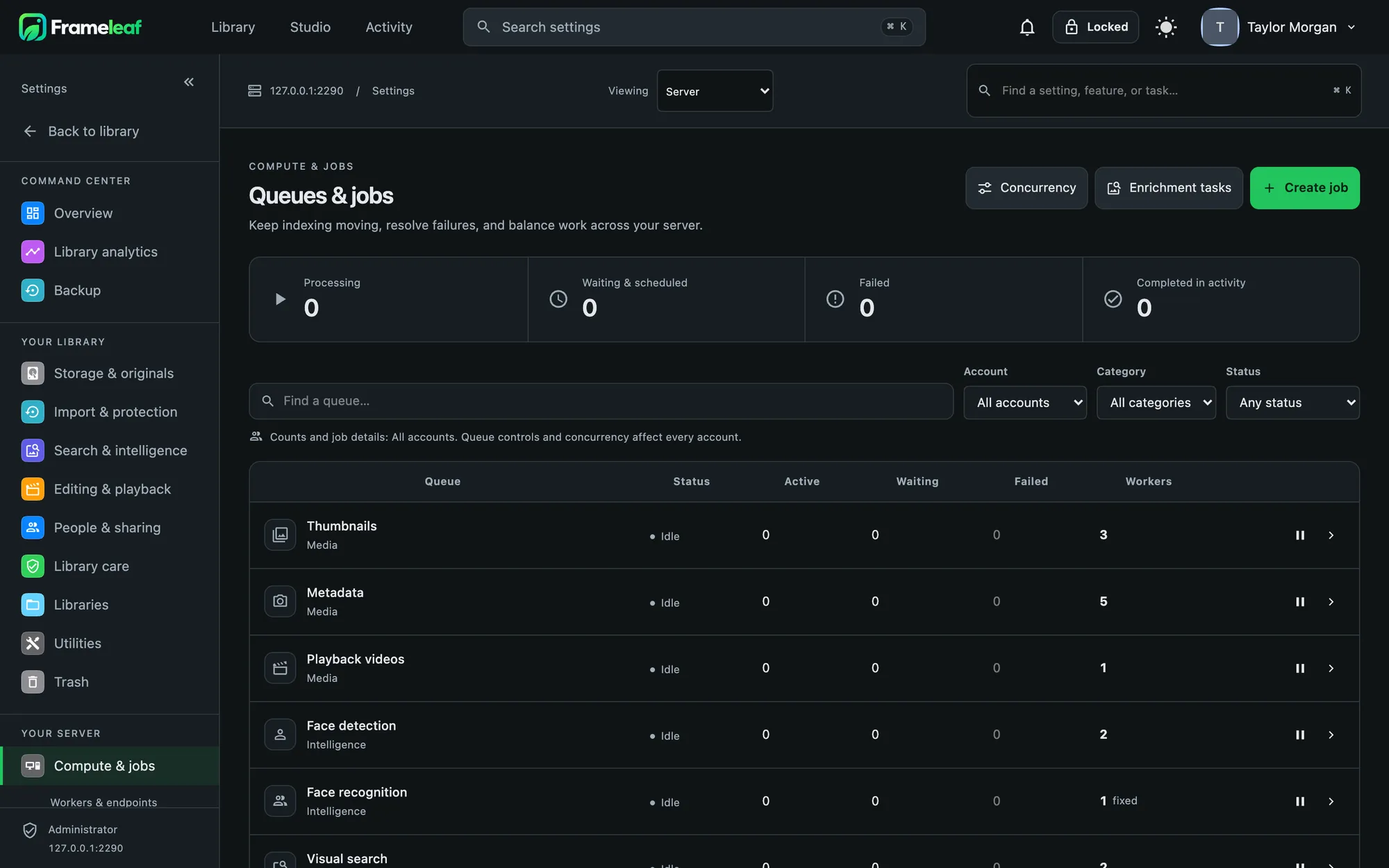
- Activity lists every background job, with pause, retry and clear.
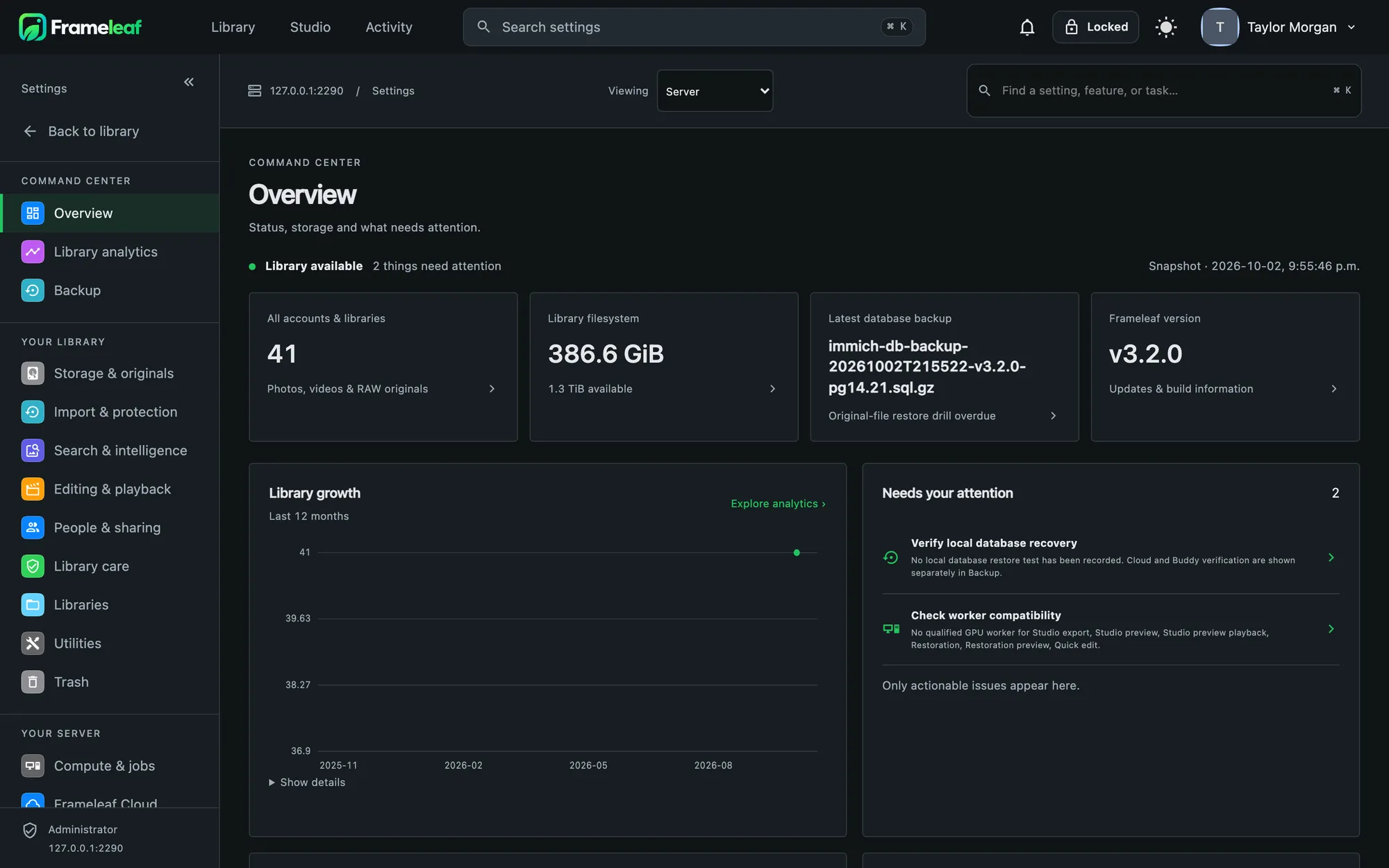
Settings you can read.
- Review before you save every change across every page is gathered into one draft, with a history of the last 50 saves.
- Library analytics growth, cameras and lenses, formats, people and places, and coverage rings for dated, located, described, faces checked and search indexed.
- Recovery readiness shows when your backup was last proven to restore, and falls due again after 90 days.
- Hardware check tells you whether your GPU is actually being used, and hands you the fix if it isn't.
Workflows: when this, do that.
Long jobs survive closing the tab and restarting the server, retry once on their own, and never replace a good result with a failed one.
- Triggers when a photo or video is uploaded, when its metadata is read, or when its tags change.
- Actions add tags, add to an album, archive, lock, favourite, or send a webhook.
- Check and preview runs a step-by-step dry run so you can see what a workflow would do before it does anything.
Library Care, built in.
RAW support, media health, Live Photo pairing, duplicate review, import reconciliation and preservation checks, gathered as one hub.