
Where does my library live?
Your primary photo and video library lives on your own server. Optional backup and processing services have separate controls and disclosures.
Optional Cloud services →Your photos have a home you control. Frameleaf keeps your main library on your server, lets you run faces and search on your own hardware, and lets you choose what to share, back up or send for optional Cloud processing.
Create local accounts and browse your library without a Cloud subscription or supporter licence. Internet access is needed for initial software and model downloads, and online services you choose.
Use your own machine learning worker to detect faces, then let your server group them into people. A server without a capable GPU can hand face detection to Frameleaf Cloud, but only if an administrator chooses it; grouping and naming people always stay on your server.
Keep smart search and text recognition on your network, or configure your own remote worker. Linking Cloud does not change that choice. An administrator can choose Frameleaf Cloud to prepare smart search; what you type is still read on your server.
Originals live as files on your disks. Download your photos or export a preservation package with metadata to keep a copy you can take elsewhere.
Keep medical records, identity documents and private family photos out of everyday browsing. Locked items keep their place in your albums but stay hidden until you unlock your session with a PIN. Unlocking lets you see them; it does not make them available in shared views.
Locked controls visibility inside Frameleaf. It does not encrypt the files on disk, and server jobs can still index, process and back them up. Use your server's storage encryption and access controls to protect the underlying files.
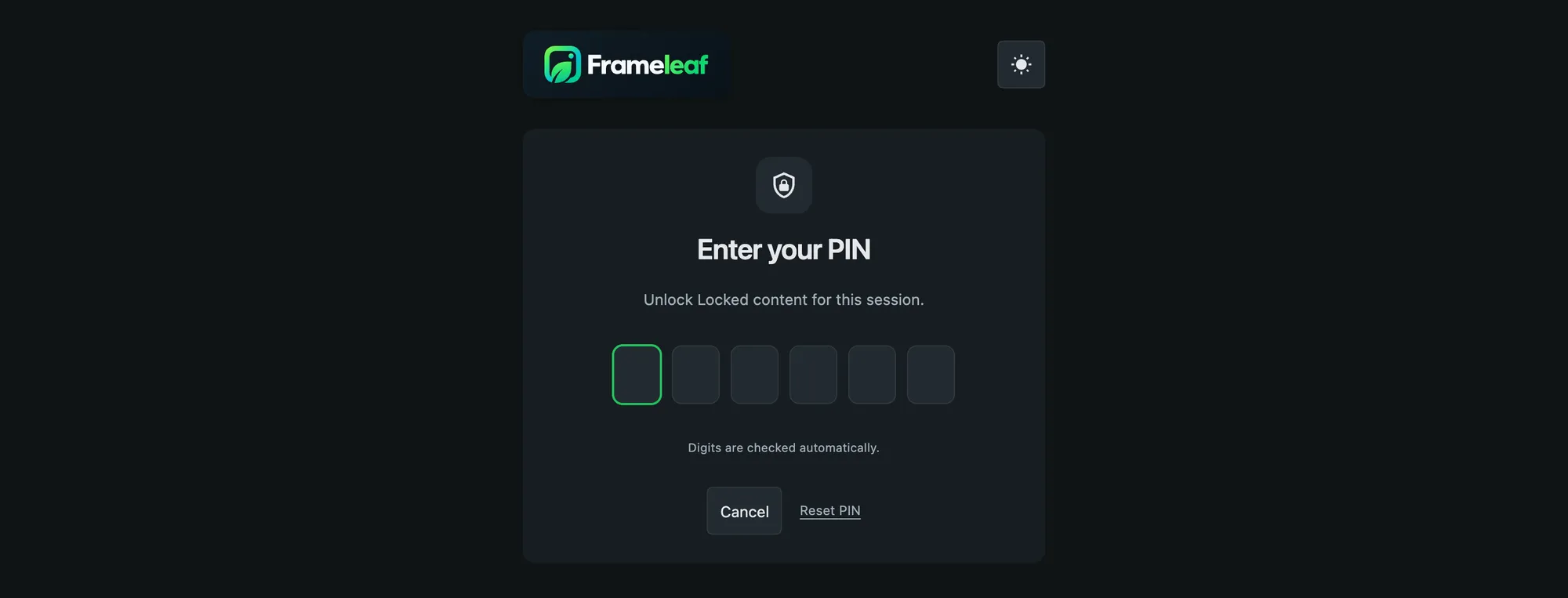
A family server holds everyone's photos. Frameleaf gives each person room for things that aren't for everyone.
Keep sensitive items behind a PIN, out of ordinary browsing and shared views, without reorganising your albums.
Optional local detection flags likely sensitive photos. Review the results and choose whether detected items should be hidden.
Hide selected people, pets or tags in your own browsing. To remove an item from an existing album or link, change that share or lock the item itself. A partner's copy of a matching item is locked behind their own PIN.
Each person has their own library and sharing controls. The administrator runs the server, so choose someone you trust with its storage and backups.
Linking a server does not upload your library. Each optional service has a specific purpose and its own privacy boundary.
The relay carries encrypted traffic to your server without decrypting it. Cloud still handles connection information such as addresses and transferred byte counts.
Cloud backup uses a dedicated storage bucket and your encryption key. The storage provider receives the key during storage operations; keep your recovery copy safe.
Buddy backup encrypts content on your server before transfer. Your buddy cannot open your photos or albums, but can see storage use and transfer activity.
Supported Cloud jobs send selected images, video, audio or scripts for processing. Review the input, consent and cost first; automatic descriptions need a separate opt-in.
The self-hosted server disables telemetry. Downloads, maps, updates and optional services can still make network requests, so you can review those choices separately.
Legacy telemetry settings cannot enable collection or export. Local diagnostic logs remain available to help your administrator solve problems.
Choose whether the server checks for new releases. An update request is separate from photo processing and still reveals connection information to the release host.
Local models download from their configured host, which may include Hugging Face. Once installed, local descriptions run on your own machine learning worker.
The server assigns place names from its local geographic database. Displaying a map can still request tiles from the configured map provider.
Cloud uses account, billing and service information to operate your chosen services. Review “What this server sends” in Account & link.
Supported saved credentials, such as the mail password, are hidden in settings and can be replaced without revealing the old value. Protect access to the server itself too.
The Frameleaf Library community edition is open source under AGPLv3. Read the code that handles your photos.
Your primary photo and video library lives on your own server. Optional backup and processing services have separate controls and disclosures.
Optional Cloud services →Review the named destination, selected media and job disclosure before starting. Local library processing and explicitly selected Cloud jobs have different data handling.
Cloud processing explained →