
Everything a photo library should do, on a server you own.
Find a half-remembered moment, turn an album into a film, collect references for your next project and keep every original safe. Frameleaf brings a family library, creative tools and careful housekeeping together on hardware you control.
Your library
Every photo and video your family has taken, in one place that stays fast at any size.
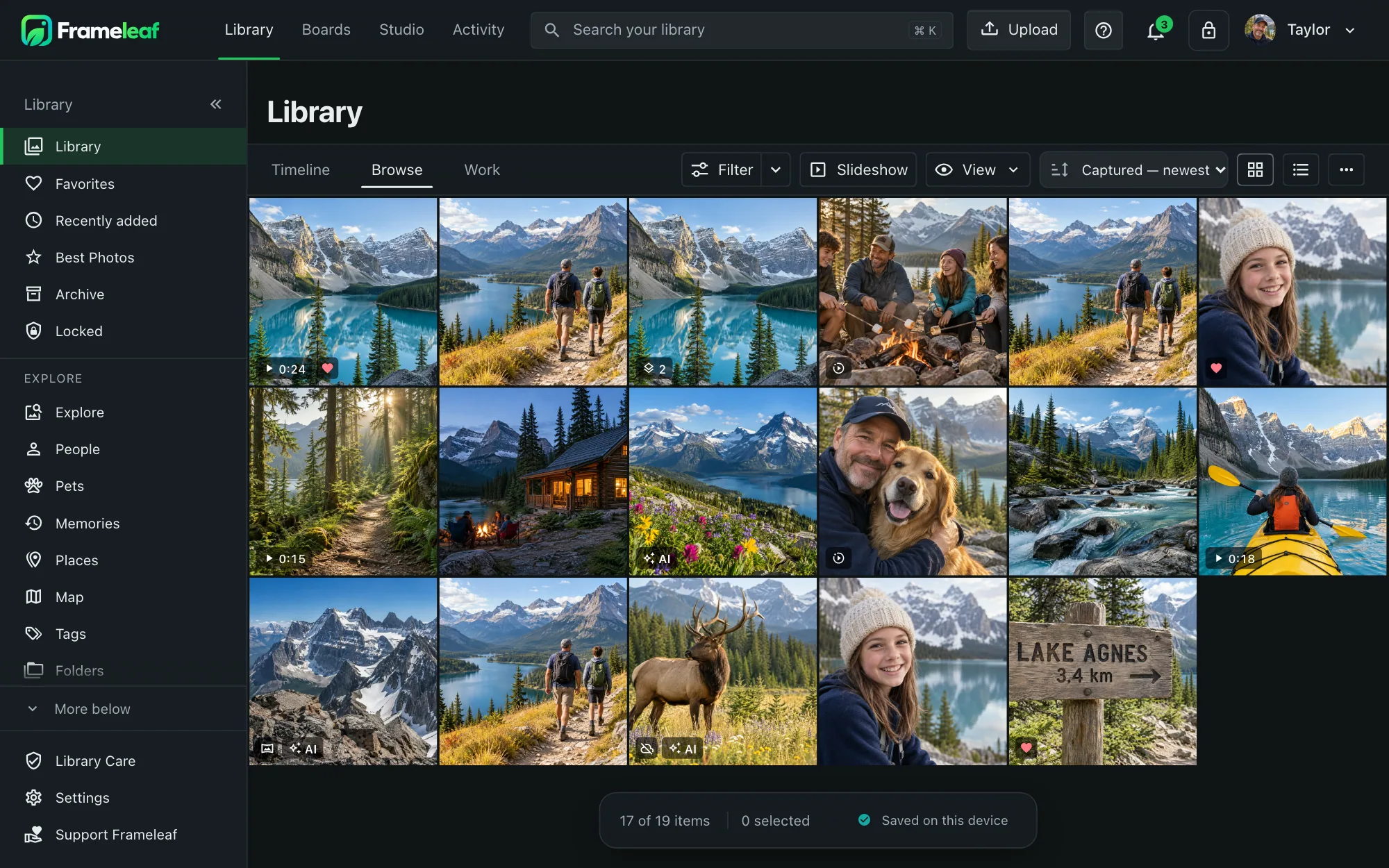
Library & timeline
Years, months and days as cover cards; albums, collections, folders and tags; RAW, Live Photos and external libraries.
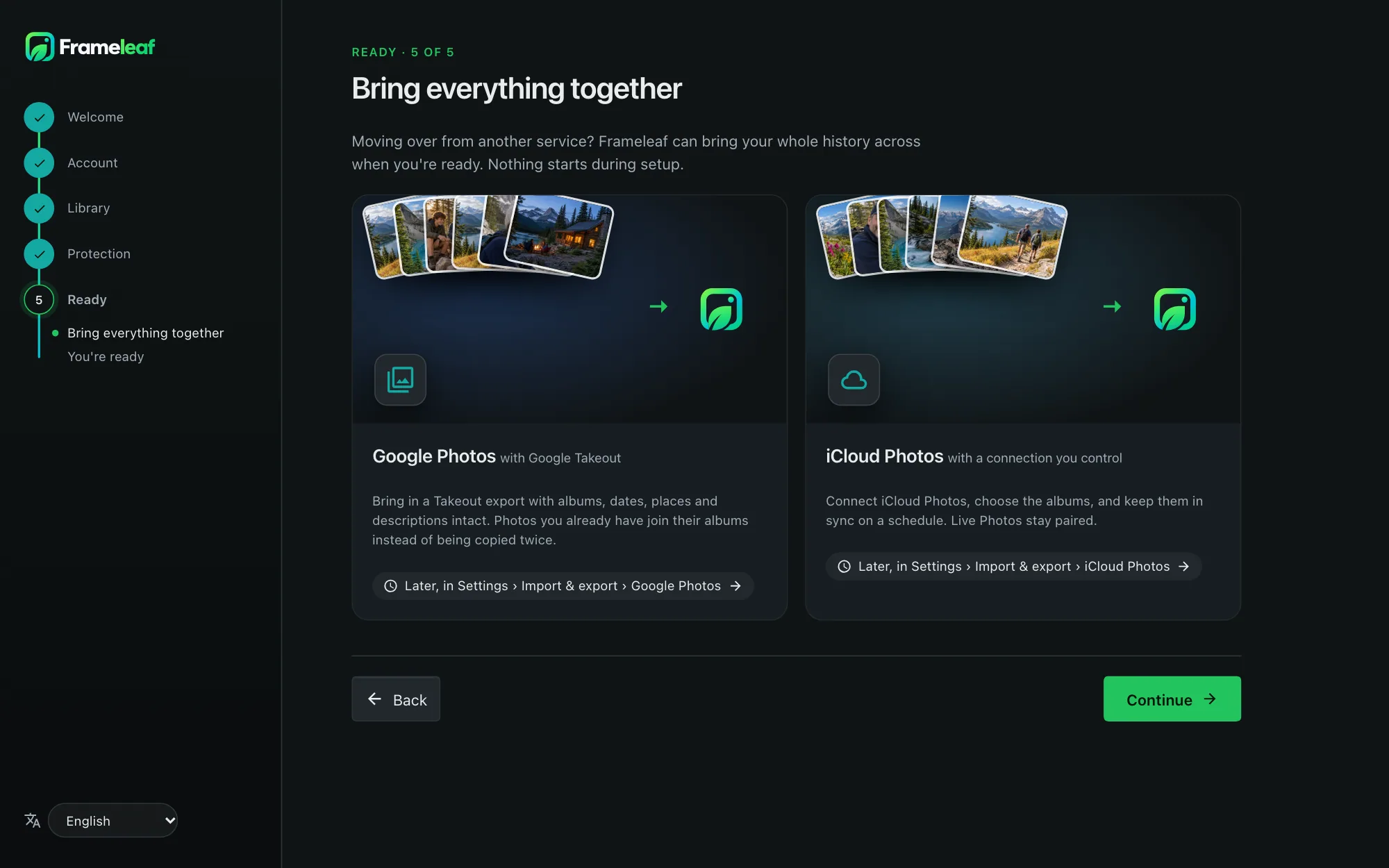
Bring everything home
Import a Google Photos Takeout, sync iCloud Photos in the background, or add folders already on your disks.
- Three layouts Timeline, a dense Browse grid and Work for culling a shoot with stars and rejects.
- Best photos your sharpest, best-exposed shots, scored privately on your server.
- Magic albums a trip album finds the rest of the trip, and dates the photos family sent without one.
- Change hundreds at once dates, places, tags, albums and stacks from one selection bar.
- Video that scrubs preview thumbnails on the seek bar, and live seeking as you drag.
- Reads what you have more than 170 kinds of file, from phone photos and camera RAW to professional video.
- Originals never change edits to dates, ratings and places go to the database and XMP sidecars.
- Move to a new server copy a whole library across, resumable and verified file by file.
Find and rediscover
Search the way you remember, and let the library bring old moments back to you.
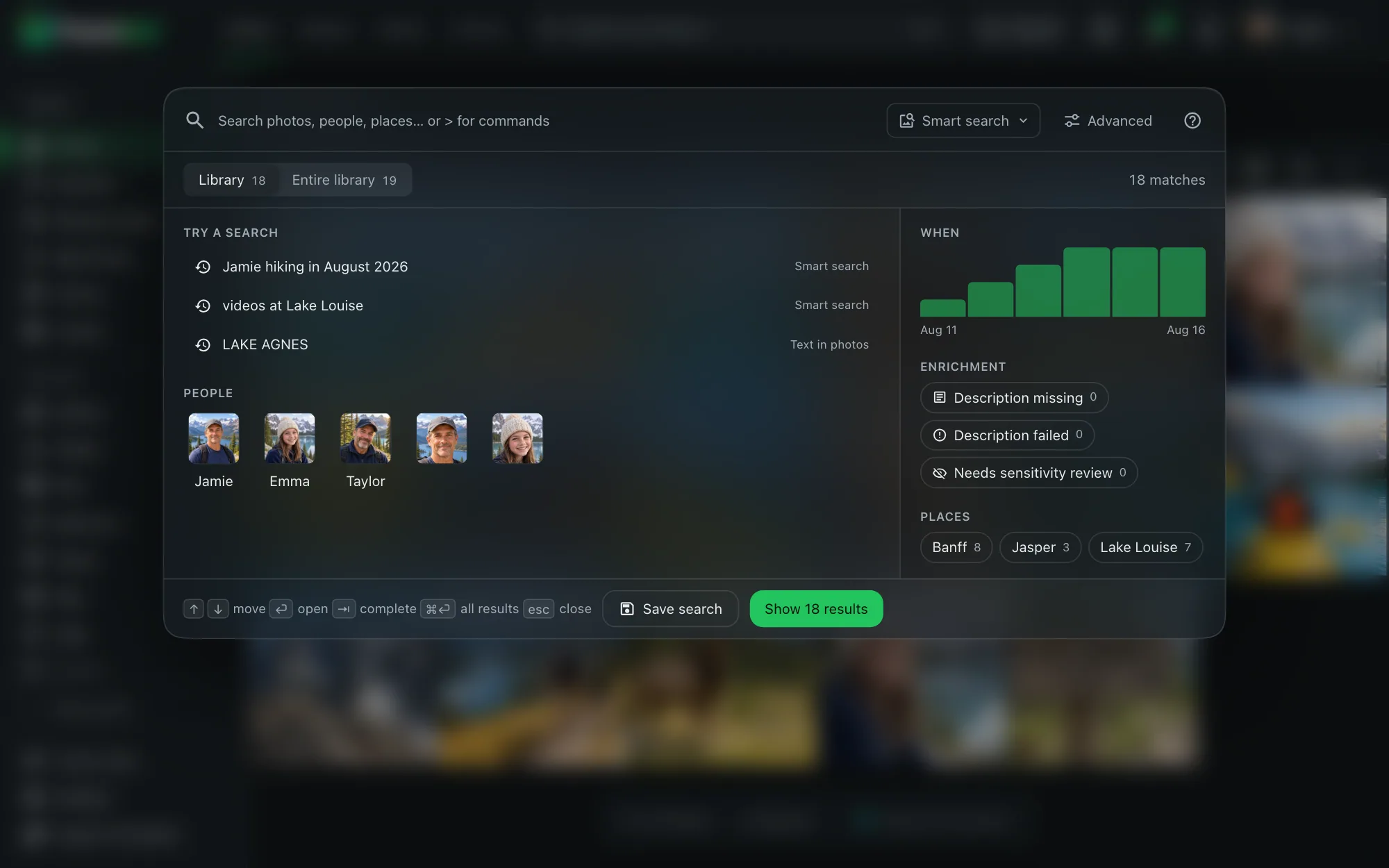
Search & AI
Ask in plain words, read text inside photos, find spoken words in videos and turn a search into a smart album.
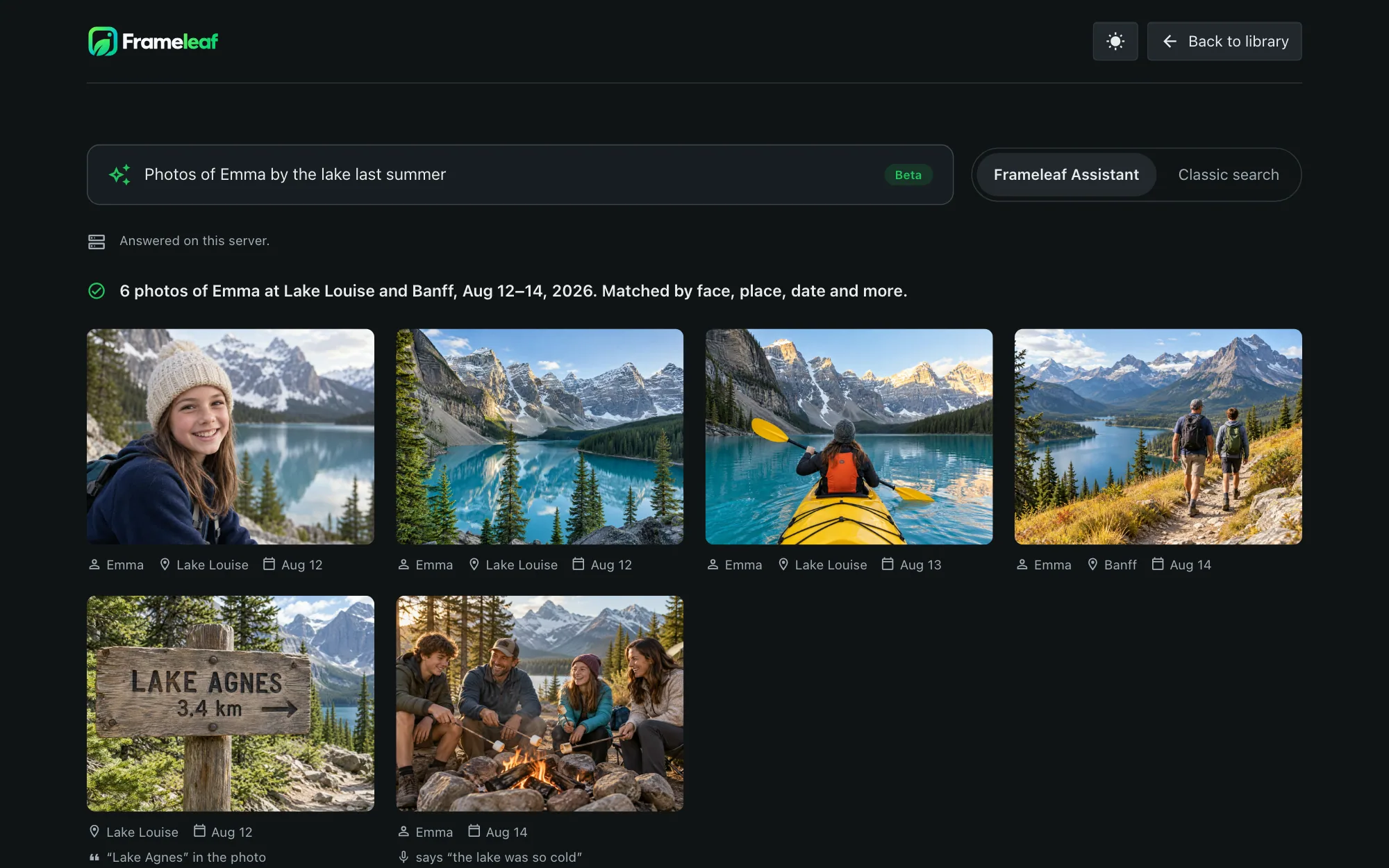
Frameleaf AssistantNew
Ask a question in search and get the photos, each with a line saying why it matched. Answered on your own server.
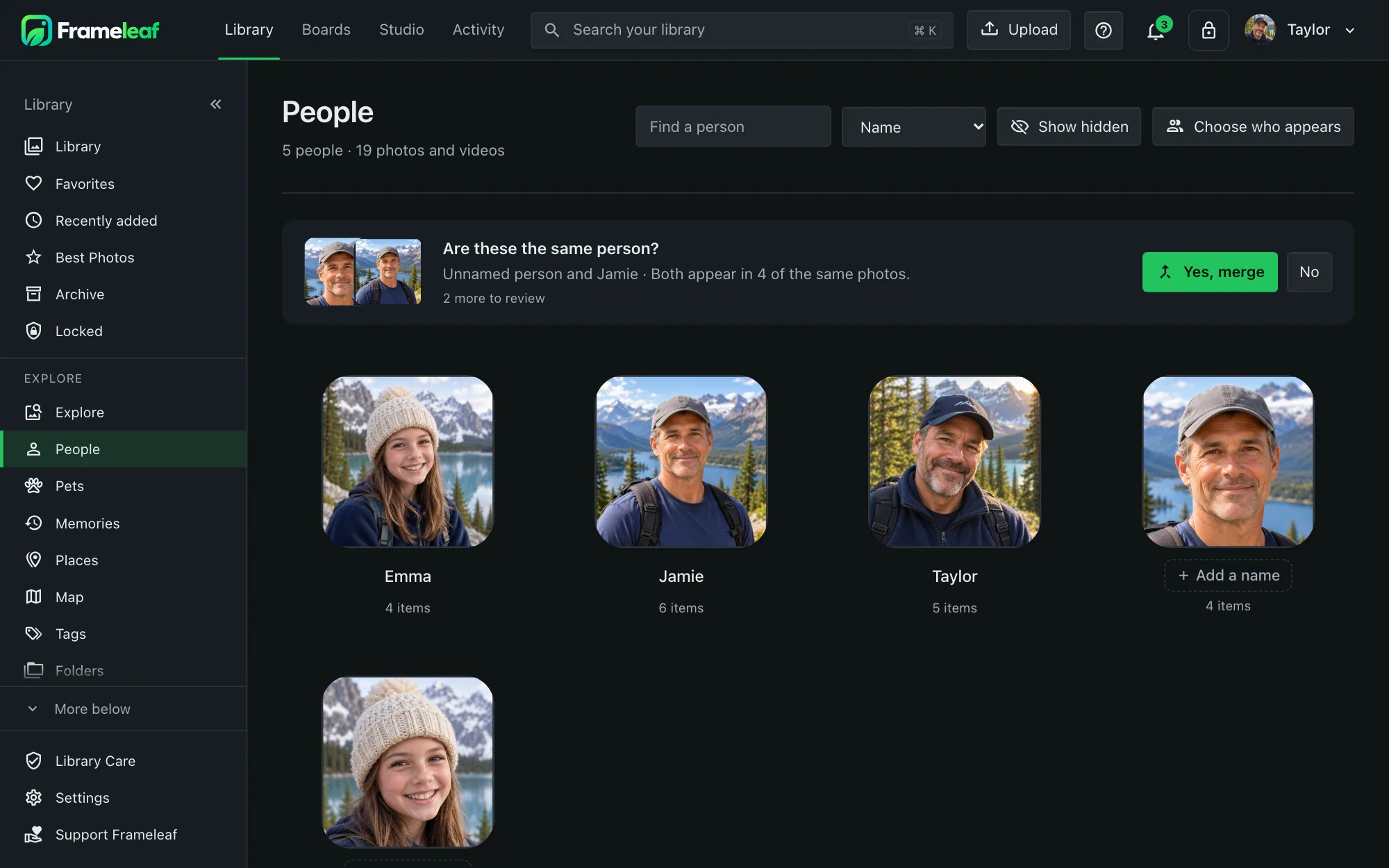
People & pets
Faces and pets recognised on your own server. Name someone once and find every moment with them.
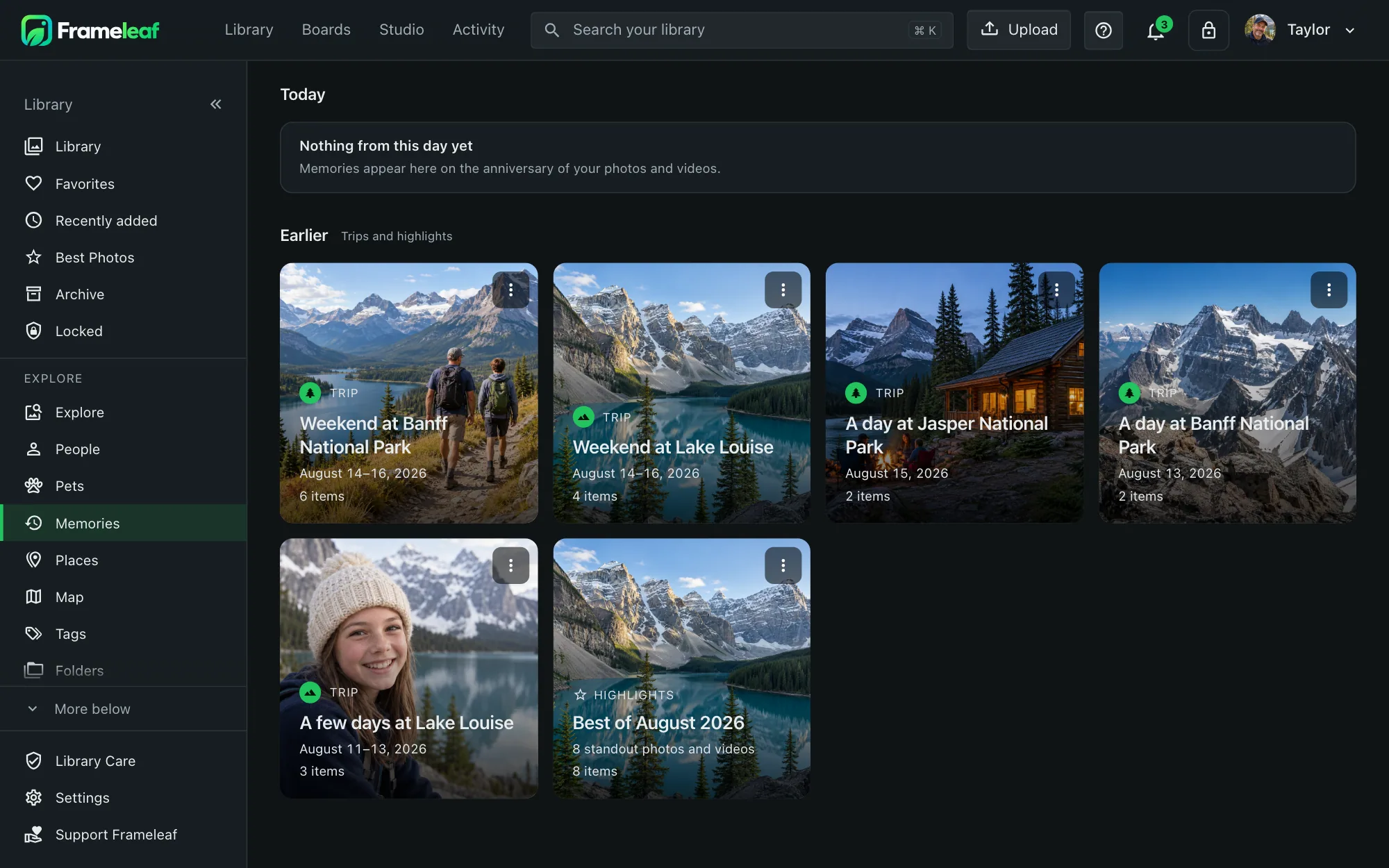
Memories, places & landmarks
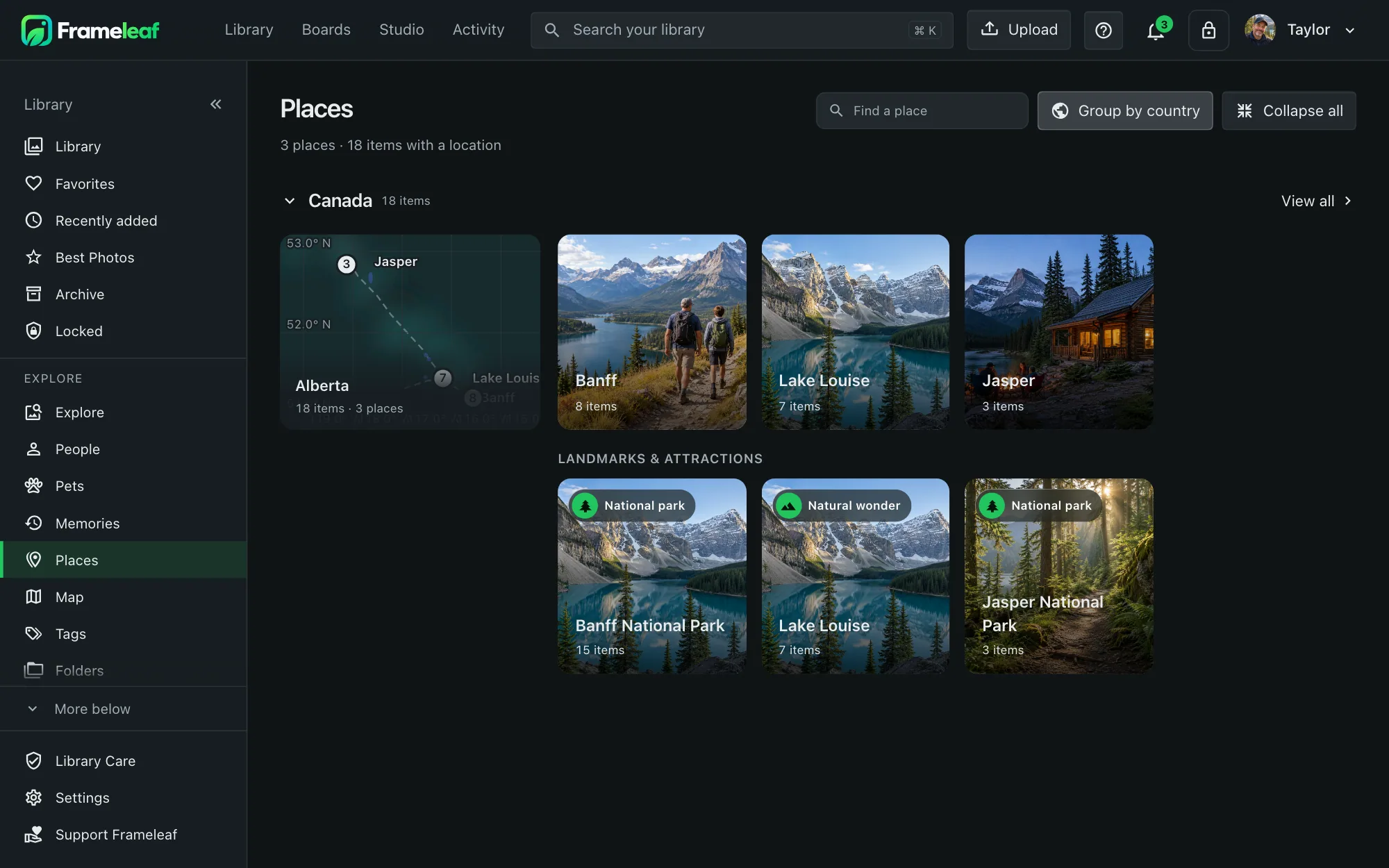
On this day, trips and a day at the national park, with landmarks and attractions recognised from where you took the photo.
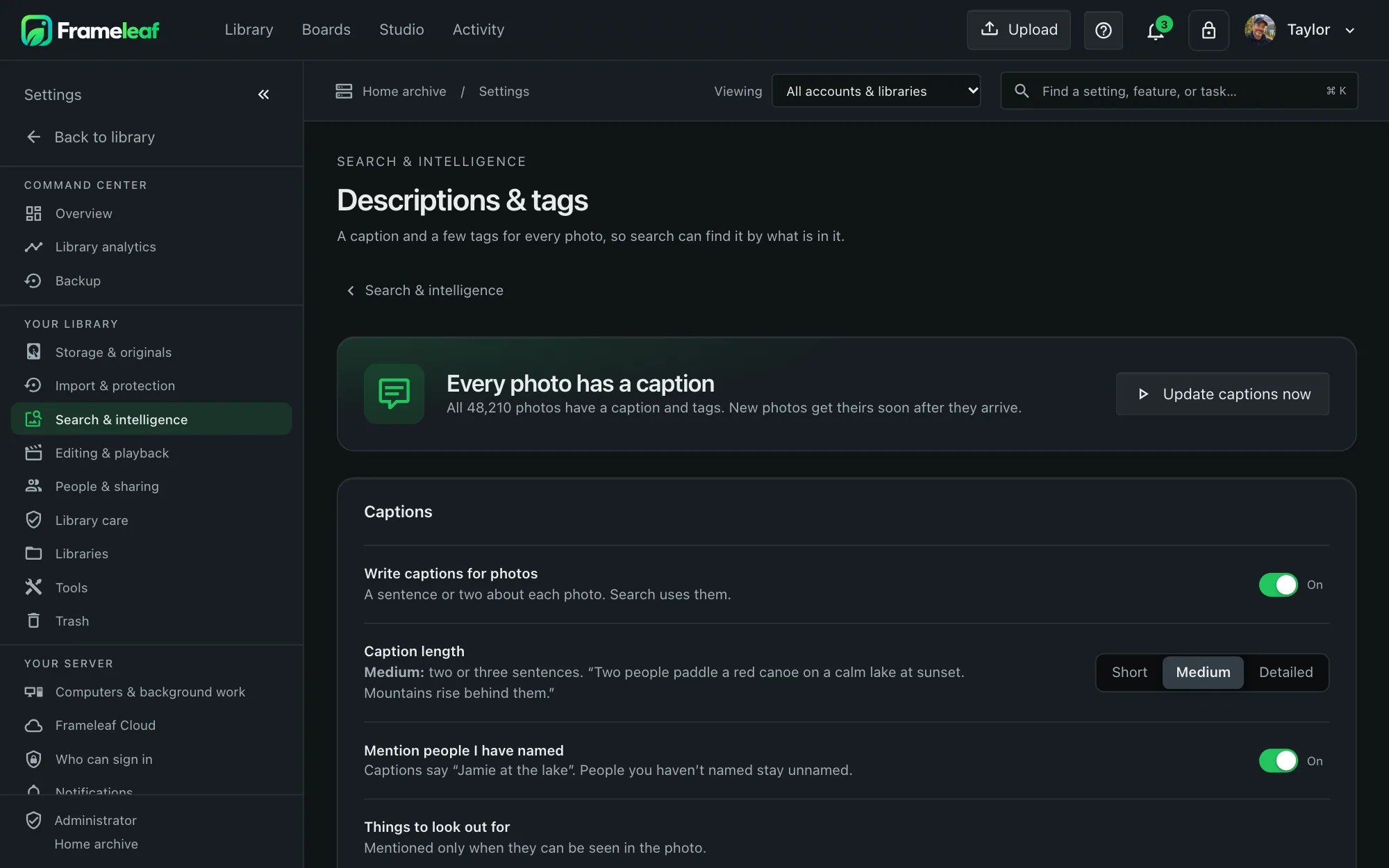
AI descriptions
A caption and tags for every photo and video, using the names of people you know and the things you ask it to look for.
- Ask in plain words "photos of Alice in Banff last summer" becomes the right filters.
- Frameleaf Assistant ask a question in search and see why each photo matched, answered on your own server.
- Spoken words search what was said in your videos and play from that moment.
- Text in photos signs, receipts and screenshots, with the matching words highlighted.
- Smart albums for Travel, Receipts, Screenshots, Food, Pets and Nature, or your own rules.
- Map and places a world map and places by country, region and city, worked out on your server.
- Explore familiar faces, favourite places, documents and a few photos worth another look.
Create
A photo editor, a video editor and a design workspace, all over the same library.
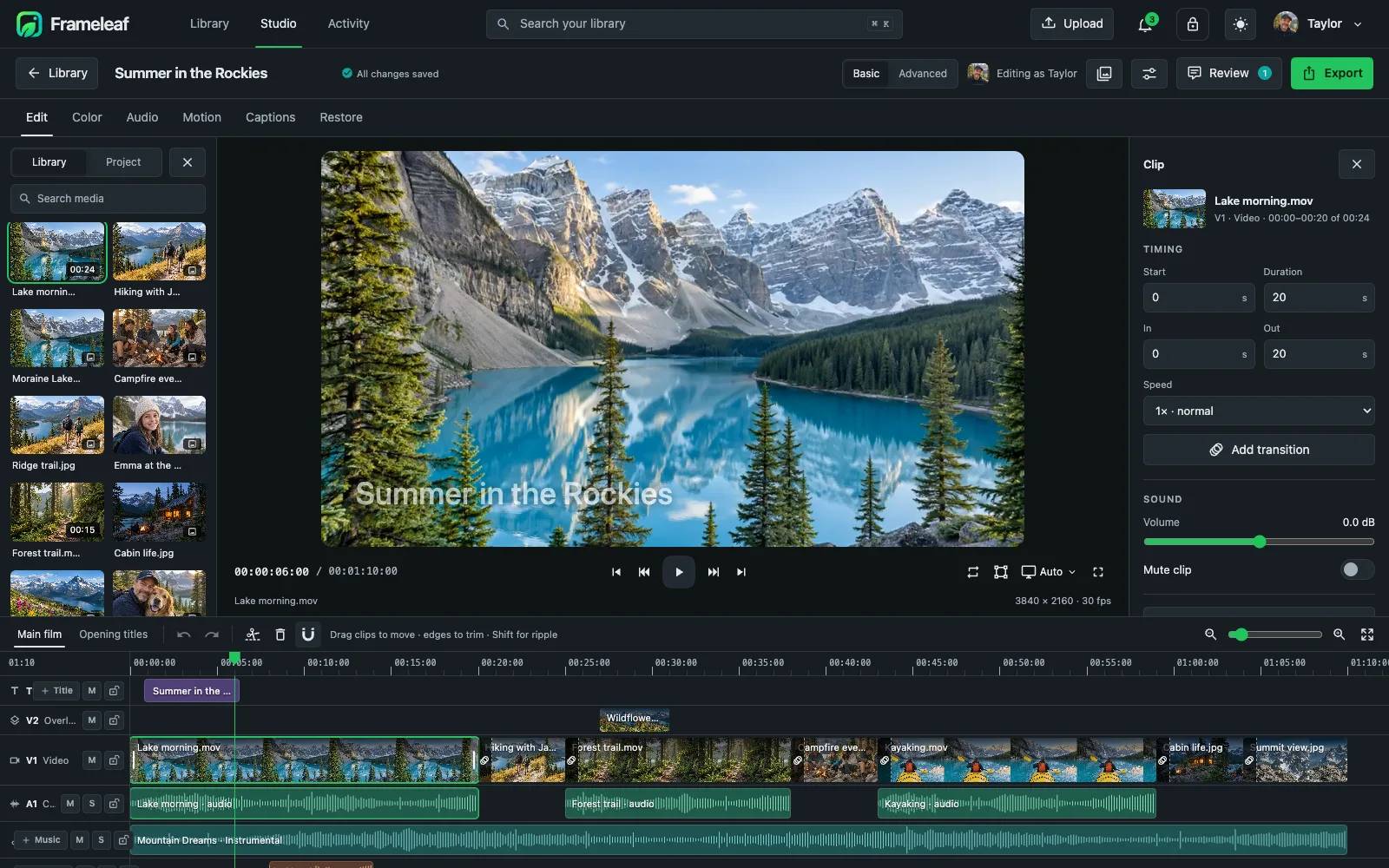
Studio
Make a movie from an album in one step, or edit on a multitrack timeline with colour, captions, stabilising and voice clean-up.
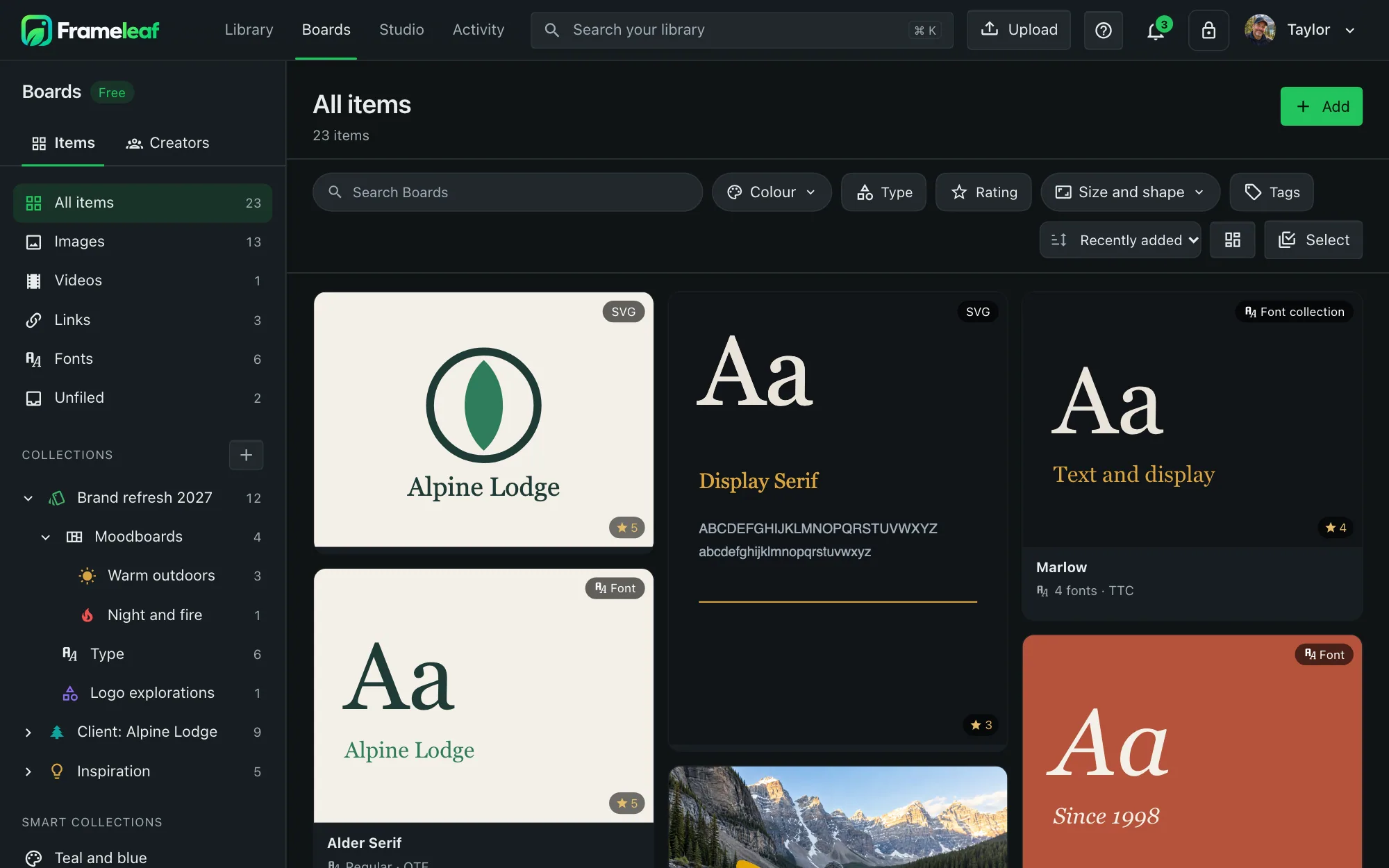
BoardsNew
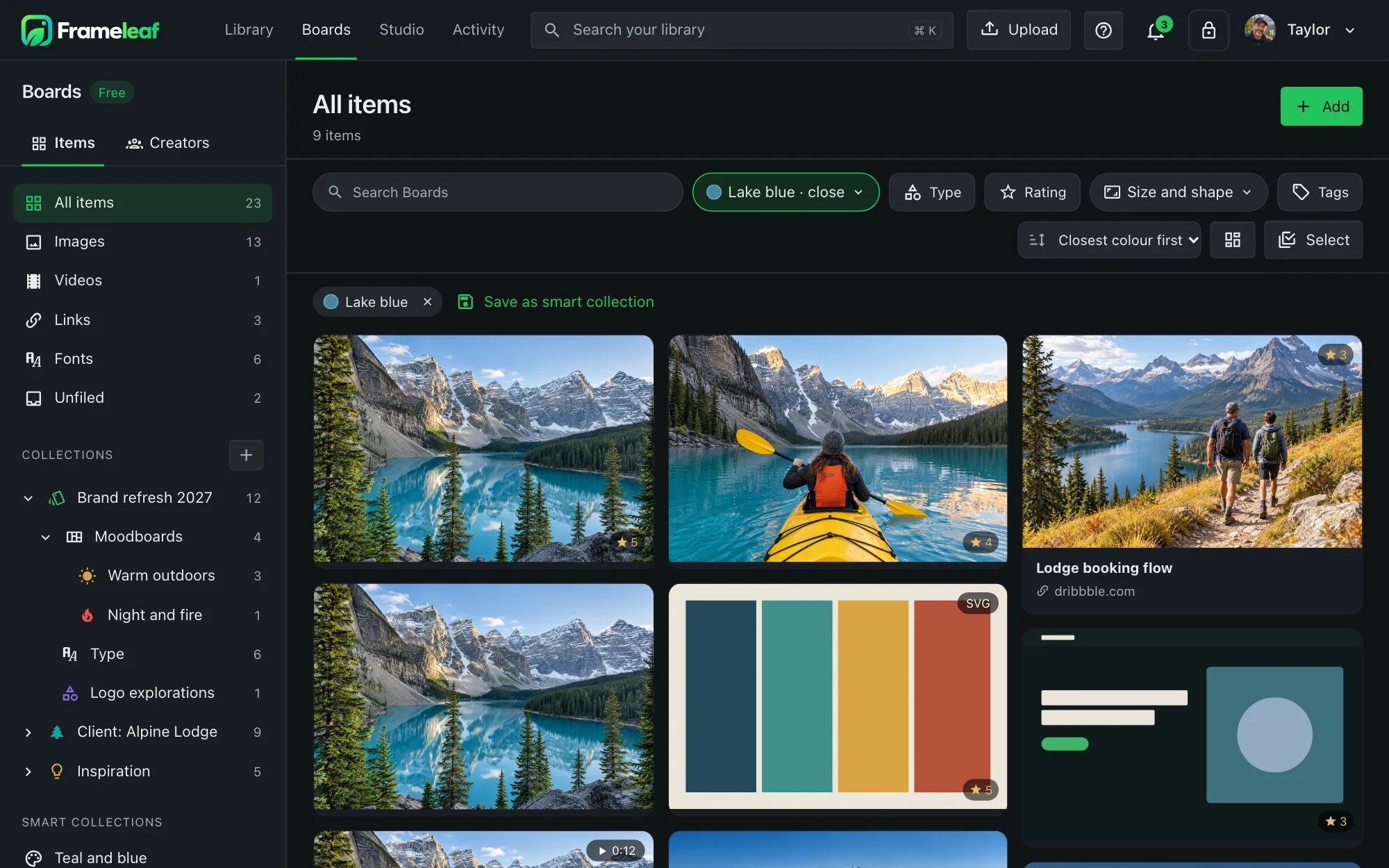
A free workspace for references, design files and fonts: nested collections, colour search, annotations and a browser extension.
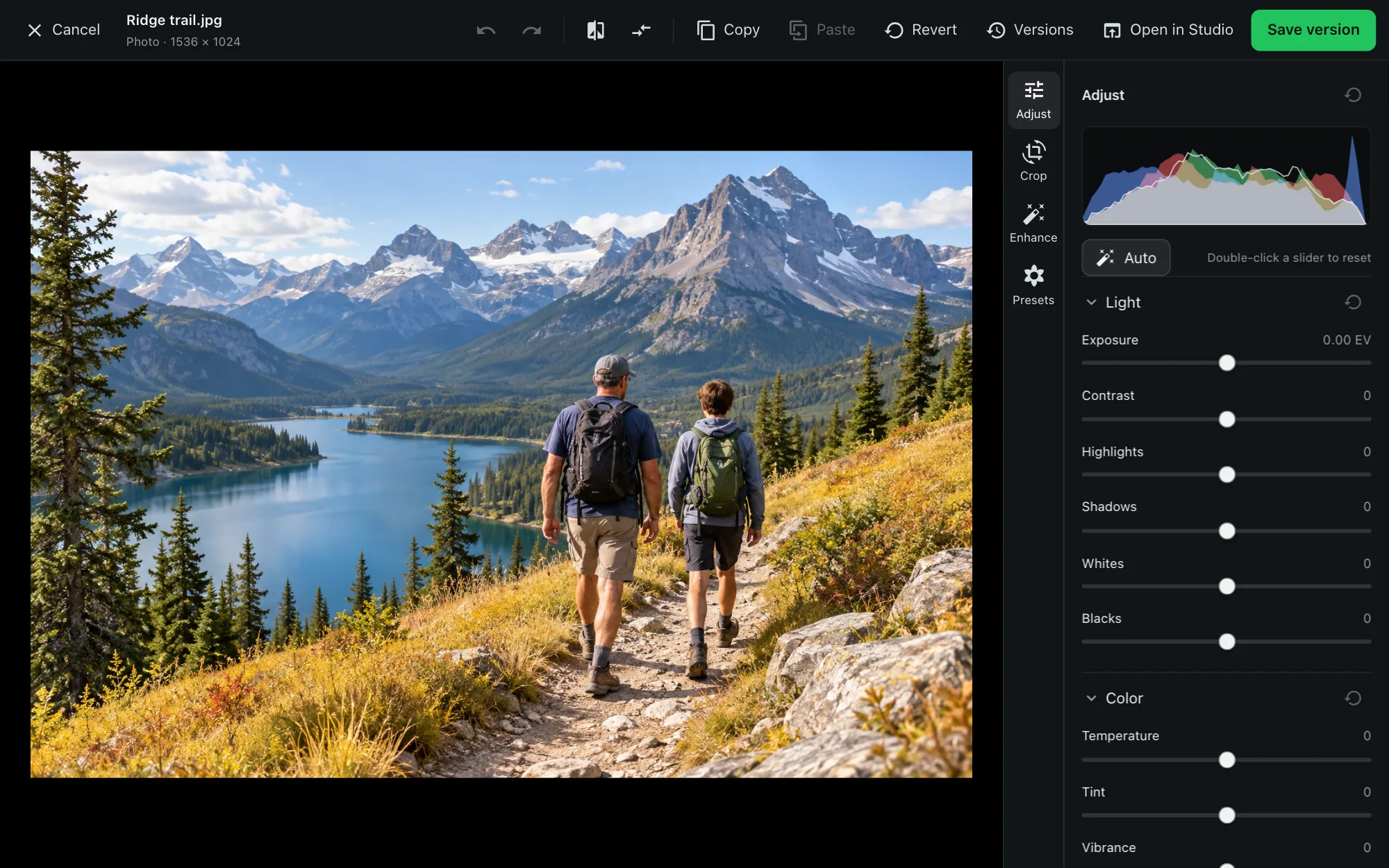
Photo editor
Light, colour, crop, masks and RAW development, saved as a new version beside the untouched original.
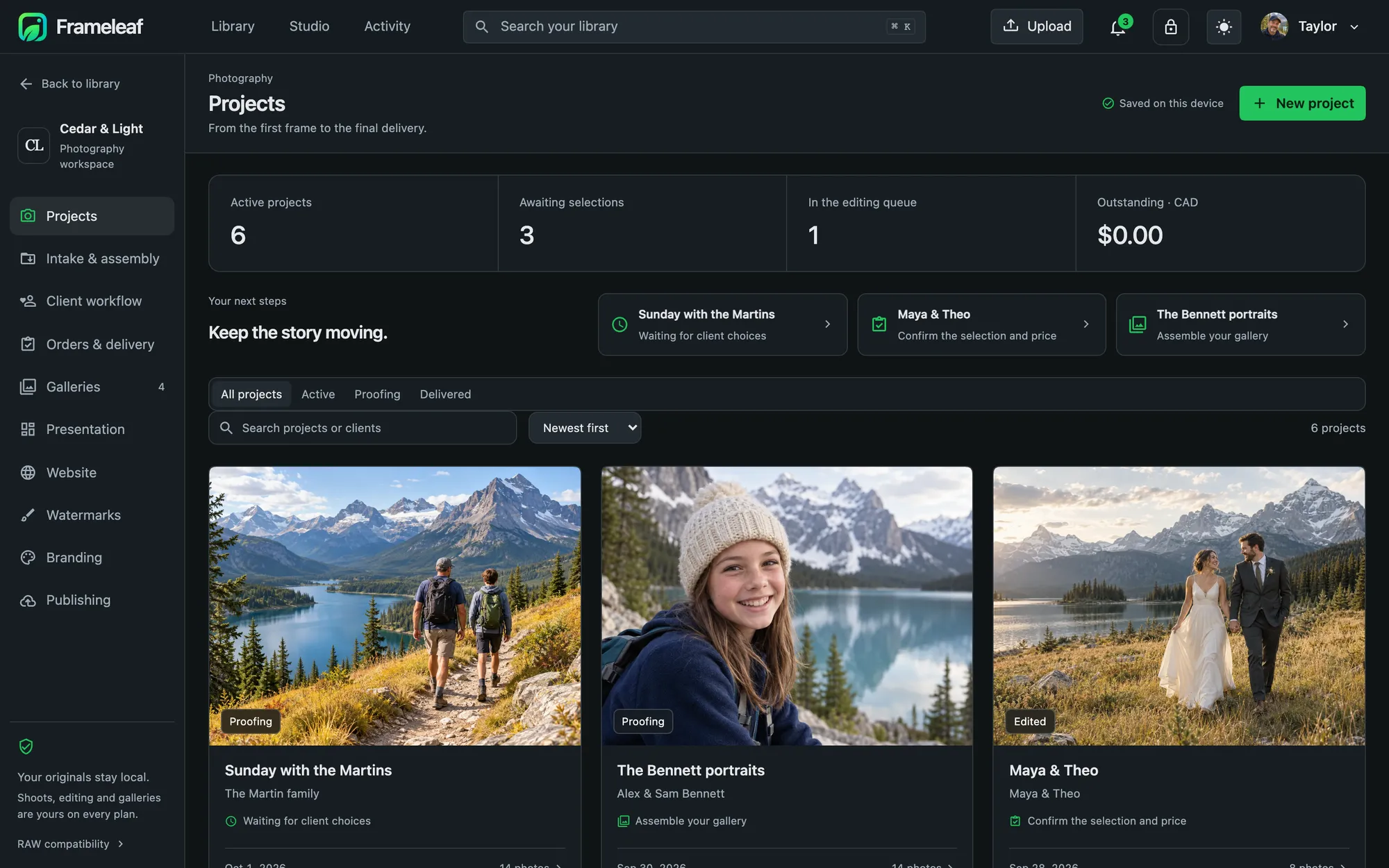
Clients
For photography studios: bring shoots into projects, proof with clients, deliver the version they chose and publish a studio website that takes inquiries.
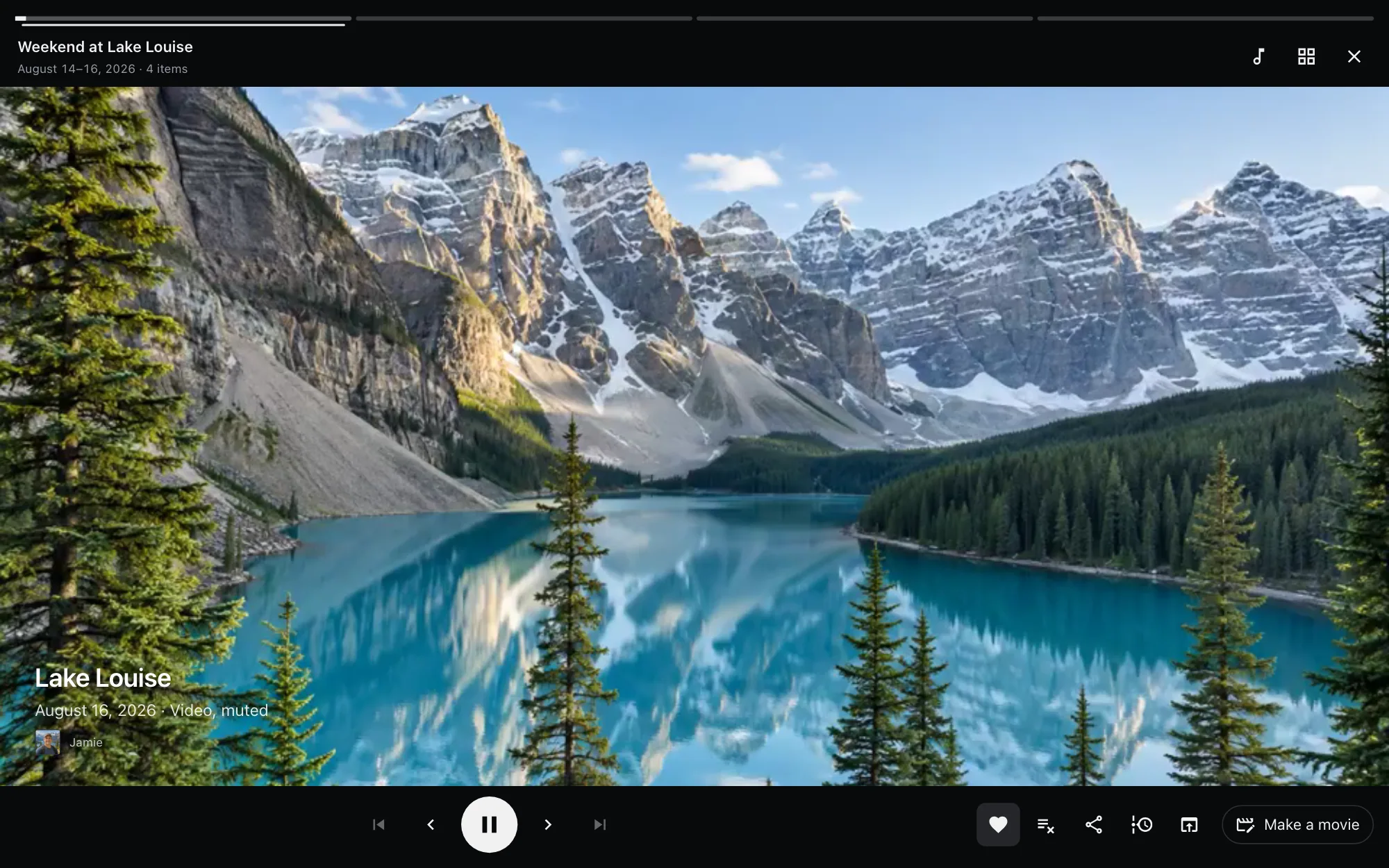
- Make a movie Studio picks the best moments, cuts them on the beat and adds a title.
- Music made for it Studio writes new music in the mood you pick, on your own hardware.
- Cut out the subject blur, remove or replace the background behind a person in a video.
- Edit by transcript delete the words and Studio cuts them from the film.
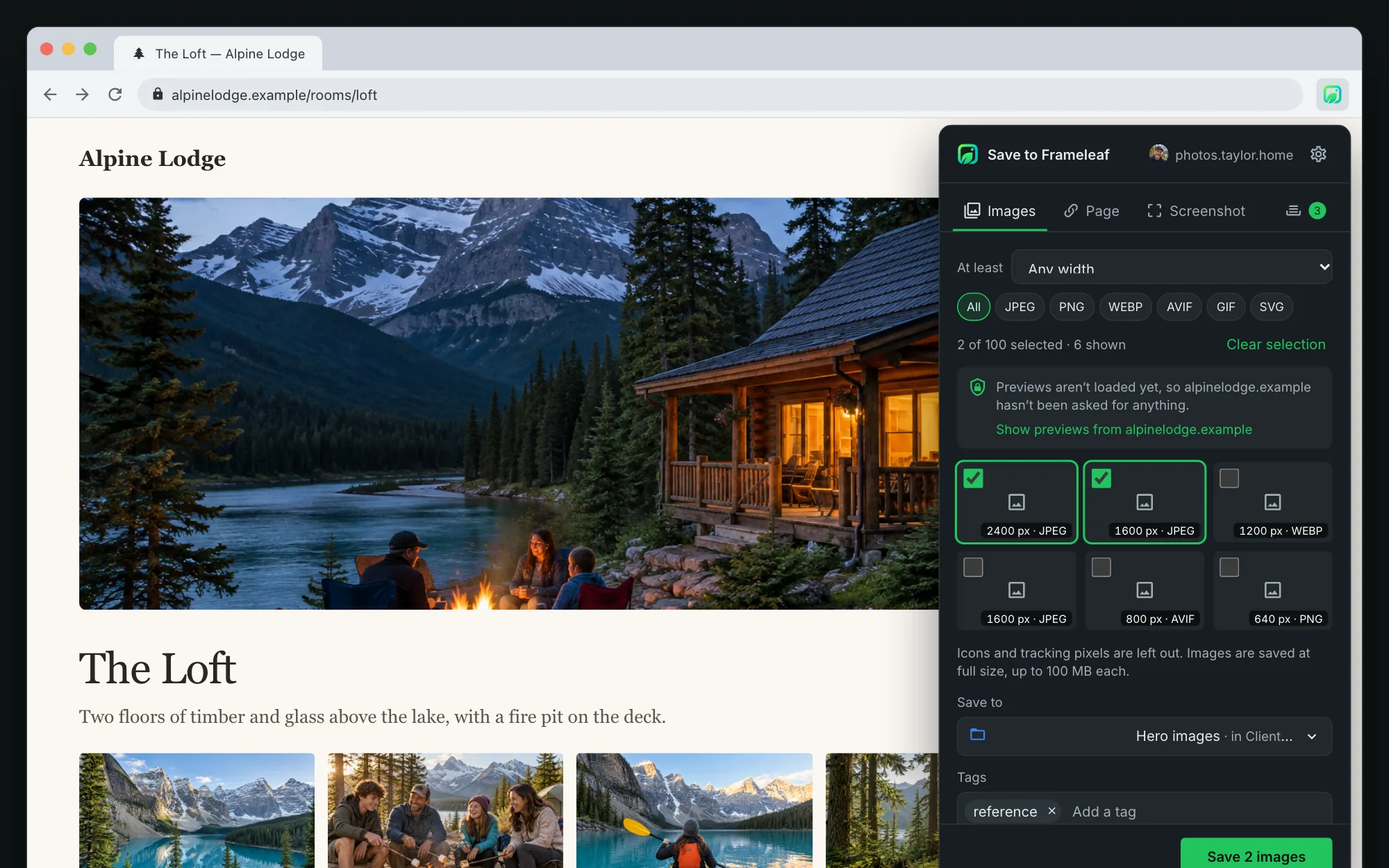
- Save to Frameleaf collect images, pages and screenshots from the web straight into Boards.
- Import from Eagle collections, tags, ratings, notes, annotations and fonts come across.
- Design files and fonts Photoshop, PDF, Illustrator and Figma files show a preview, and fonts can be tried and used for board text.
Share with the people who were there
Give each person their own library, then share exactly as much as you mean to.
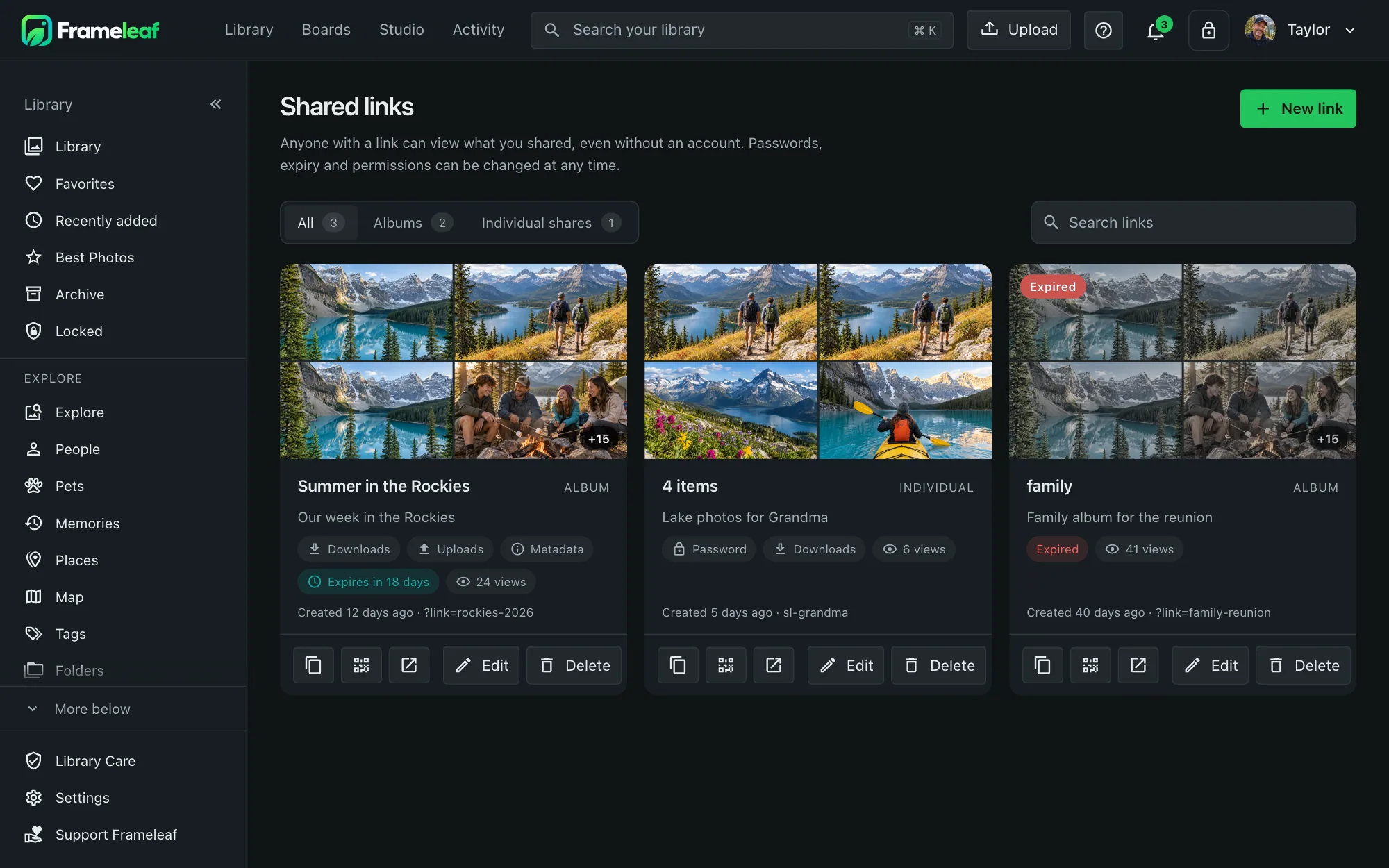
Sharing
Partners, shared spaces with roles, and links with passwords, expiry and download control.
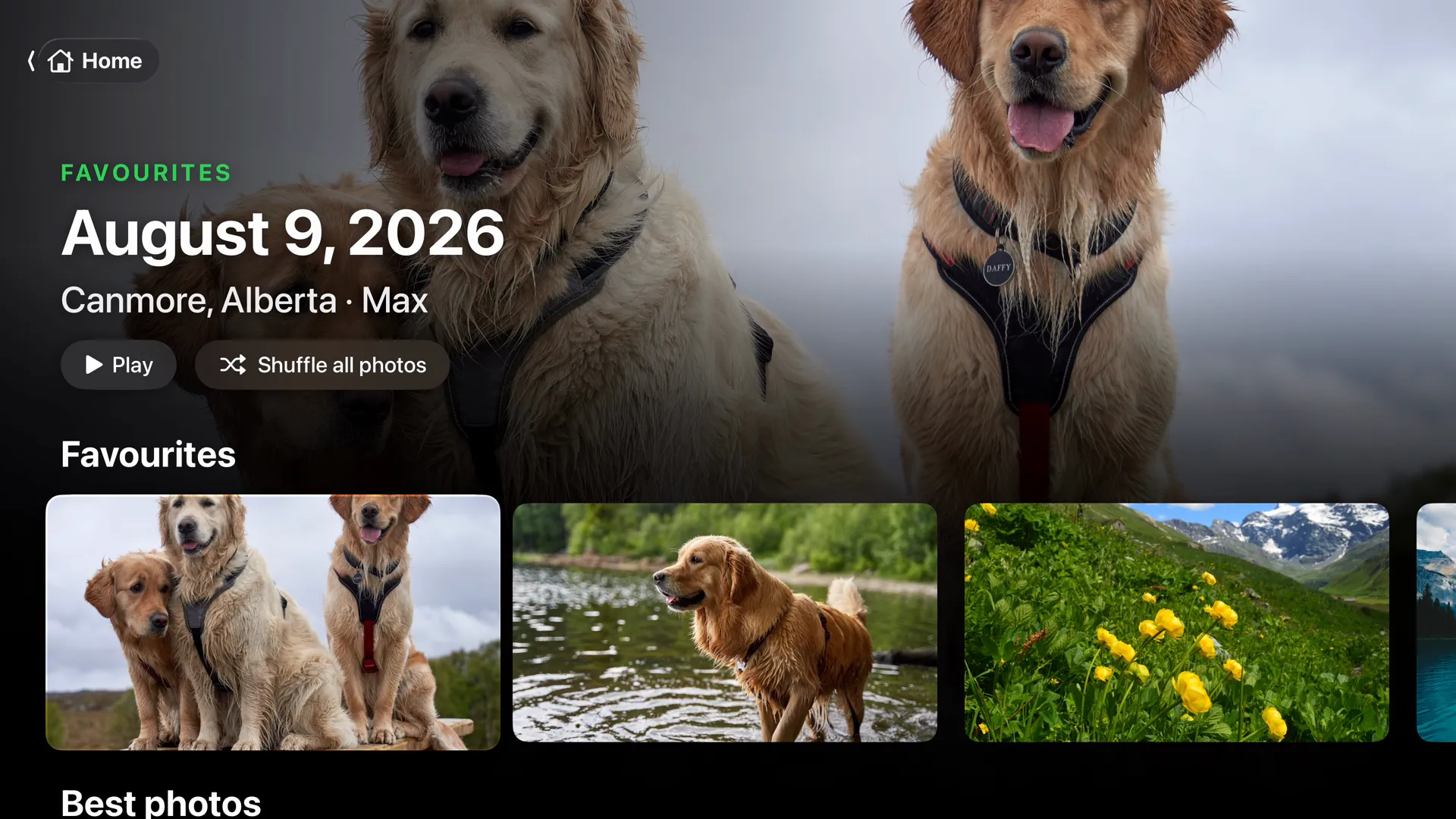
Apple TV & Android TV
Memories become a show with music, everyone gets a page, and your TV turns into a living photo frame. Play on TV from your phone.
- Partner sharing see each other's photos in your own timeline, including where they were taken.
- A library for everyone separate accounts with their own albums, favourites and storage limits.
- Physical deduplication family copies of the same file are stored once, each person keeping their own item.
- Cast to a TV send a slideshow to a Chromecast on your network.
- Native apps for iPhone, iPad, Android, Apple TV and Android TV, with background backup, offline browsing and Boards on the go.
Keep it safe and tidy
Photos are a forty-year project. Frameleaf looks after the files and the people in them.
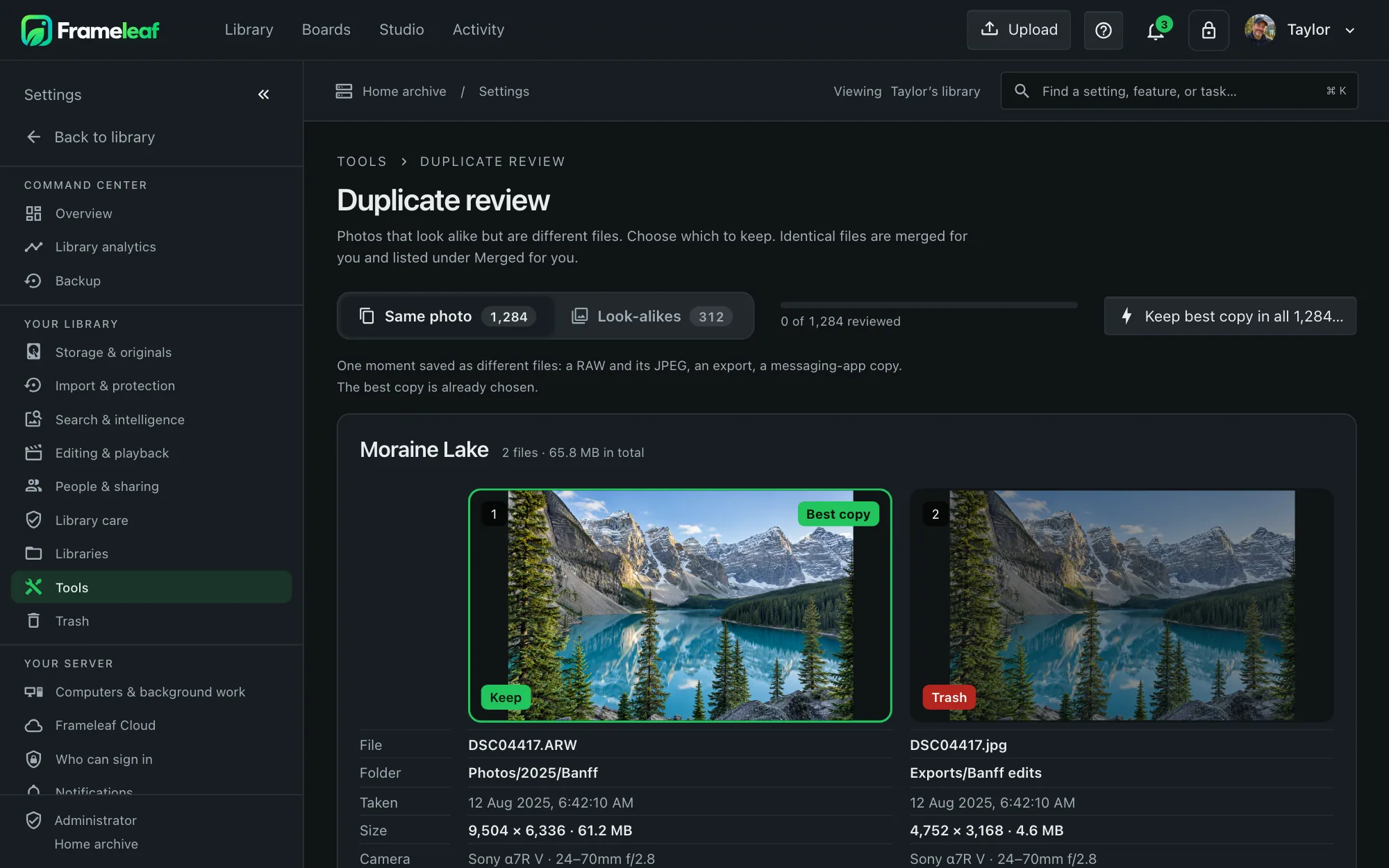
Library Care
Review duplicates side by side, find verified copies of missing originals and repair damaged files.
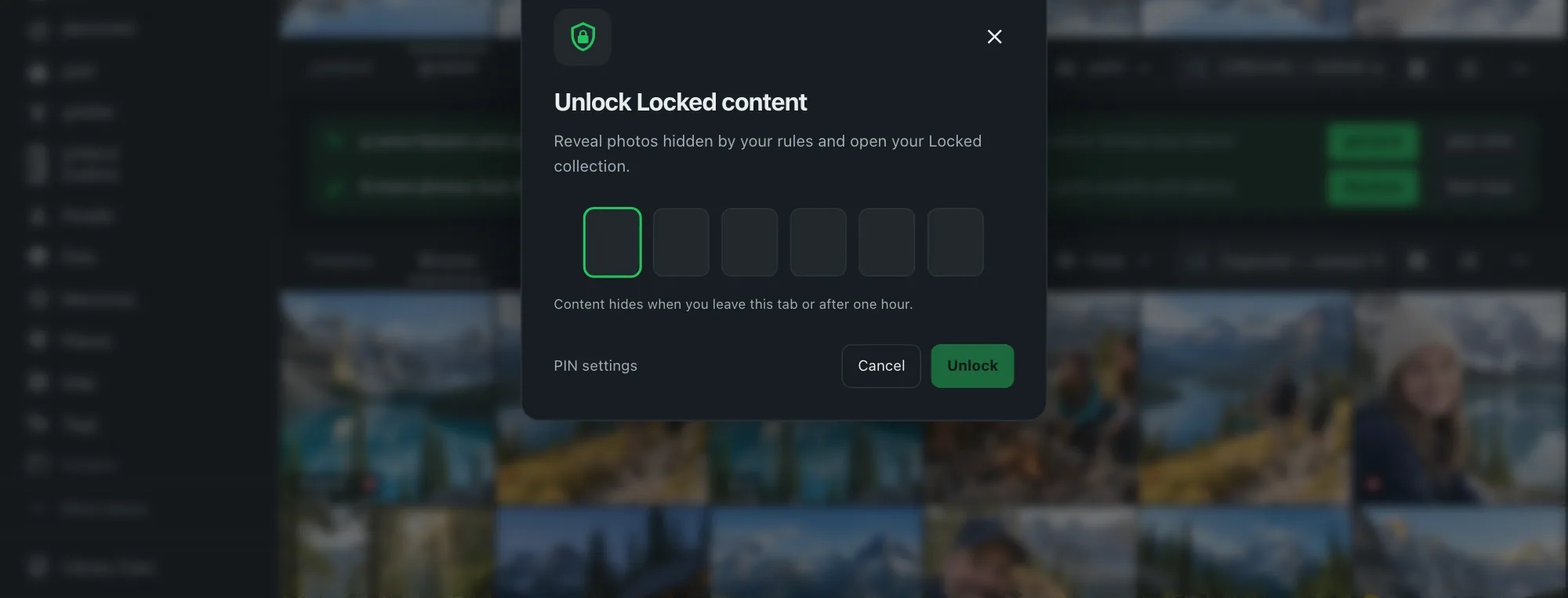
Privacy & locked content
Lock sensitive photos behind a PIN and encrypt them if you like, hide by tag or person, and choose exactly where processing happens.
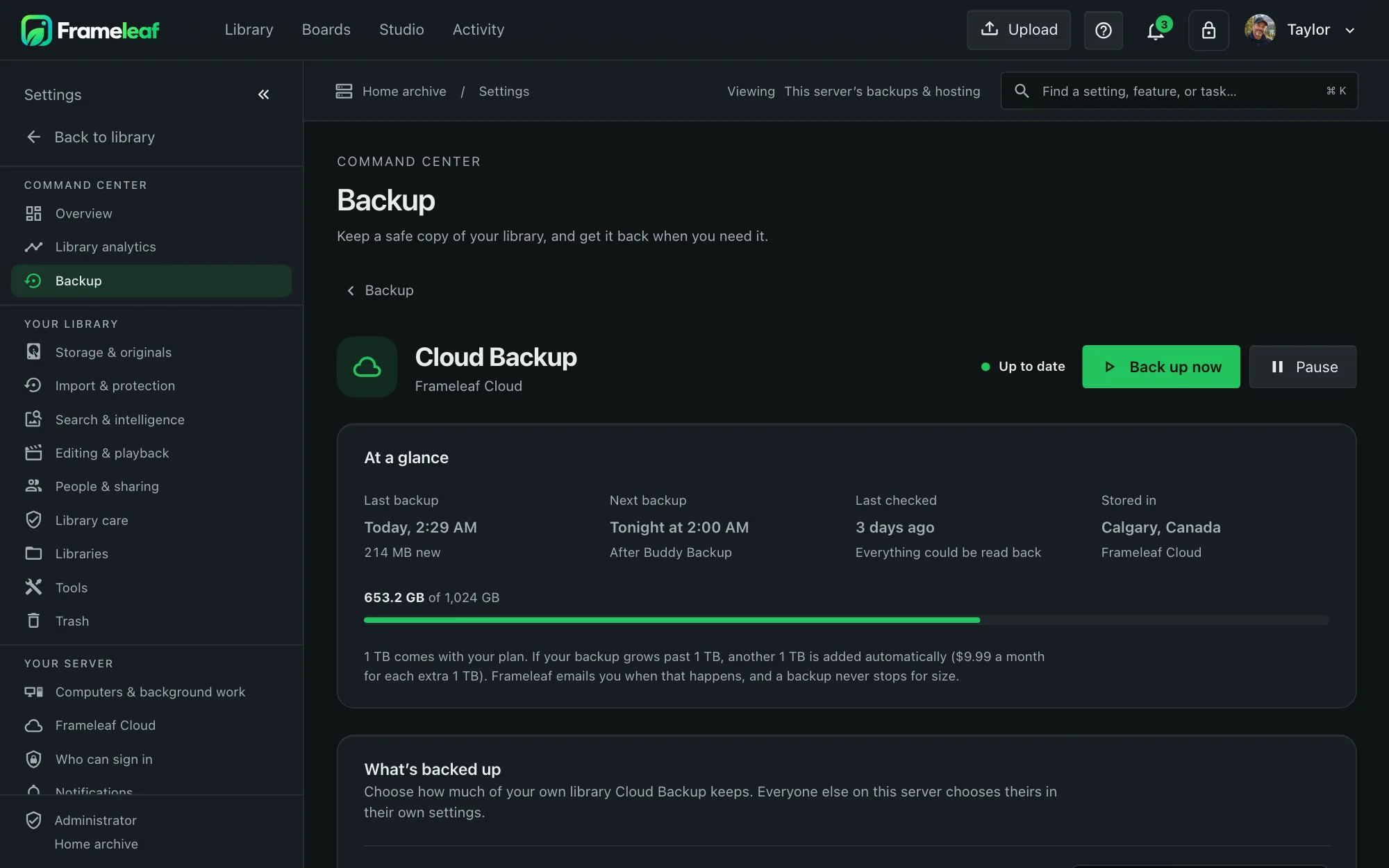
Backup
Encrypted off-site backup with Frameleaf Cloud, or back up to a friend's server with Buddy backup.
- Video duplicates whole timelines are lined up, so re-encoded copies are found too.
- Keeps the best format prefers RAW, then HEIC, over a re-encoded JPG when suggesting what to keep.
- Missing and damaged originals find, check and relink them with evidence before anything changes.
- A patient trash deleted items wait 30 days, and come back with their albums and tags.
- Automatic database backups with a guided restore.
Run it your way
A server that looks after itself, with clear controls for whoever runs it.
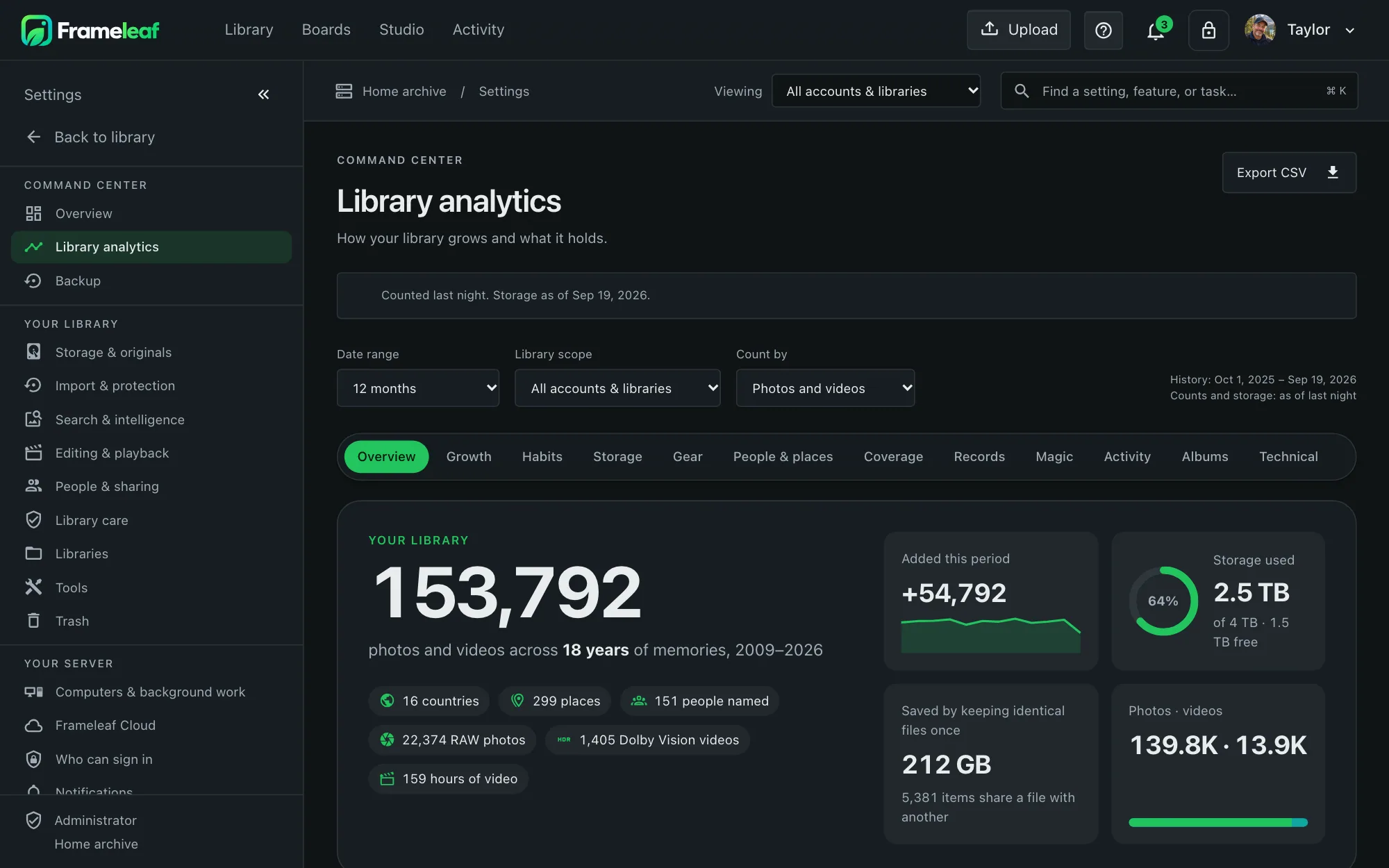
Command Center
Health, storage, jobs, users and library analytics in one place, with a review before anything is saved.
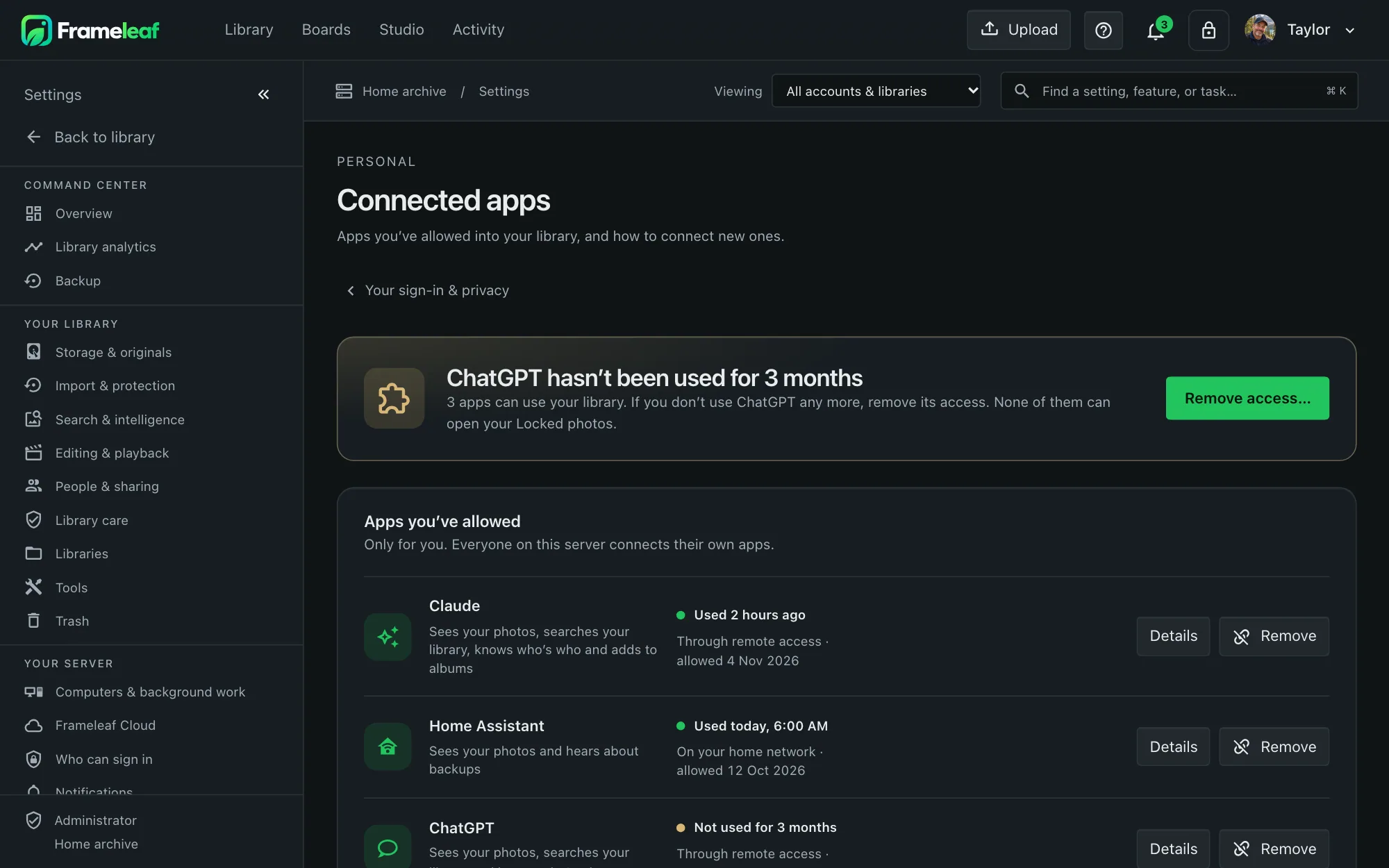
IntegrationsNew
Connect Claude or ChatGPT and ask about your photos there, or add Frameleaf to Home Assistant. Each app asks first and you can remove it at any time.
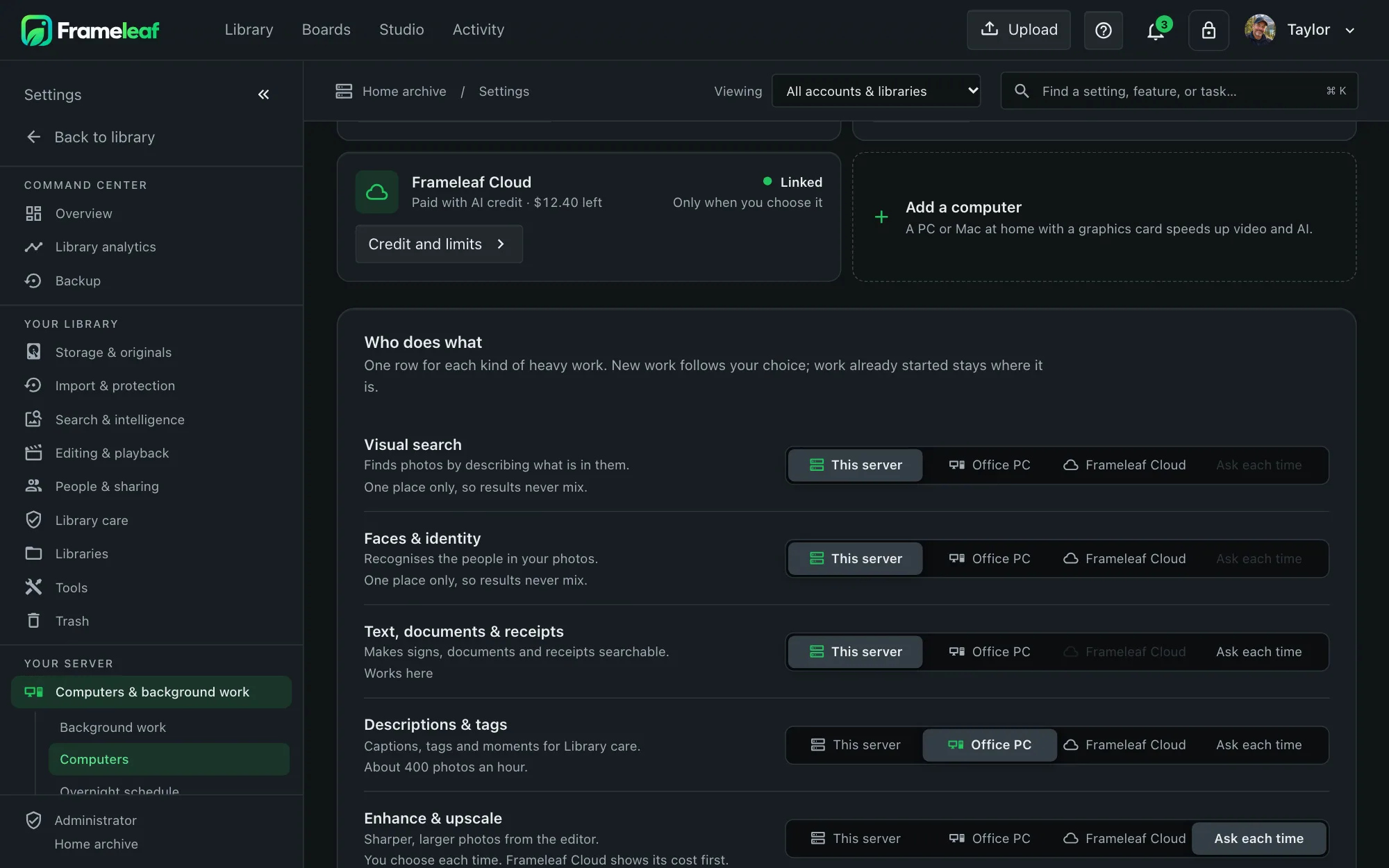
Where work runs
Share heavy work with the desktops in your home, then Frameleaf Cloud GPU when you choose. You set the order.
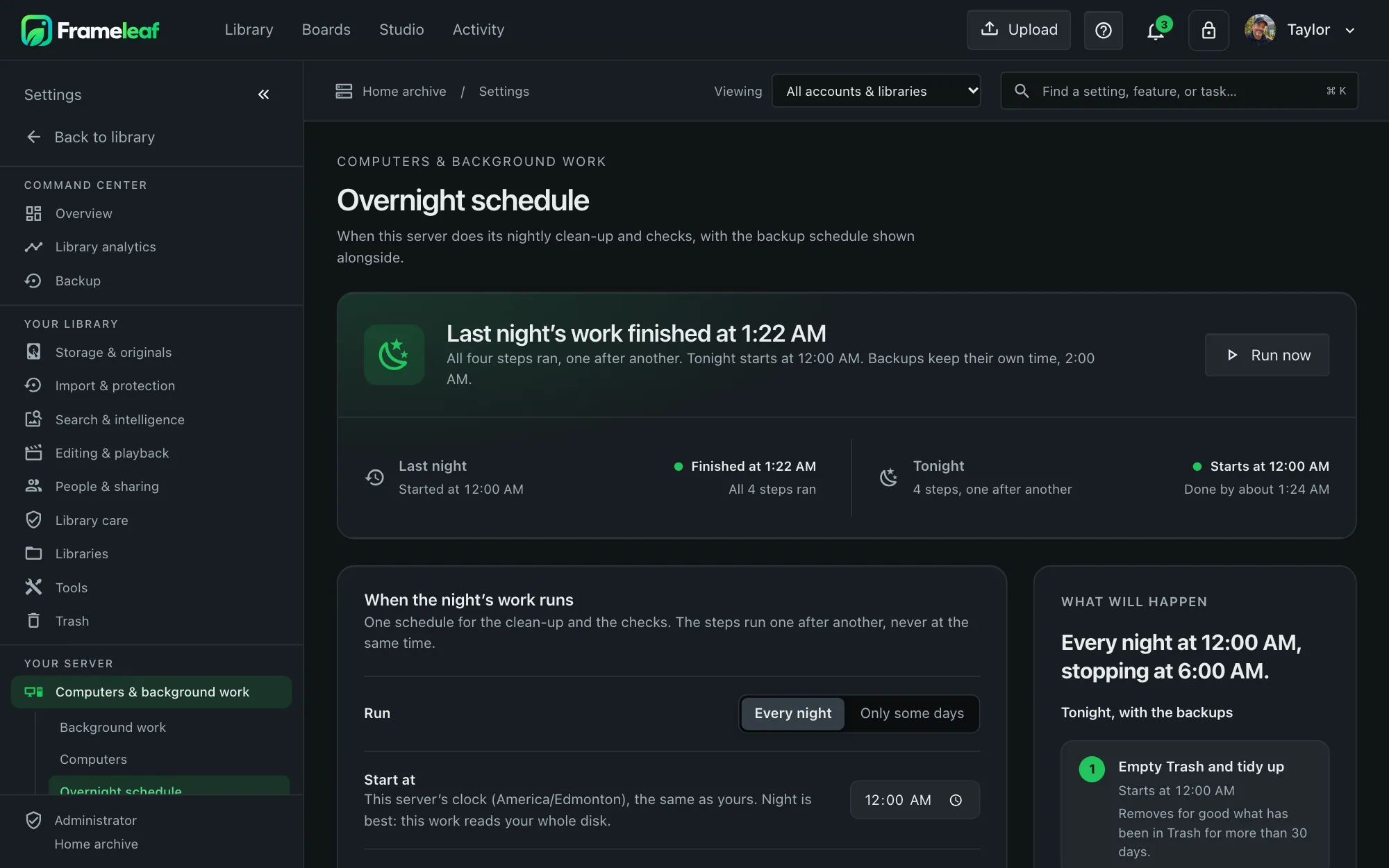
Quiet daytime, busy nights
Heavy work waits for the overnight schedule, so browsing stays fast. Phone uploads always go through.
- Frameleaf Manager guided installs, verified updates and database recovery.
- Workflows add matching photos to albums or tag them, after uploads or on a schedule.
- Claude and ChatGPT connect the assistant you already use and ask about your photos there. It asks first and never sees Locked photos.
- Home Assistant library sensors, a picture for dashboards and automations when a backup or export finishes.
- Hardware acceleration for AI and video, with a CPU fallback.
- Remote access reach home from anywhere without opening ports, with Frameleaf Cloud.
- In-app help help for the screen you are on, and Ask Frameleaf for anything else.
- Open source the community edition is AGPLv3. Leave whenever you like with every original intact.
More than 170 kinds of file, read on your own server.
Phone photos, camera RAW, professional video, design documents and fonts. Frameleaf reads them where they are and never changes the original.
Files from
Photos57 file types
- JPEGJPEG
- HEICiPhone photos
- PNGPNG
- WEBPWebP
- AVIFAVIF
- JXLJPEG XL
- TIFFTIFF
- GIFGIF
- SVGSVG
- EXROpenEXR
- JP2JPEG 2000
- BMPBMP
- JXRJPEG XR
- HDRRadiance HDR
- DPXFilm scans
- TGATGA
- ICOIcons
- MPO3D photos
Camera RAW31 file types
- CR3Canon
- NEFNikon
- ARWSony
- RAFFujifilm
- DNGAdobe DNG
- RW2Panasonic
- ORFOlympus
- 3FRHasselblad
- X3FSigma
- GPRGoPro
- CR2Canon CR2
- PEFPentax
- IIQPhase One
- SRWSamsung
- RWLLeica
- ERFEpson
- MRWMinolta
- KDCKodak
Video64 file types
- MP4MP4
- MOVQuickTime
- MKVMatroska
- MXFMXF
- AVIAVI
- WEBMWebM
- MTSAVCHD
- INSVInsta360
- OSVDJI Osmo
- 360GoPro MAX
- WMVWMV
- MPGMPEG
- M4VM4V
- 3GP3GPP
- FLVFlash video
- APVAPV
- CINEPhantom
- MLVMagic Lantern
Design and fonts22 file types
- PSDPhotoshop
- PDFPDF
- AIIllustrator
- FIGFigma
- SKETCHSketch
- XDAdobe XD
- TTFTrueType
- OTFOpenType
- WOFF2Web fonts
- KRAKrita
- XCFGIMP
- PSBPhotoshop PSB
- EPSEPS
- CDRCorelDRAW
- ORAOpenRaster
- WOFFWOFF
- TTCCollections
- DFONTMac fonts
- A known file always imports if Frameleaf can't draw it yet, it is kept, backed up and downloadable.
- Any sensor size RAW files from 45 and 100 megapixel cameras, with the camera's own preview as a fallback.
- Professional video ProRes, DNxHD, CineForm and MXF play like phone video.
- Cinema RAW kept safe Blackmagic, RED, Canon and Nikon cinema files are stored and backed up, though they can't be played.
- Old and unusual files scans and early digital photos open the way other photo apps open them.
- Very large videos a 50 GB file is checked all the way through, however long it takes.
- Design files in Boards Photoshop, PDF, Illustrator, Figma and Sketch show a preview.
- Tested on every build each format is checked against sample files before a release.
See every supported formatProduct and company names are trademarks of their owners. Frameleaf is not affiliated with or endorsed by them.
See it for yourself.
Try the demo in your browser, or install Frameleaf on your own server.