
Back up to a friend. Host theirs in return.
Buddy backup pairs your server with a friend's Frameleaf server. Each keeps an encrypted copy of the other, and neither of you can see a single photo.
- Your serverEncrypts everything, including file names and albums, before it leaves.
- Frameleaf CloudHandles pairing and connection information. It does not receive your plaintext backup key or readable photos.
- Your buddy's serverStores data it can't open, and never shows them your library.
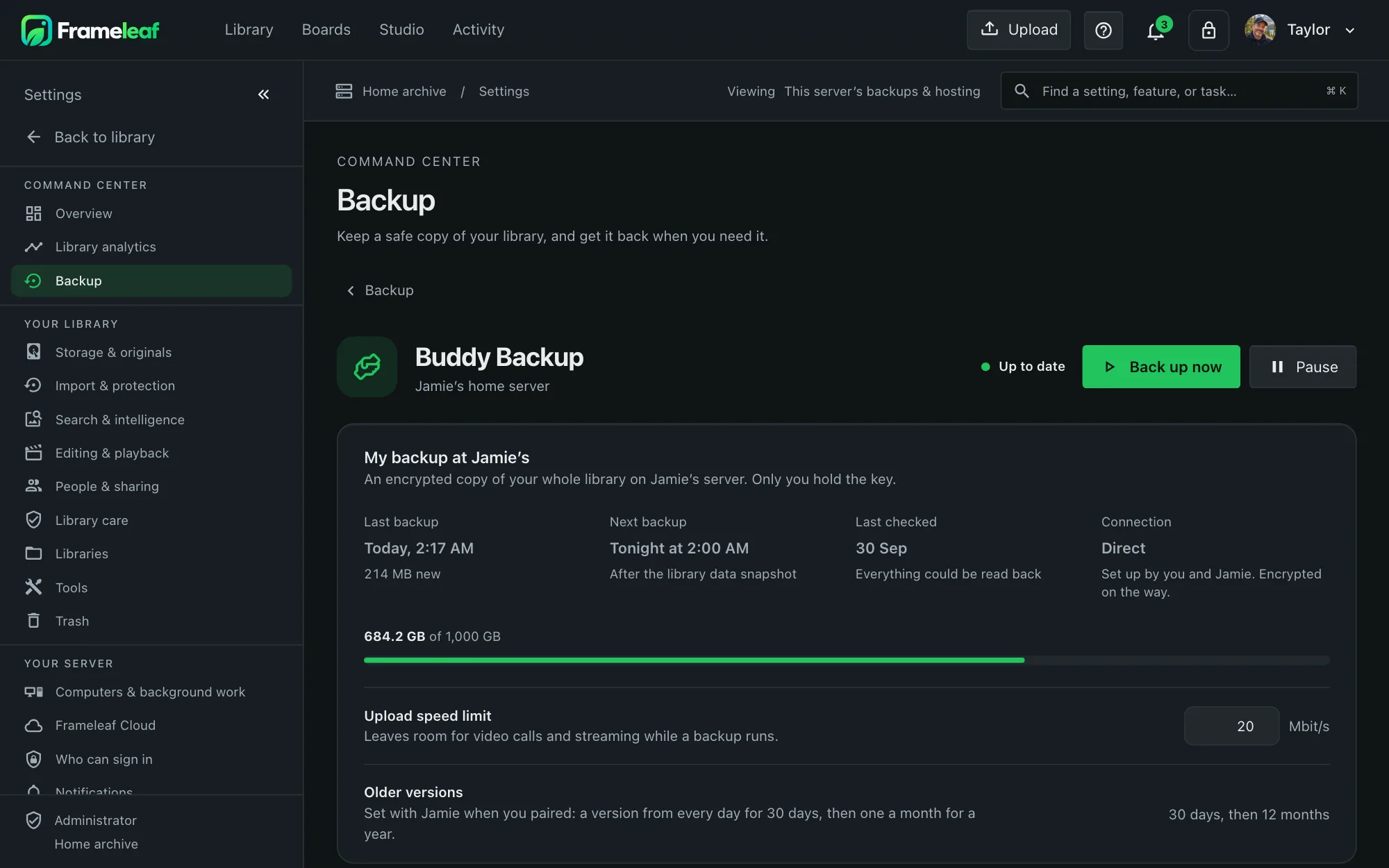
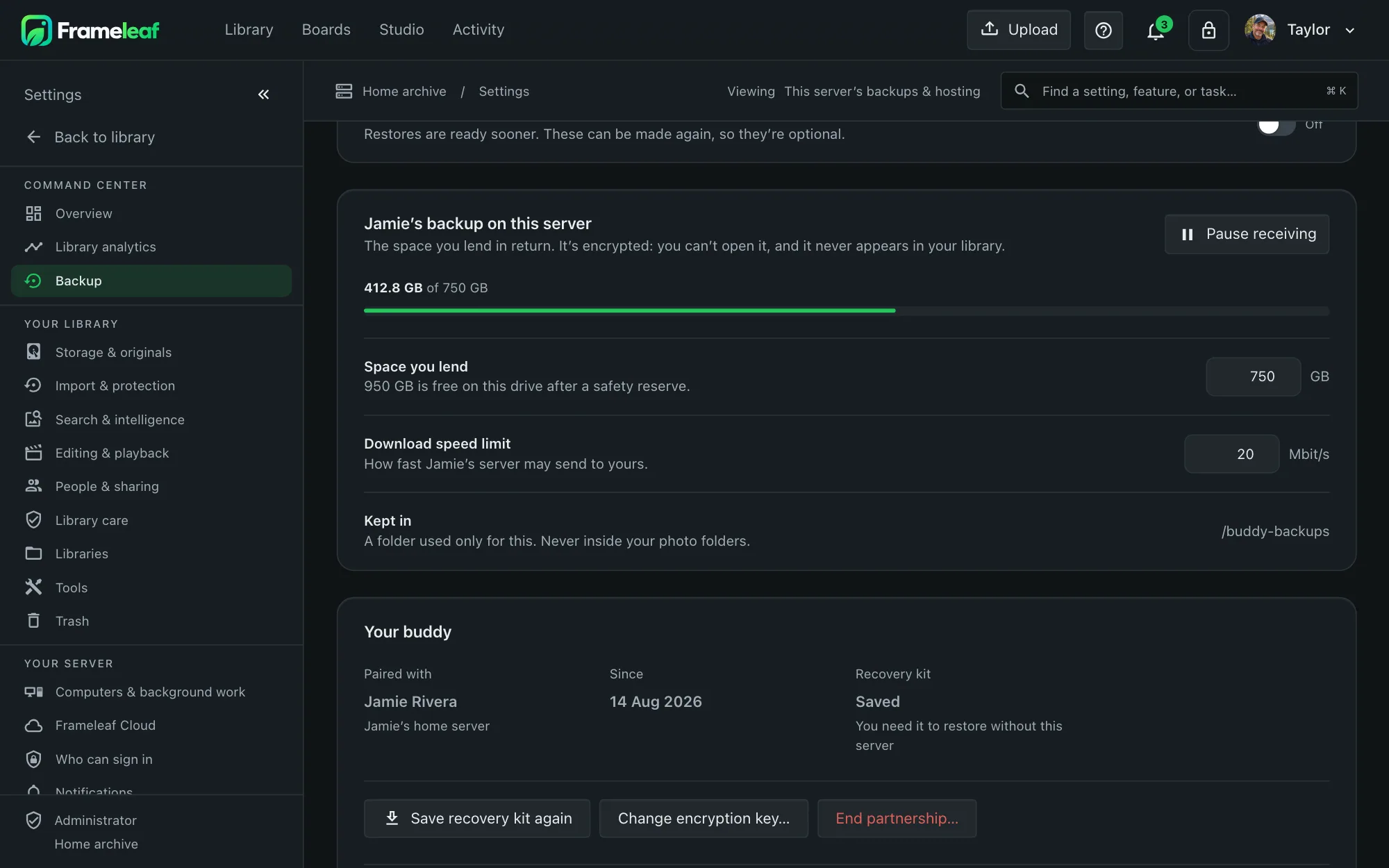
Two panels, two directions.
- My backup shows your latest complete restore point, progress, connection and verification.
- Hosting for my buddy shows space used and the agreed limit, never names, albums or thumbnails.
- Pause either way sending and receiving pause separately, and progress survives restarts.
Everything needed to rebuild.
A complete restore point brings your library files and recovery metadata together. Keep the recovery kit separately so you can use them if your server is lost.
Your library
Originals, videos, Live Photos, sidecars, edits, albums and metadata for every user, including external libraries whose drives are connected during backup.
Your server
A verified database dump, settings, preferences and the configuration files you declare. This is library recovery, not a whole operating-system image.
Incremental
After the first backup, only new and changed files are sent, in resumable blocks.
Kept safe
At least 30 days of restore points plus 12 monthly ones. Nothing protected is deleted to make room.
Restore anything.
One photo or everything
A single item, an album, a whole library, your settings or the entire server, with a preview first.
A new server
Sign in with Frameleaf Cloud and your recovery kit on replacement hardware.
Keep a recovery copy
Save your recovery kit separately and test the recovery tools for your release. An exported encrypted backup gives you another copy to protect.
Use spare space
Storage on your buddy's disk has no extra Frameleaf storage charge. Agree a capacity limit. Over a direct connection there's nothing more to pay; without network configuration, transfers count toward your Cloud plan's allowance.
Enable Buddy backup on both compatible linked servers. Both servers need a Server licence to start a new Buddy Backup pairing. If they connect directly, no Frameleaf Cloud plan is needed; a plan adds Buddy backup without network configuration. A direct connection is your own HTTPS Public server URL, set under Remote access; an Individual licence doesn't make pairings. Only the inviting server confirms a pairing. Pairings you already have keep backing up directly if a licence or plan ends. Test the connection and a restore before relying on it; someone with access to the host computer can still delete files from its disk.