
Between shows, your TV is a window.
Frameleaf for Android TV and Google TV brings your whole library to the living room: memories that play as a show, everyone in your photos on a page of their own, and a living photo frame when you're not browsing. Straight from your own server.

The same Google Play app as Android phones and tablets.
Made for the remote.
Home picks up where you left off
Your favourites up front, then your best shots, memories, landmarks, places, people and albums, with the photo you’re on filling the screen.
Memories, sorted for you
On this day, trips and years in review, grouped by kind and ready to play the moment you sit down.
A rail takes you anywhere
Press left for Home, Memories, Places, Albums, People, Search and Settings. Press right to go back to the page.
Everyone gets a page
People and pets each get a page, with the memories that are all about them.
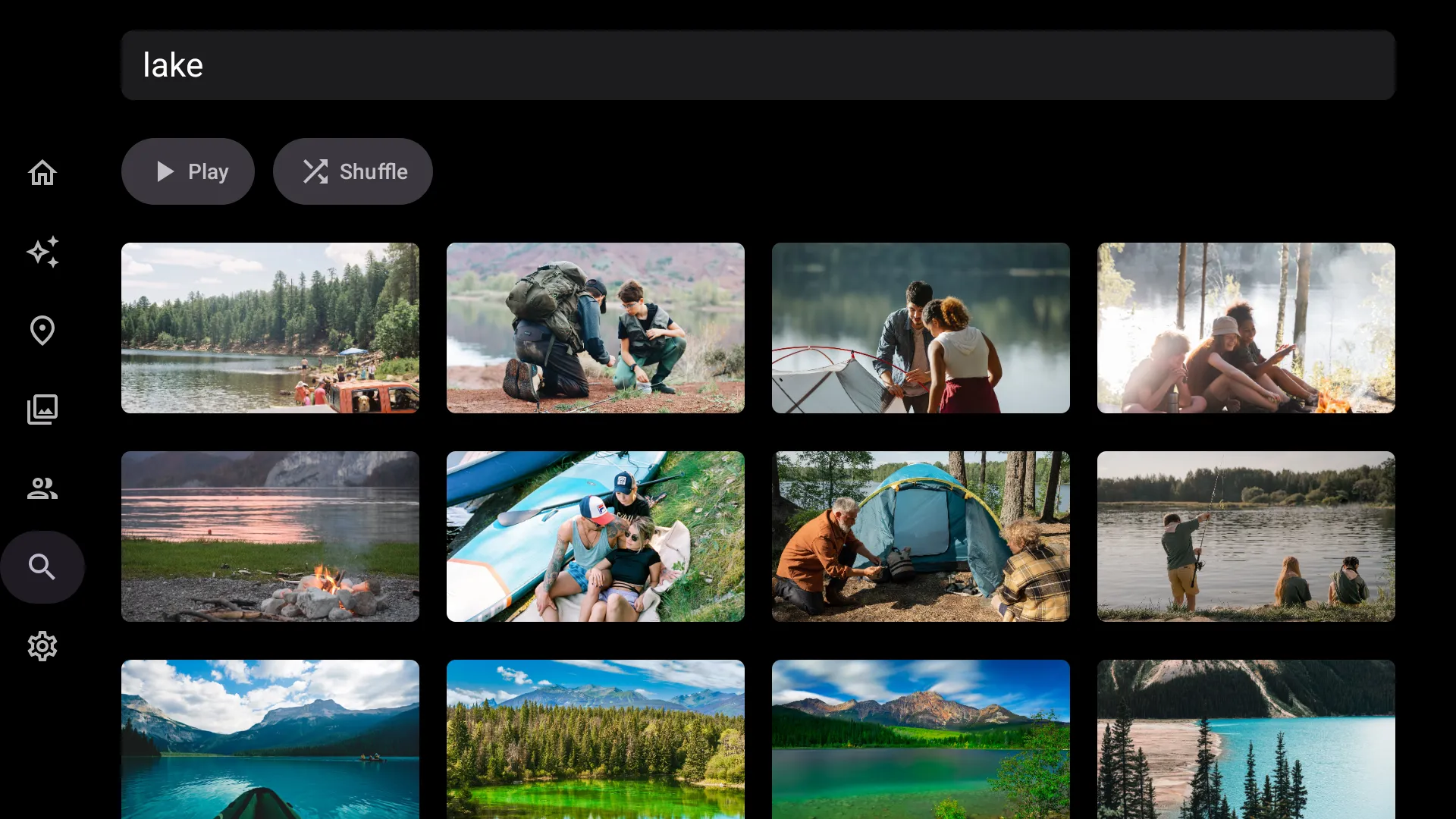
Search by typing or voice
Say or type “lake” and your server’s smart search finds every lake you’ve stood beside, ready to play.
Keep the good ones from the couch
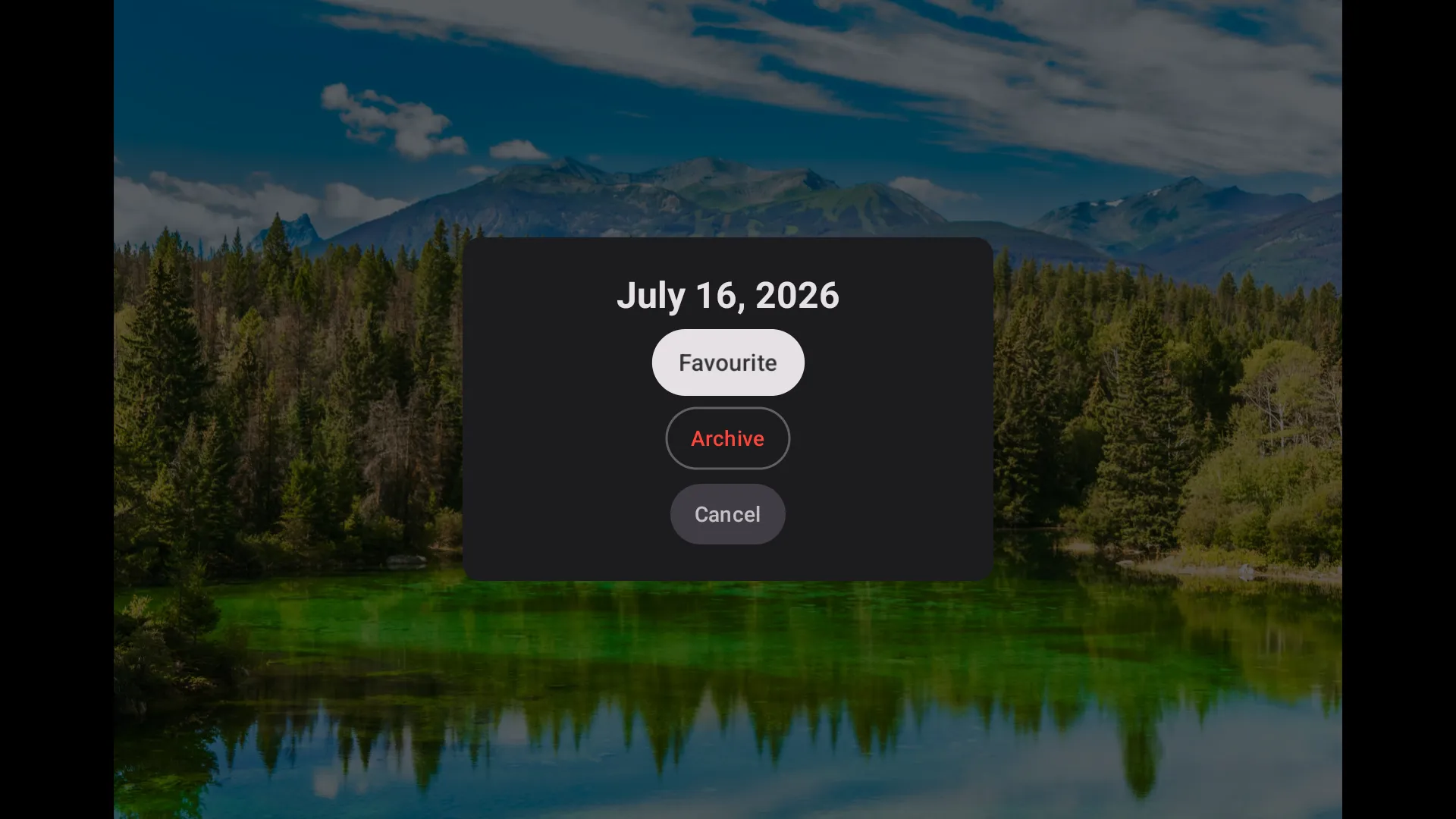
Open any photo full screen, then press and hold Select to favourite or archive it.
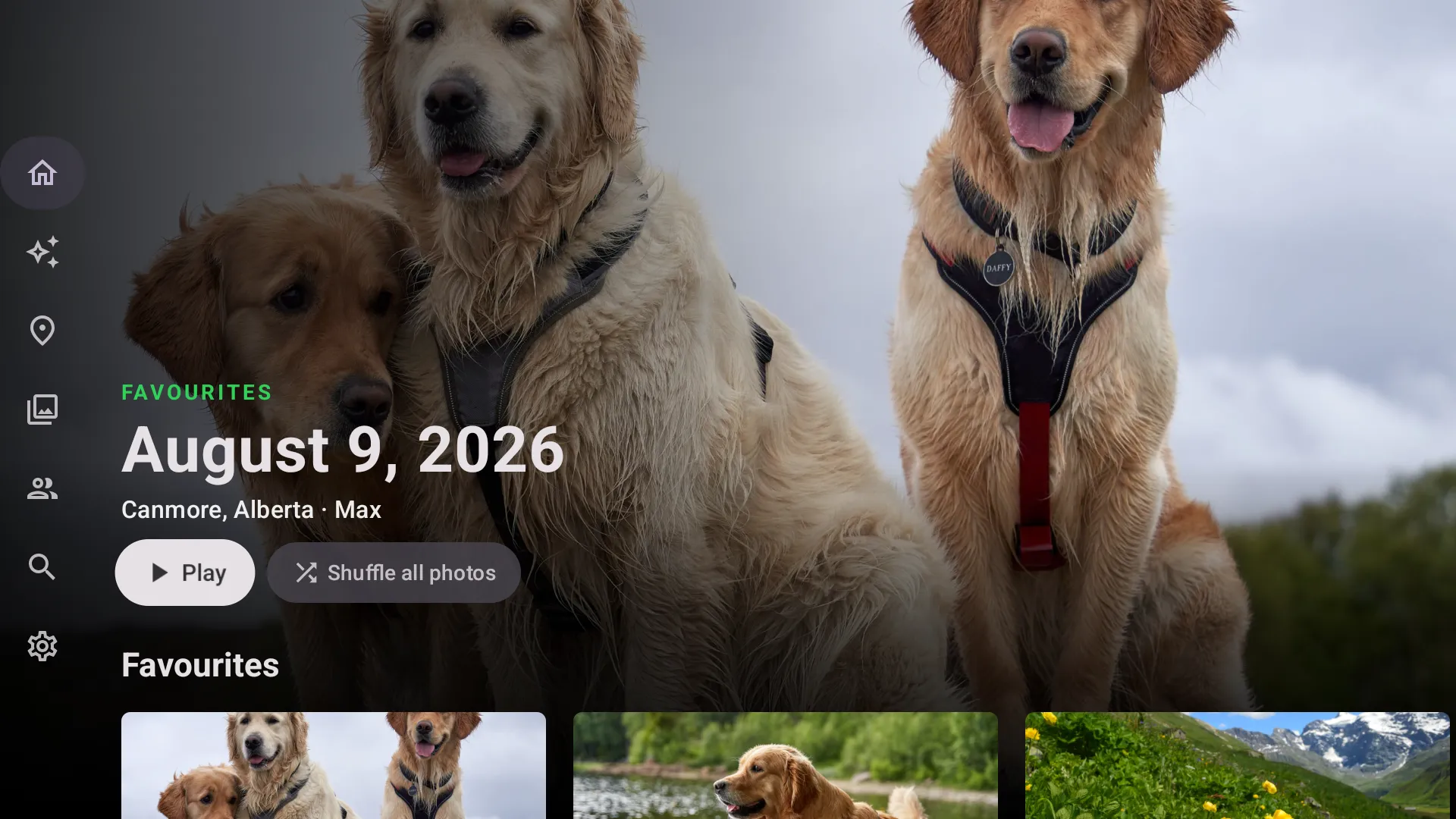
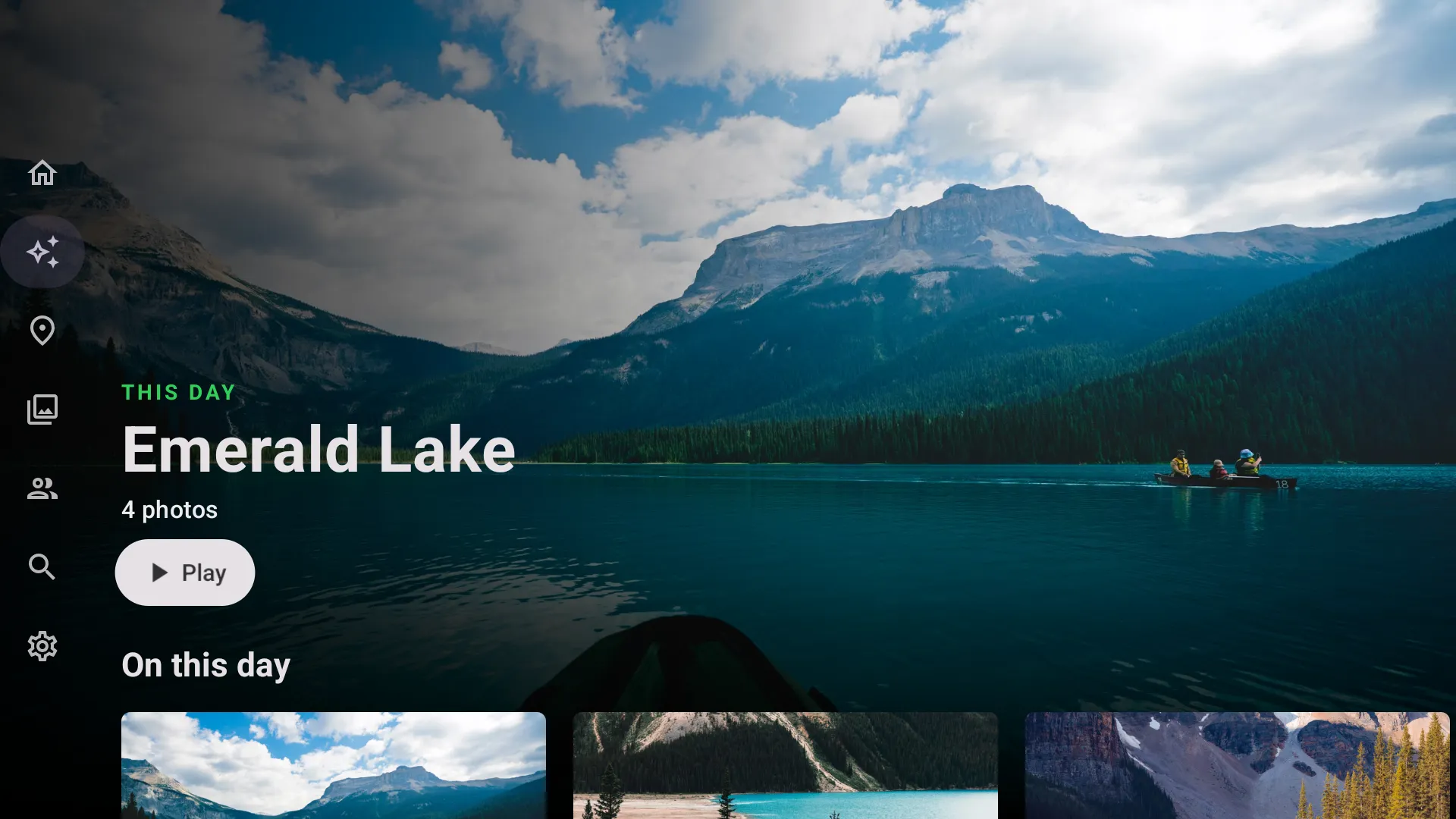
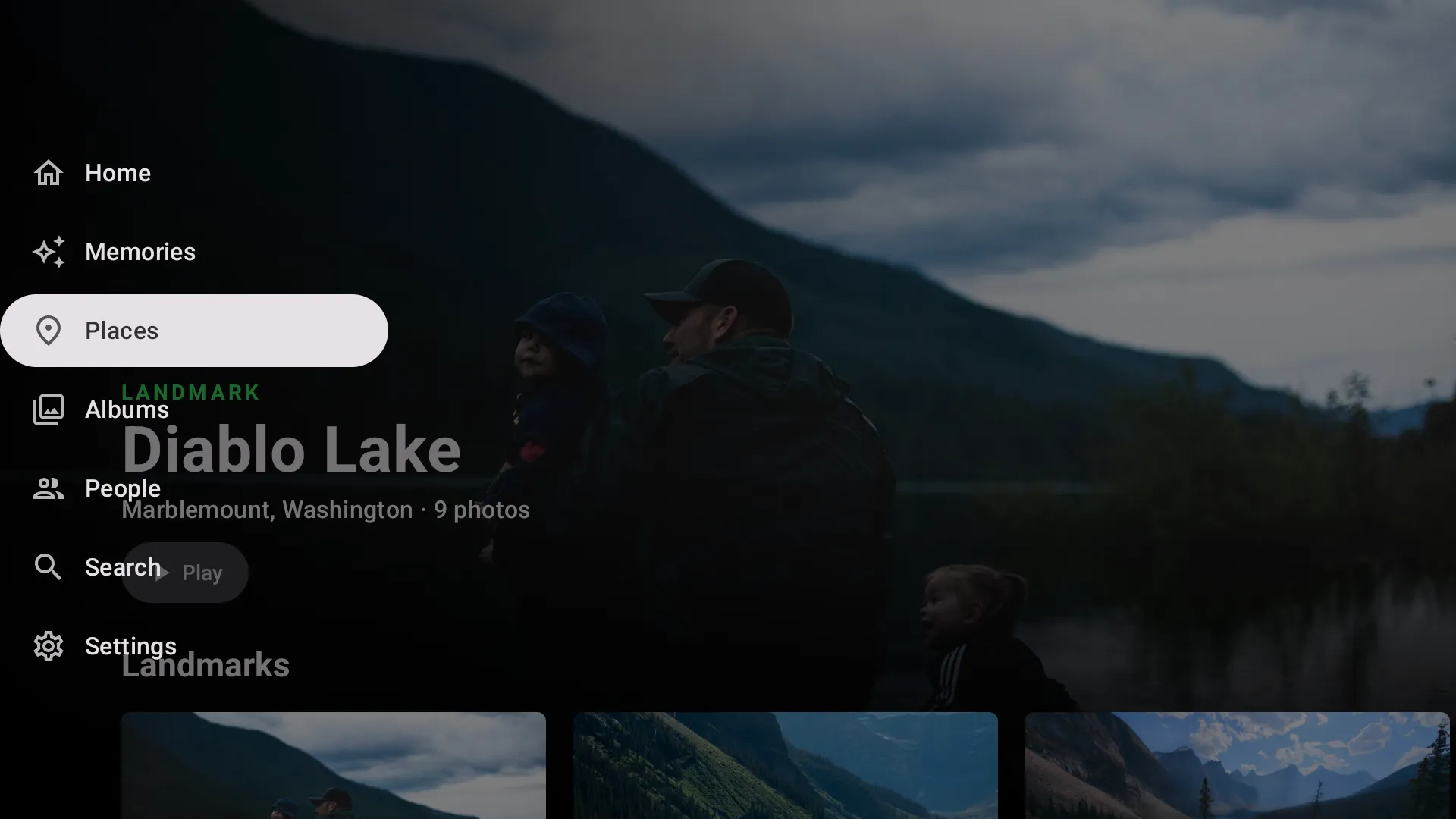
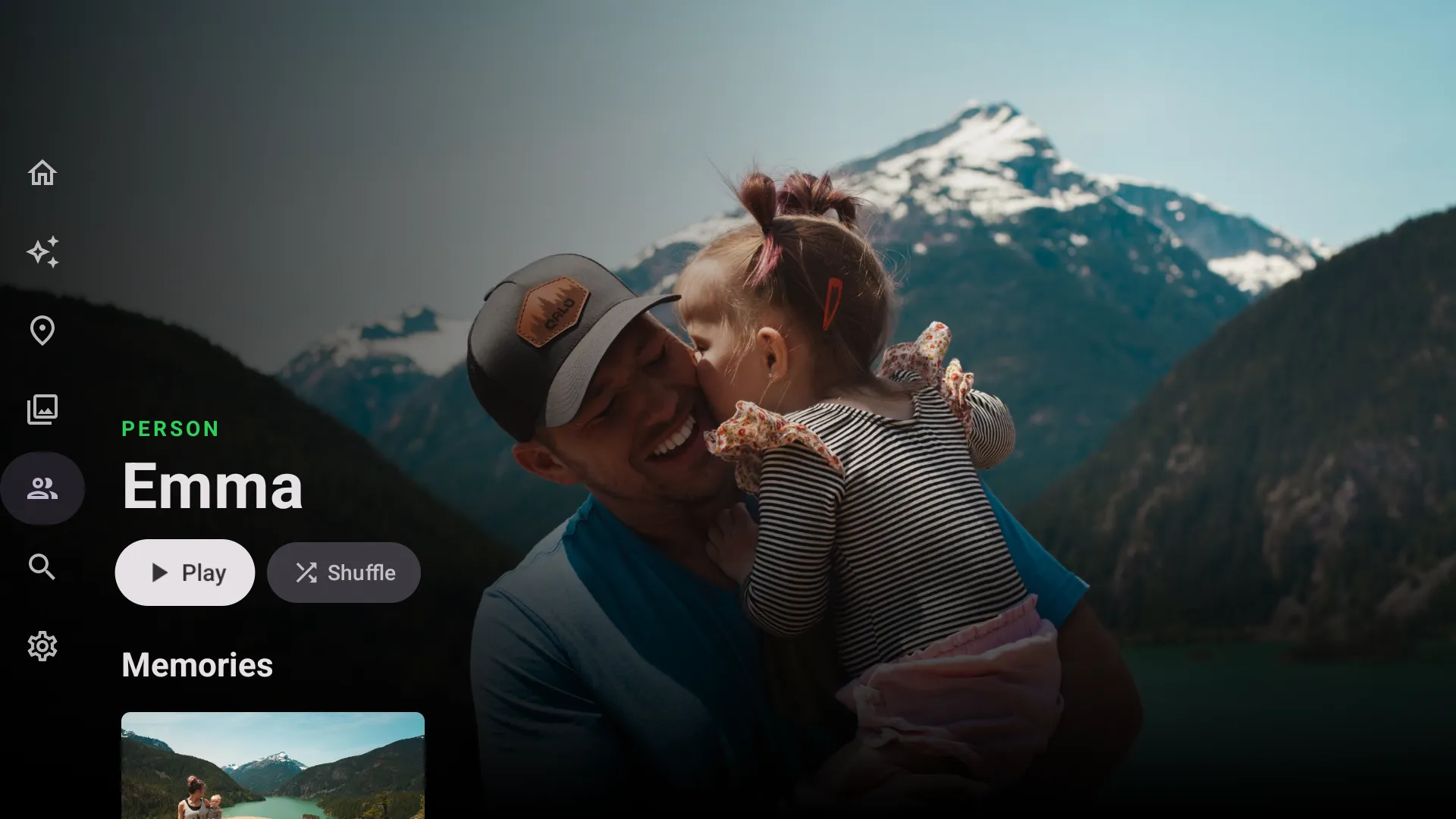
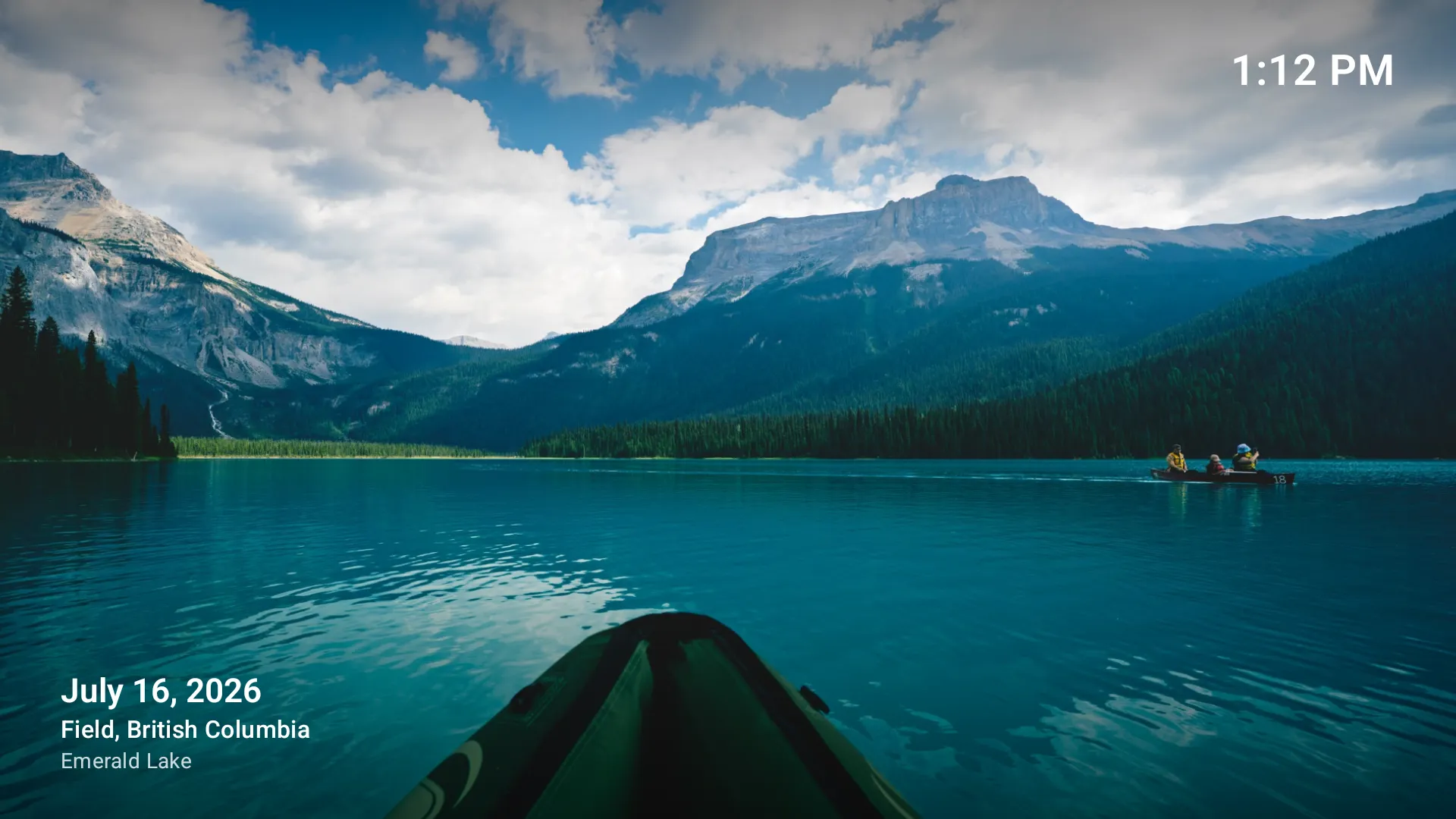
Press play, and a memory becomes a show.
Pick a memory, an album, a person or a place and press Play, or Shuffle all your photos. The show runs at an easy, unhurried pace with the date and place in the corner.
- A title card sets the scene, then every photo follows in order.
- Music included. Memories play with bundled, licensed music that drops under a video’s sound. Turn it off in Settings.
- Motion photos and short videos move as they come up.
A living photo frame.
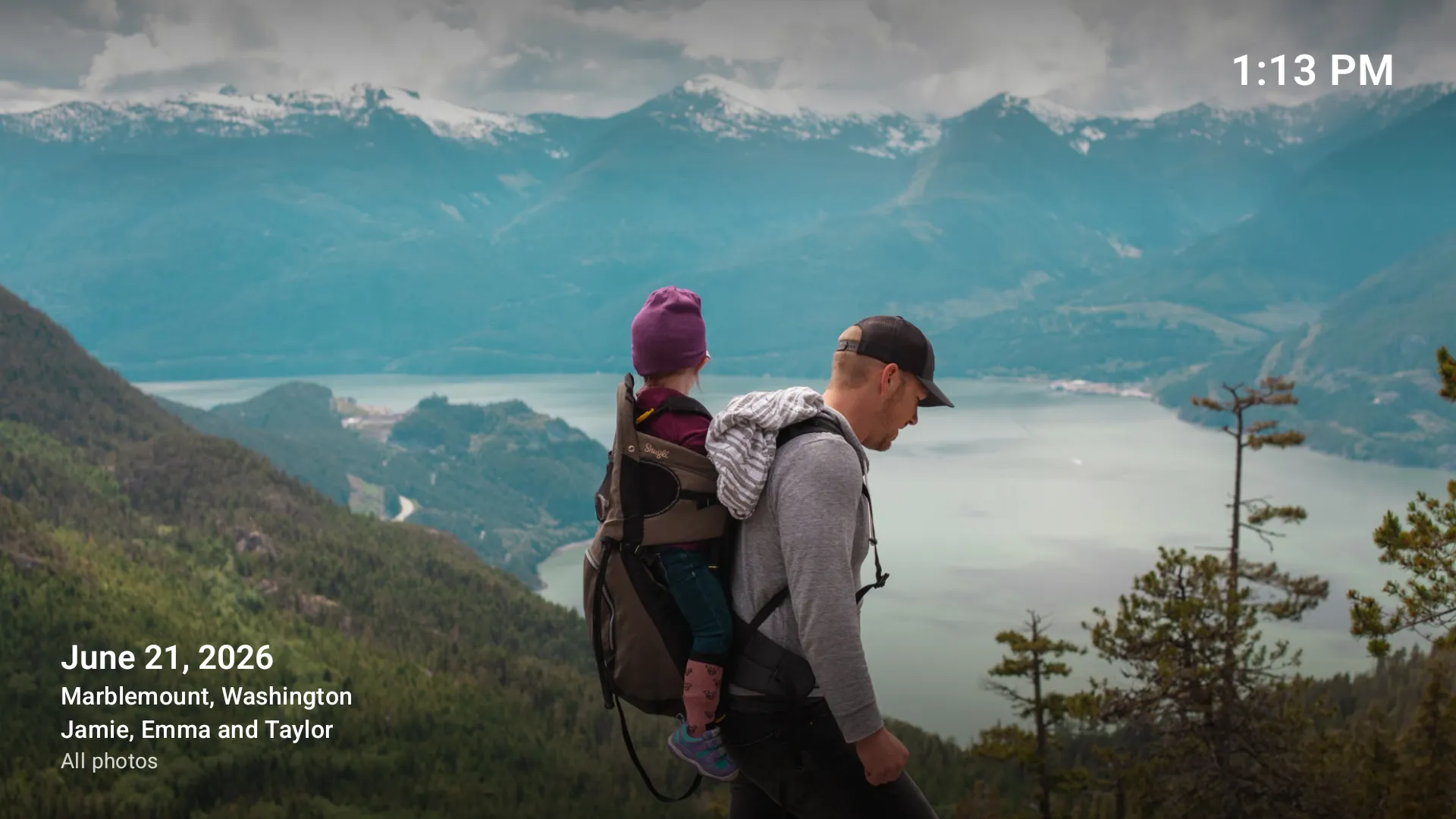
When you're not browsing, your TV can keep showing your photos, each one drifting slowly while it's shown. The next time you open the app, your last slideshow starts again.
- Show the time and photo details, which move between corners so nothing stays in one place on your screen.
- Your pace. Each photo shows for 5 to 60 seconds, shuffled or newest first, and two portraits share the screen.
- Stays awake. Frameleaf keeps the TV on while a slideshow plays, then lets it sleep after 1, 2 or 4 hours, or never.
People, pets and the moments that are theirs.
Faces are recognised on your server. On the TV, each person or pet becomes a page you can play.
Their own page
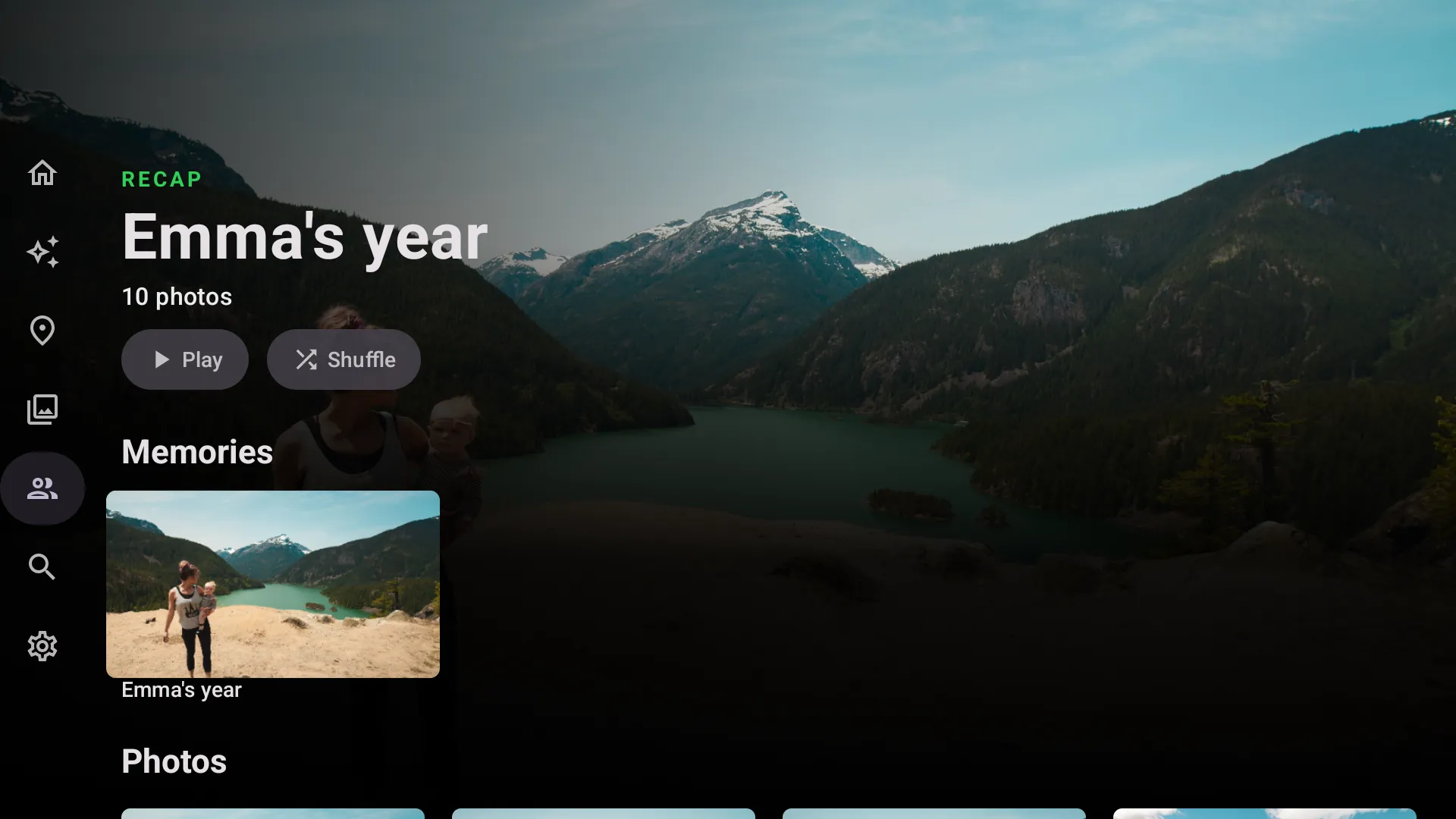
Everyone you photograph, pets too, with Play and Shuffle.
Their own memories
Recaps like “Emma’s year”, ready to play as a show.
On this day
What happened this week in other years, on Home every day.
Sign in with your phone.
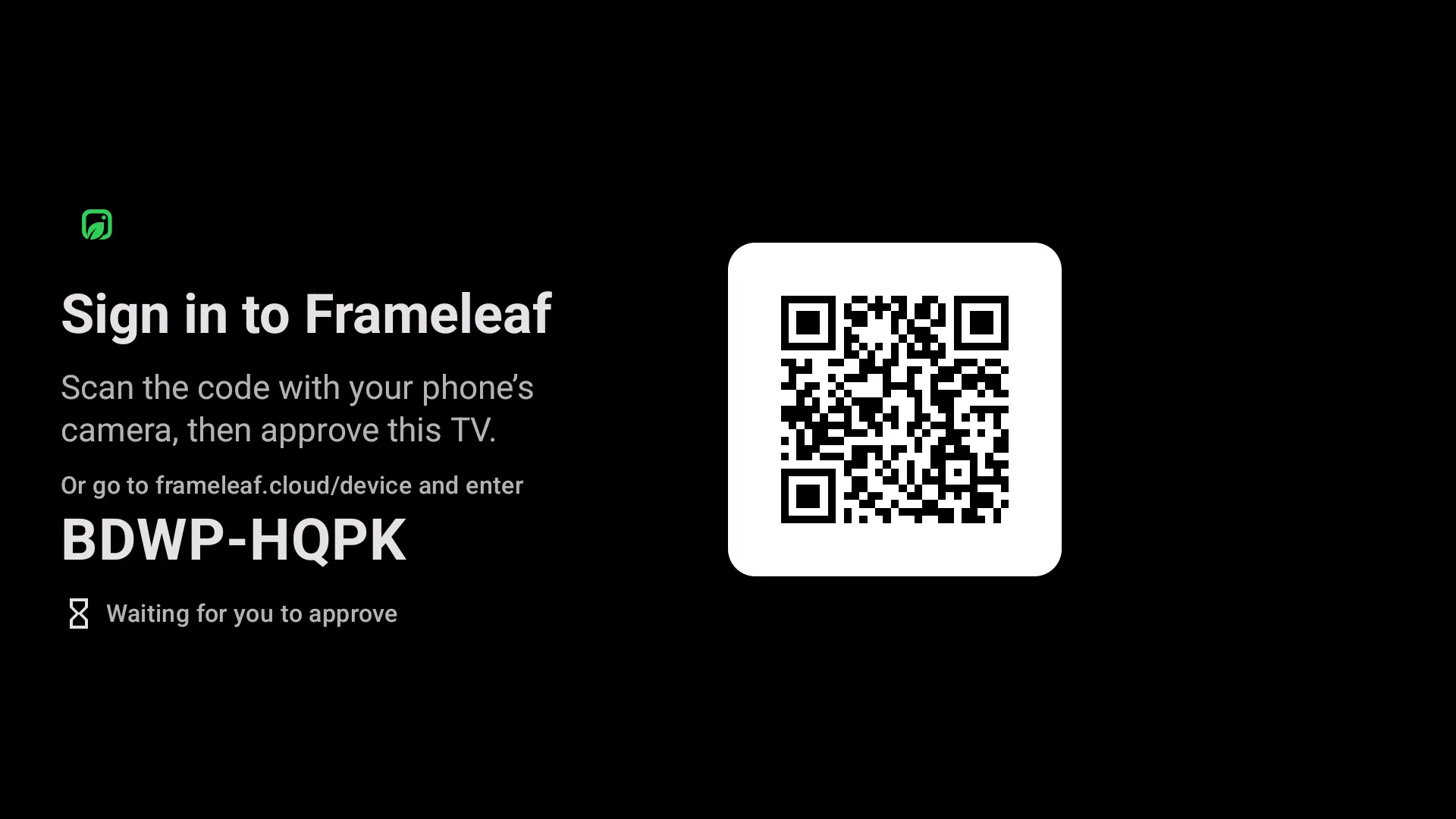
No typing passwords with a remote. Scan the code with your phone's camera and approve the TV, or enter the short code at frameleaf.cloud/device. If your account has several servers, choose the one to show and Frameleaf remembers it.
At home on Android TV.
The parts of Google TV and your phone you already use, wired into your library.
Play on TV
Choose an album, person, pet or memory on your Android phone and send it to the TV signed in to the same account. On iPhone, Play on Apple TV lists your Android TV too.
On your home screen
Where your TV's home screen shows app rows, Frameleaf adds one with On this day, other memories and favourites.
Voice search
Search by speaking into the remote, or type, and your server's smart search finds it.
Videos with sound
Videos play right in your albums. Over the relay the TV uses smaller encodings, so it stays quick.
Home first
The TV reaches your server on your home network when it can, then directly or through the relay. Settings shows the route.
Only your account
The TV only plays for the account it's signed in to, so a visitor's phone on your Wi-Fi can't take over the screen.
What you need.
Frameleaf for Android TV is the same Google Play app as Android phones and tablets. Install it on your TV and sign in with your Frameleaf account.
Android TV or Google TV
A TV or streaming device with Android TV or Google TV, Android 11 or later.
Your server
A Frameleaf server with Frameleaf Cloud remote access, which the TV uses to sign in and reach your library.
A phone to approve it
Approve the TV once from your phone, then it stays signed in until you sign it out.
See it on the big screen.
A minute and a half with Frameleaf on Android TV, from the photo frame to the slideshow. Sound on.