
One library. Every screen.
Back up from your phone, rediscover a trip on the sofa, and organise a camera shoot on a bigger screen. Native mobile, TV and desktop apps and the web app connect to the same library on your server.

See the platform guides for installation and compatibility.

iPhone & iPad
Back up your camera roll, browse people and memories, edit photos and check backup progress from a widget.

Android
Choose backup folders, keep selected previews for travel, and organise, share or edit photos and video.
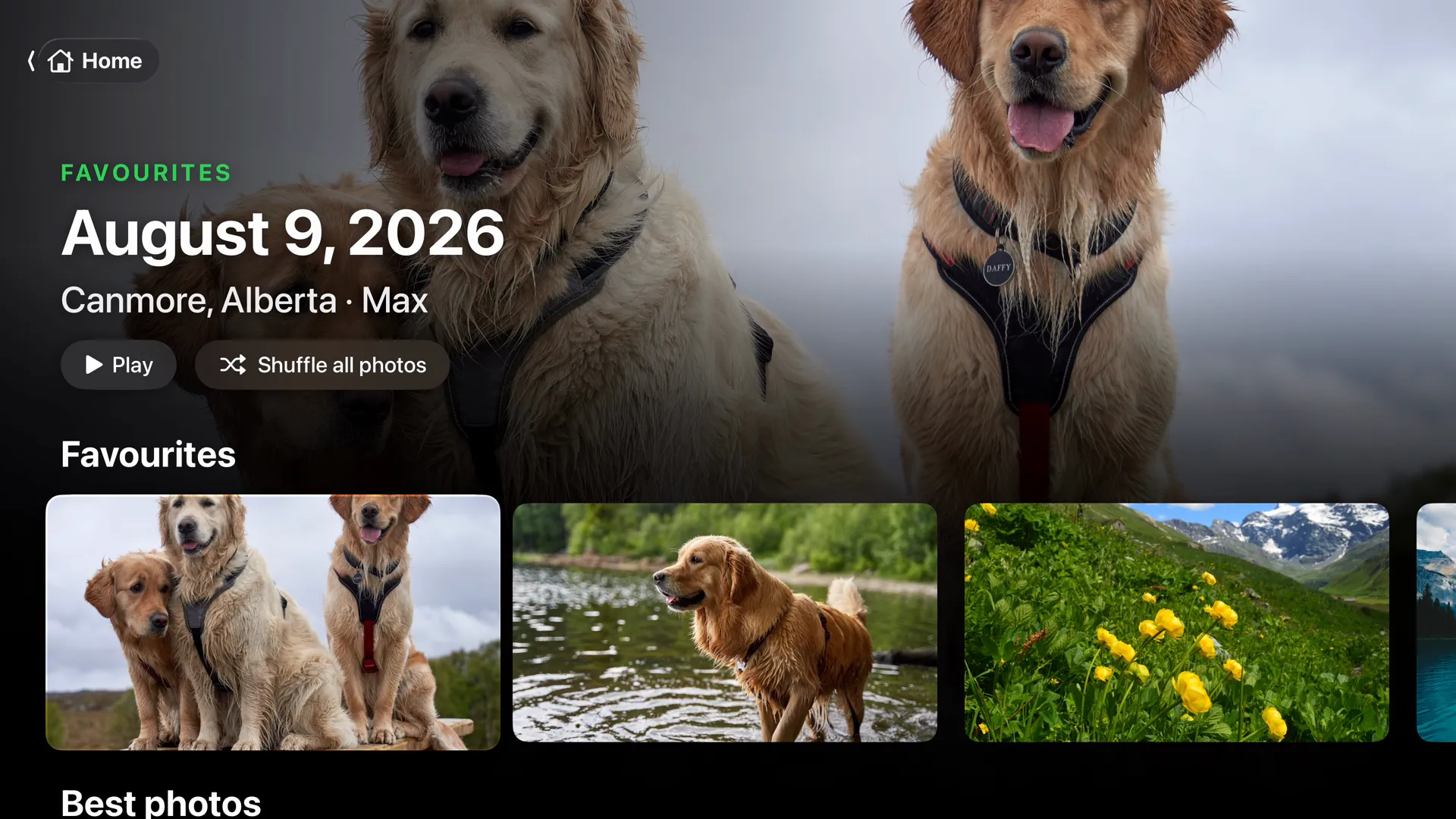
Apple TV
Memories that play as a show with music, a page for everyone in your photos, and a living photo frame.
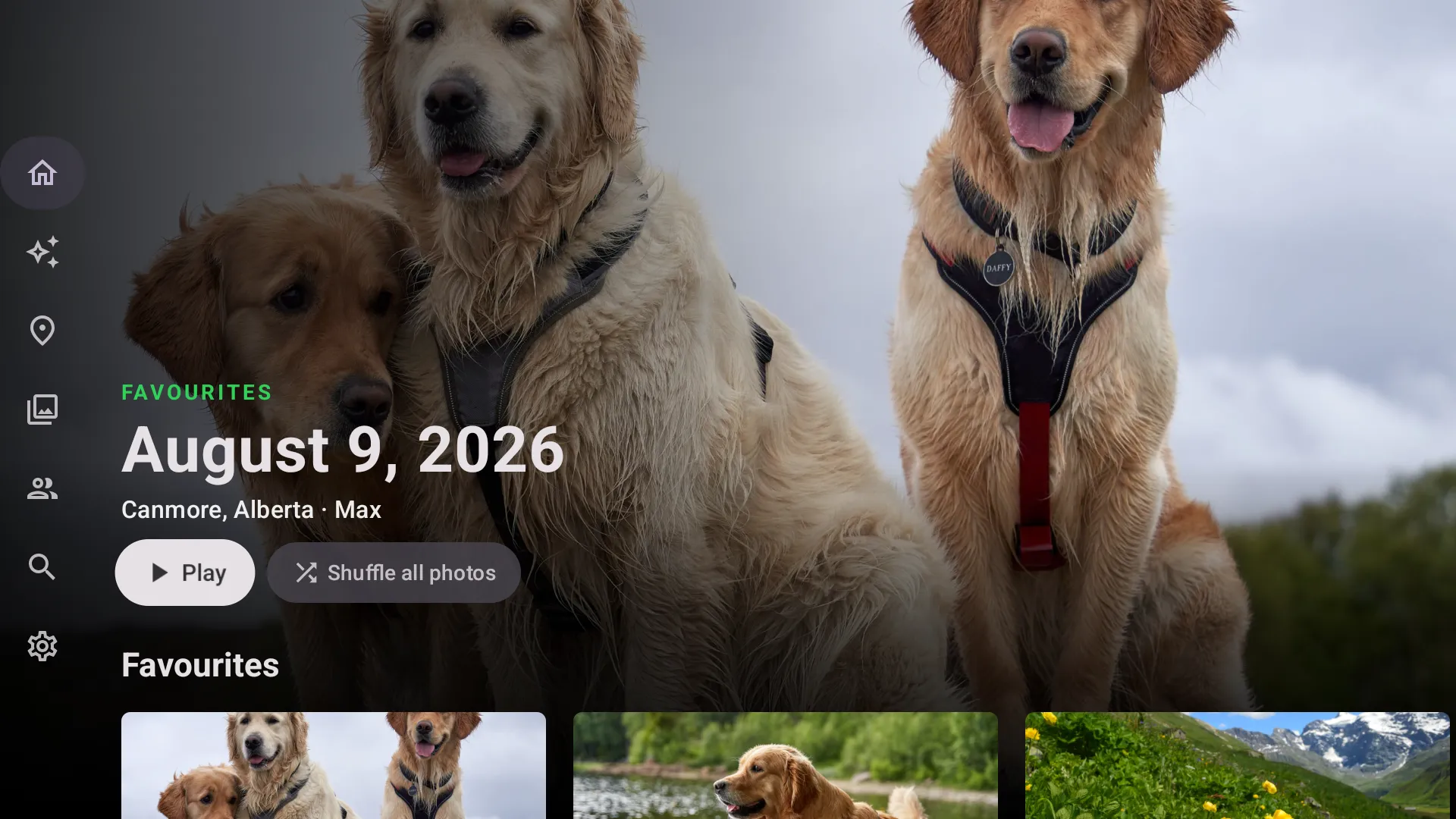
Android TV
The same shows, pages and photo frame on Android TV and Google TV, with Play on TV from your phone.
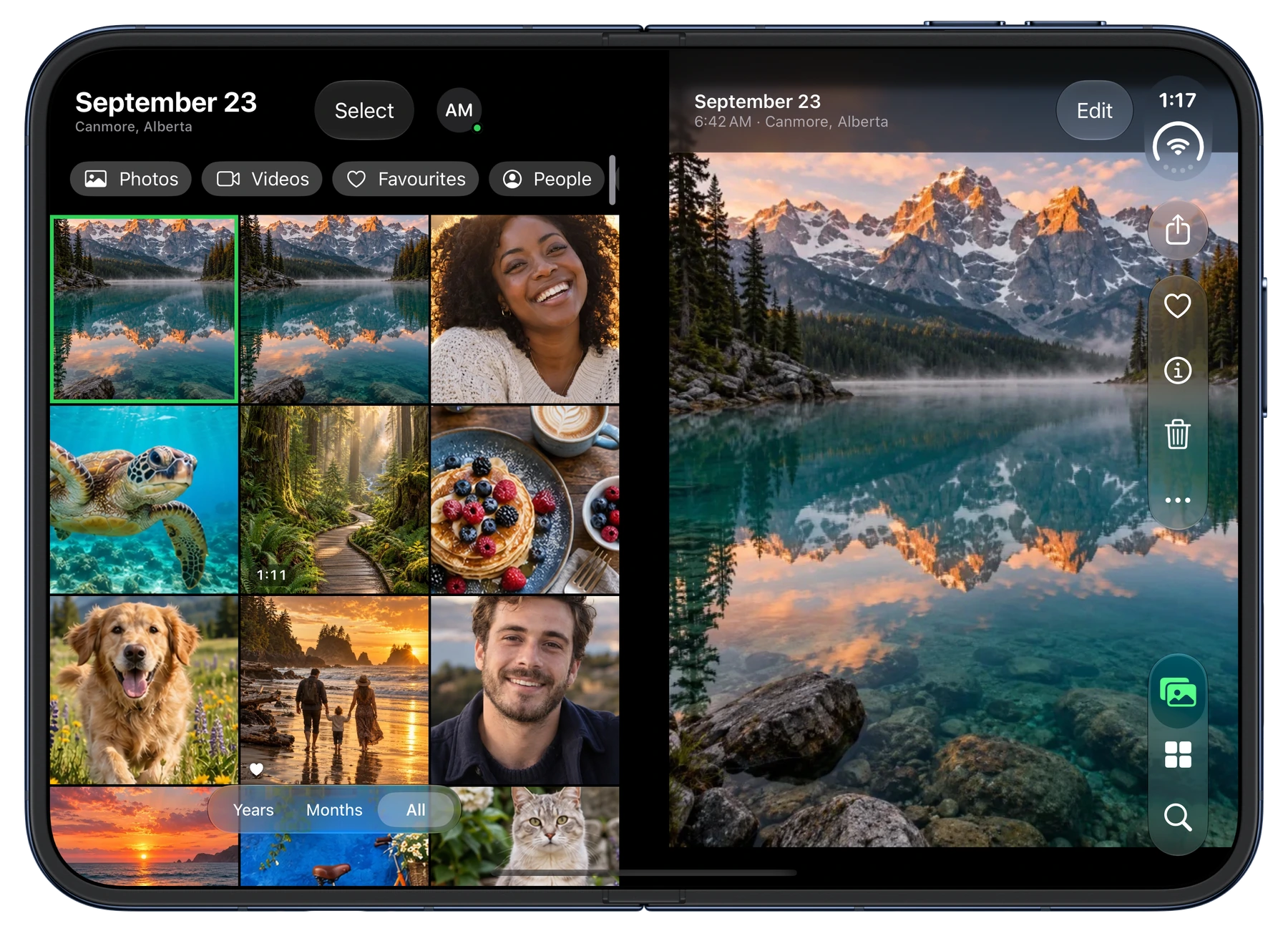
iPhone Duo
A grid that never crosses the fold, a photo on each page, and the editor propped up like a laptop.
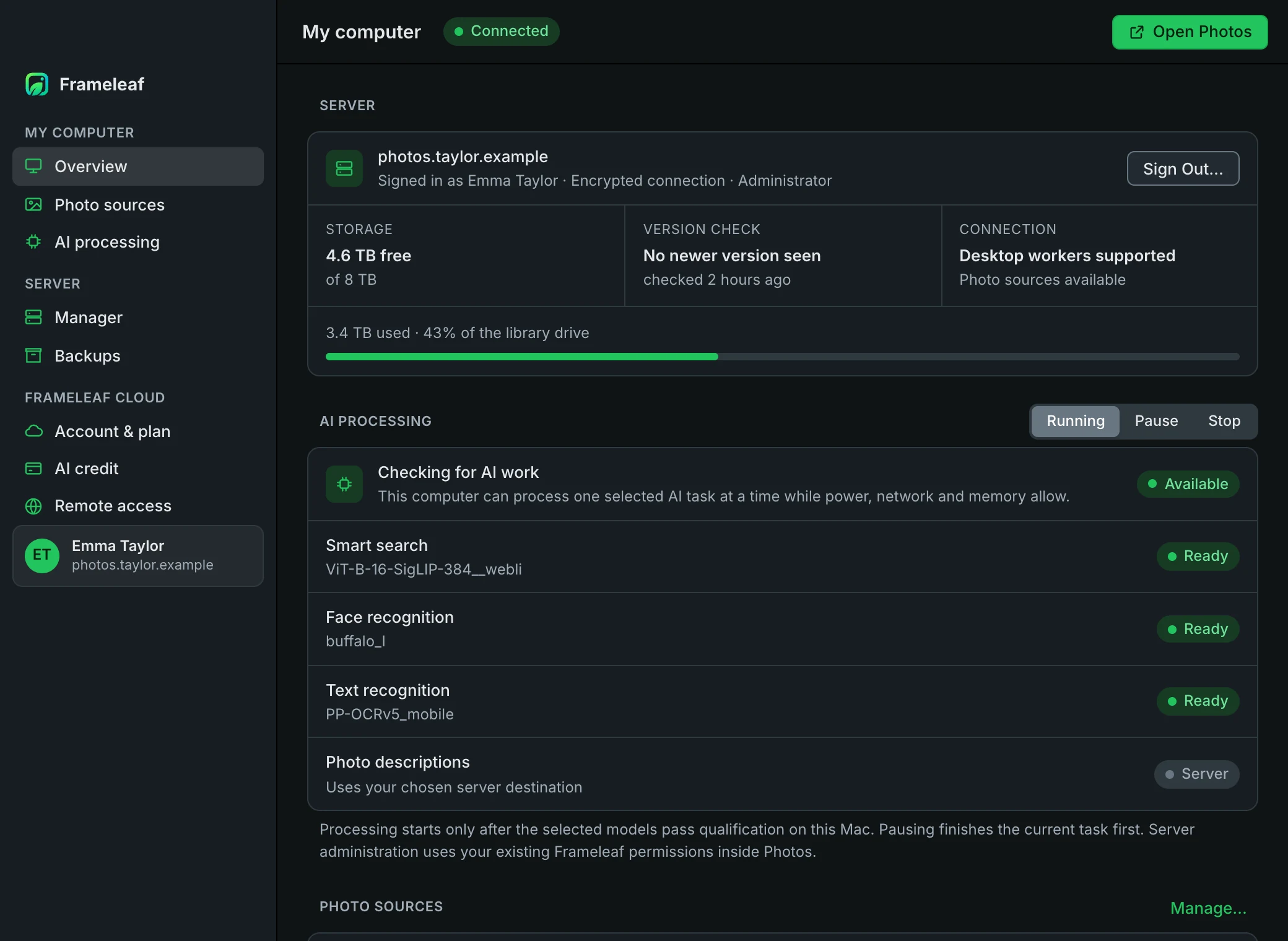
Mac, Windows & Linux
Open your library in its own window, lend your computer to AI work, bring photo folders home and manage your server.
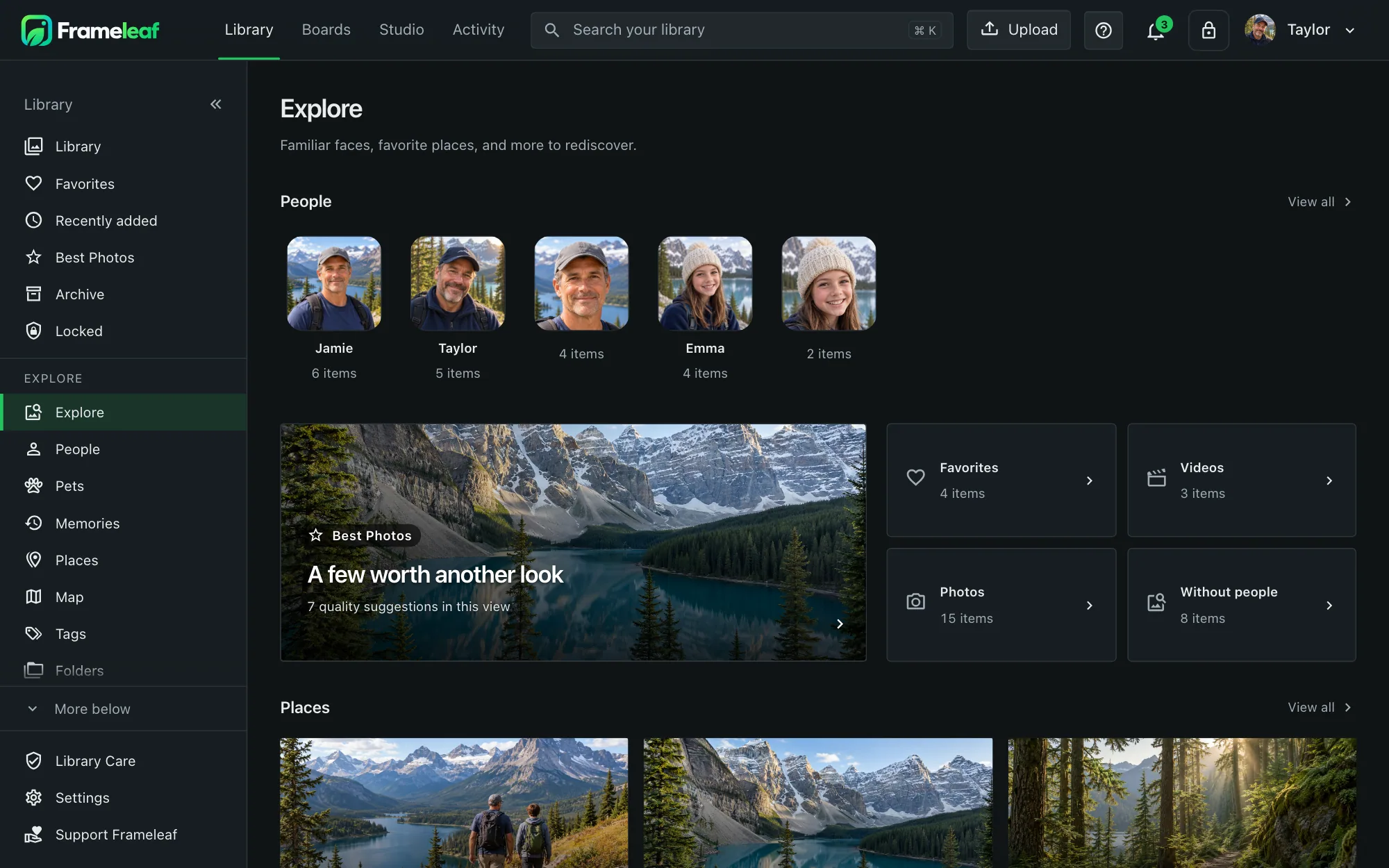
Web app
Compare photos, review faces, explore a map, build smart albums and work in Studio from your browser.
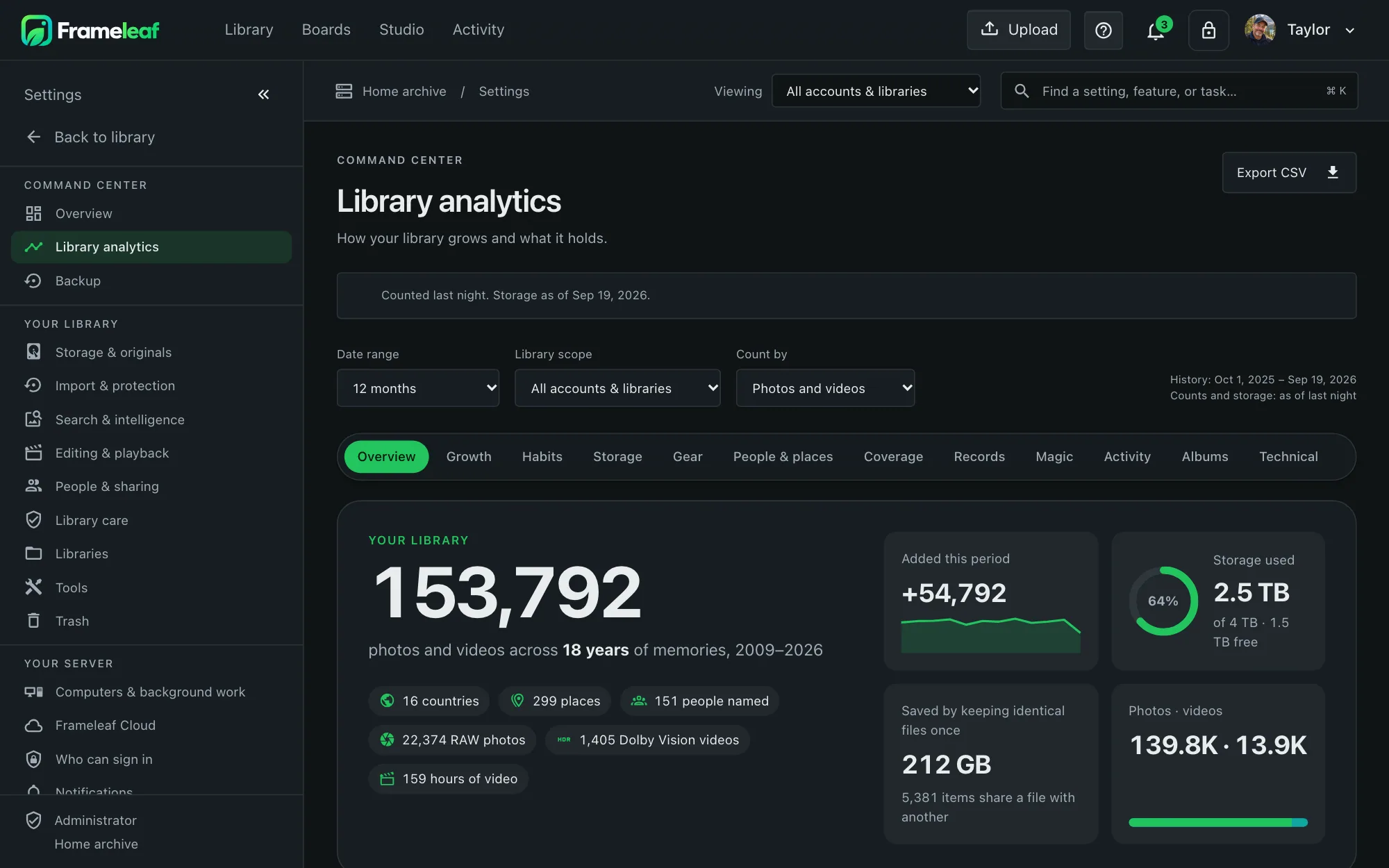
Your server
Keep your originals on compatible NAS or Linux hardware. Check the installation guide for your platform and storage setup.