
Studio. Your home videos, finally finished.
A video editor built into your photo library. Every clip on your server is already in Studio's media browser, so turning a weekend into a film starts with a drag.
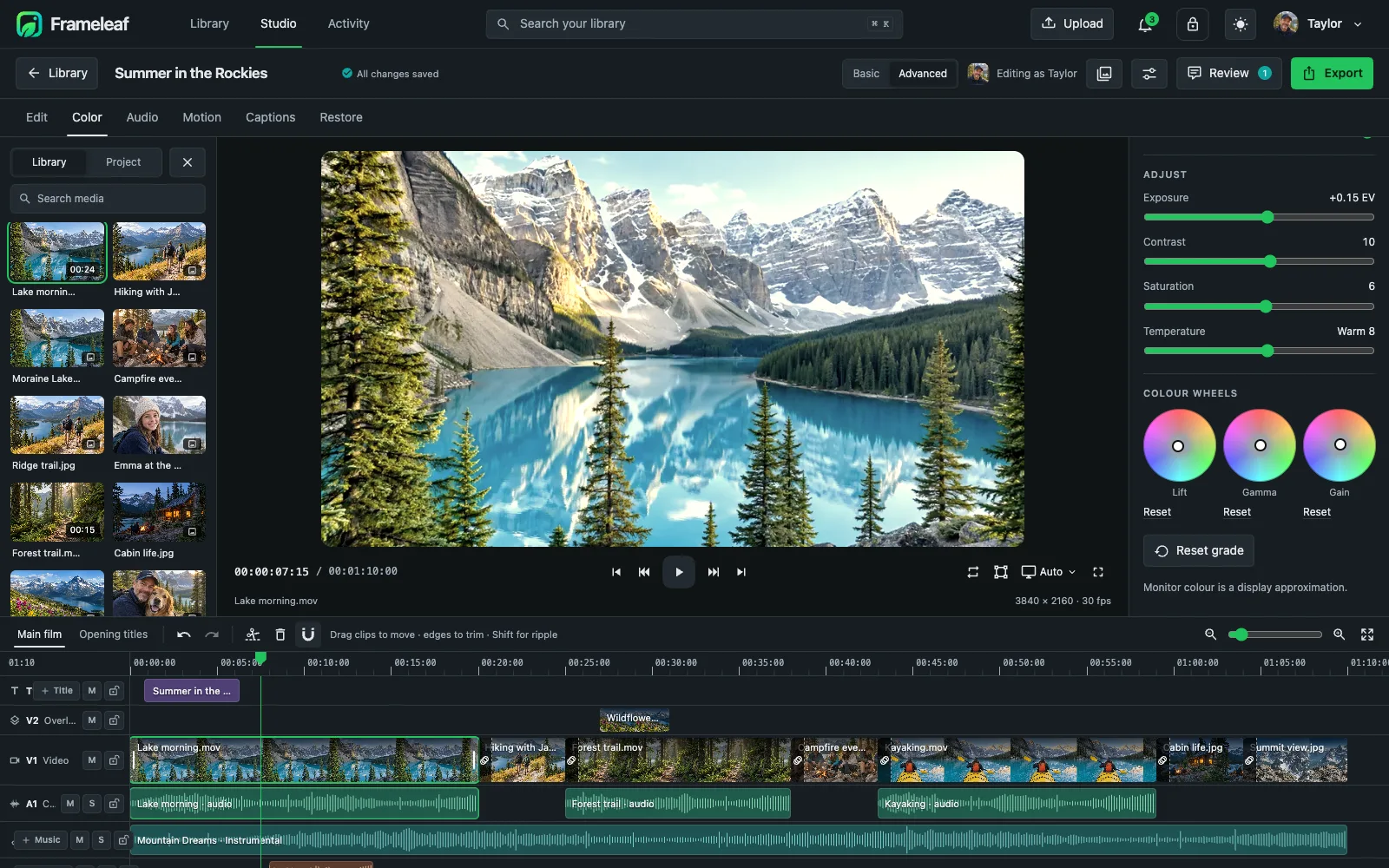
Everything a family film needs.
Six workspaces along the top: Edit, Color, Audio, Motion, Captions and Restore. Scroll to walk through them.
A real timeline
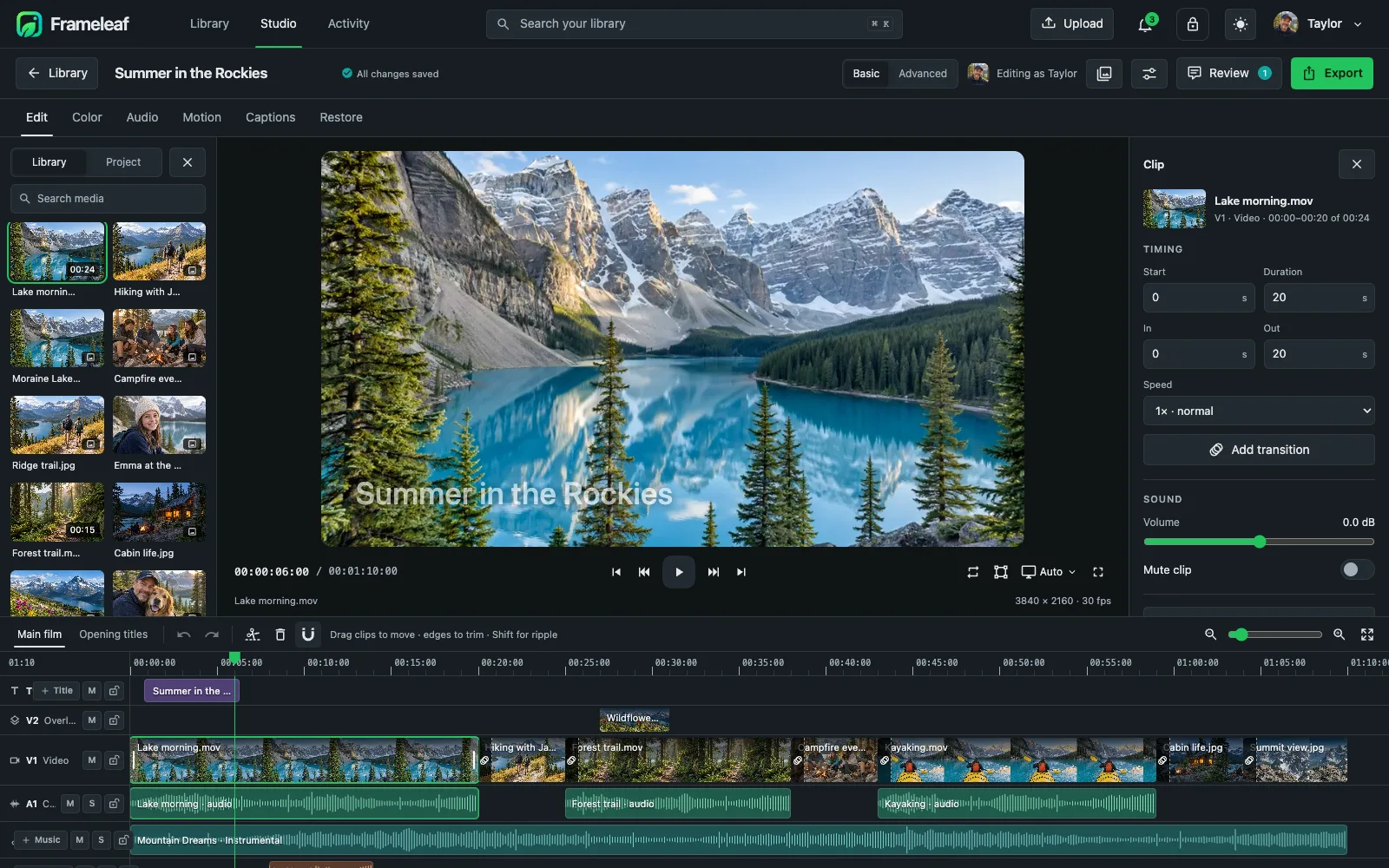
Titles, overlays, video, camera audio and music on their own tracks. Split, trim, roll, slip and slide, with ripple edits and markers.
Trim, speed and transform
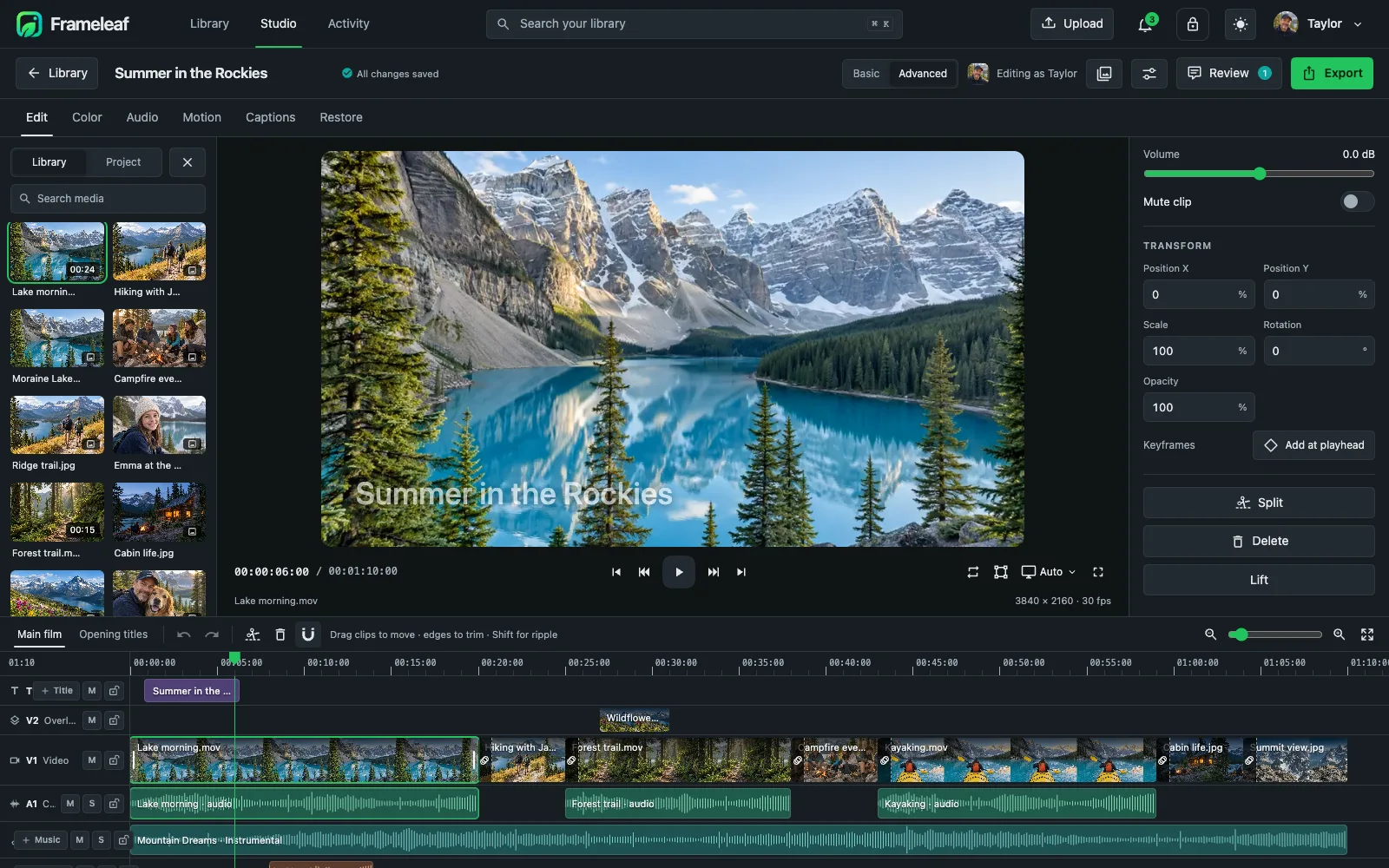
Frame-accurate in and out points, exact speed changes, reverse, and position, scale, rotation and opacity with keyframes.
Colour, with scopes
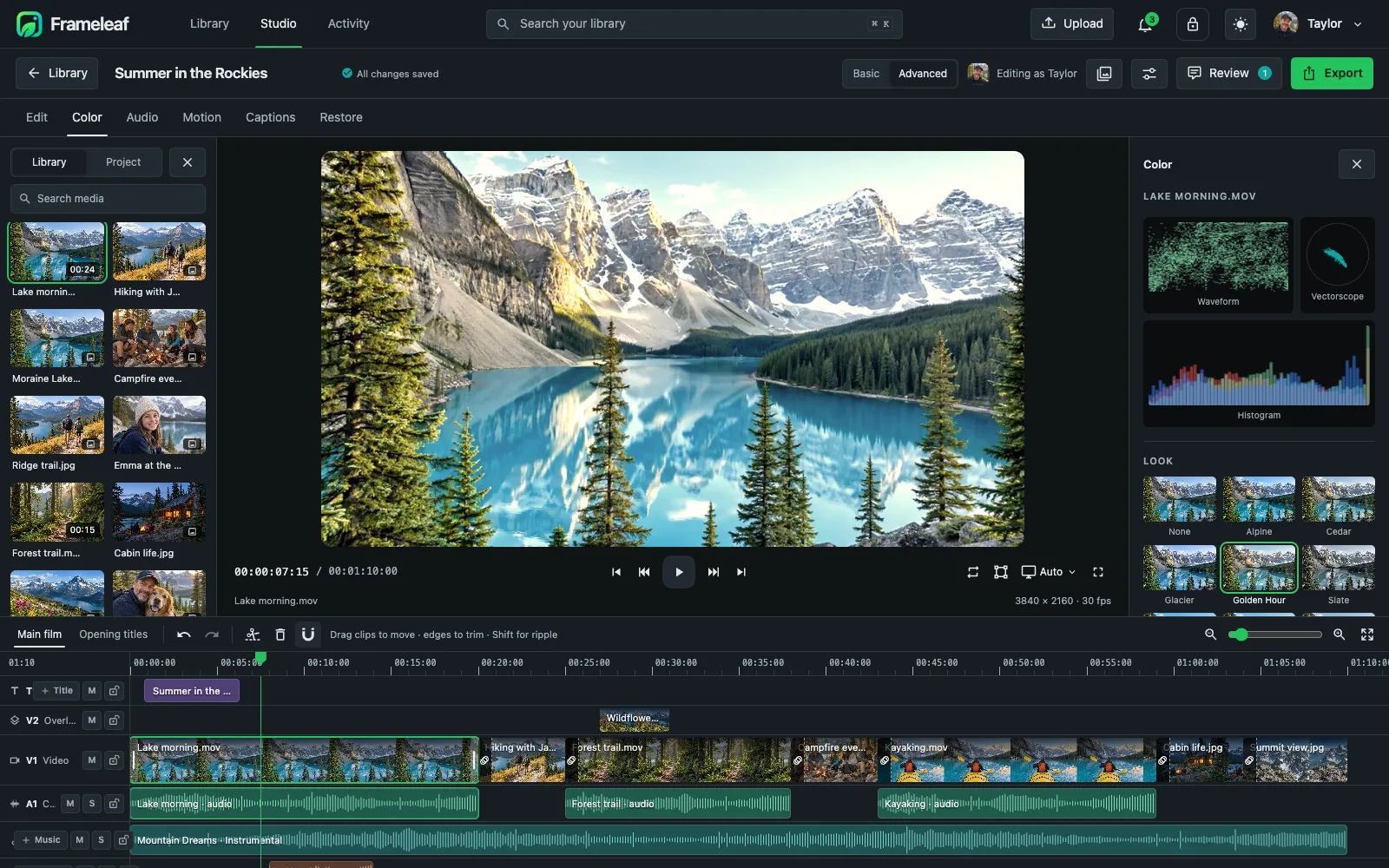
Waveform, vectorscope and histogram beside the picture, and looks to start a grade.
Grade like a colourist
Exposure, contrast, saturation and temperature, then lift, gamma and gain wheels, curves and LUTs.
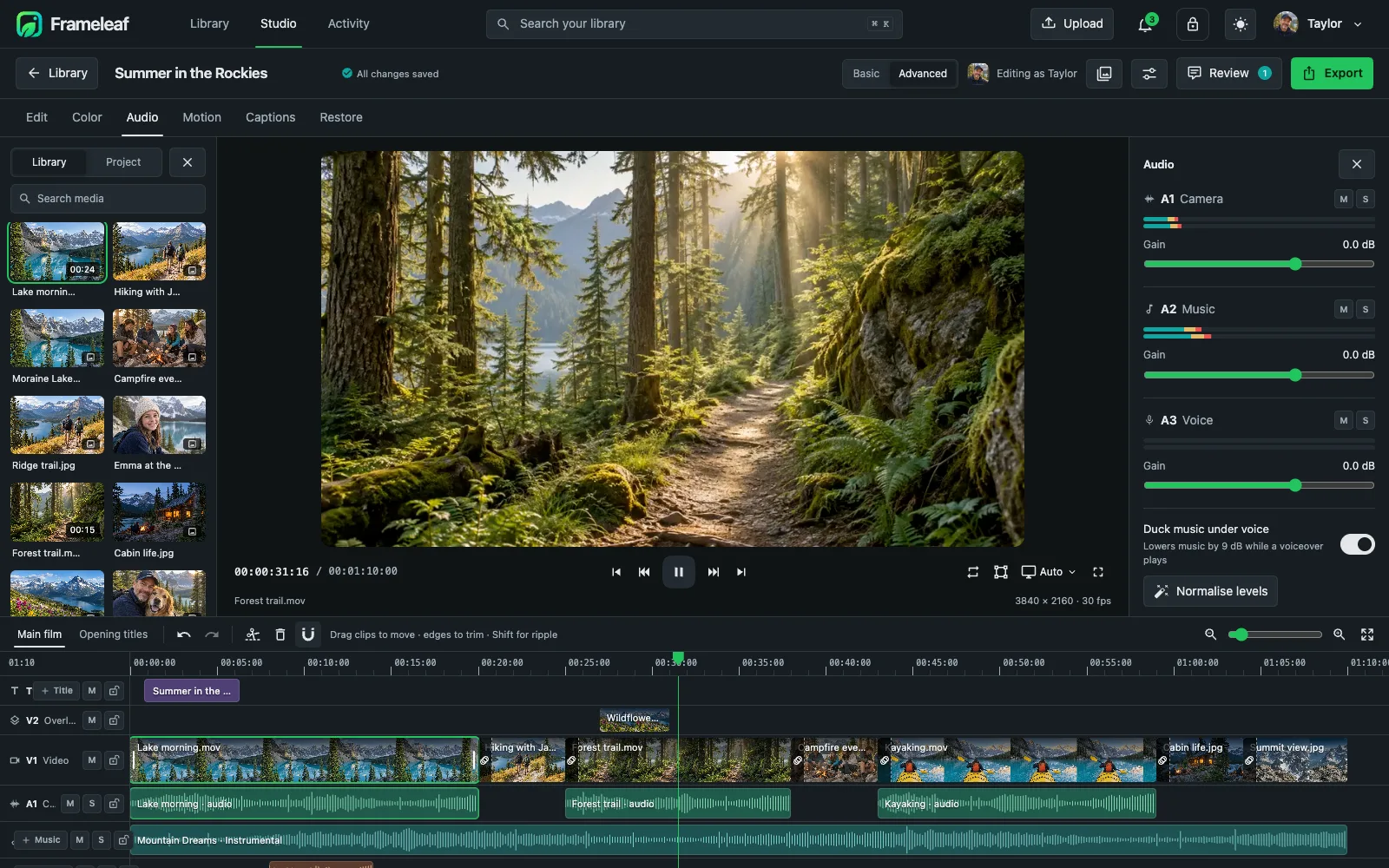
Mix the sound
Gain, pan and EQ for every track, music that ducks under voices, fades, and silence and filler-word removal you review first.
Music, made for your film
Lay a music bed on its own track, or describe the mood and length you want and generate one with a local AI model on your server.
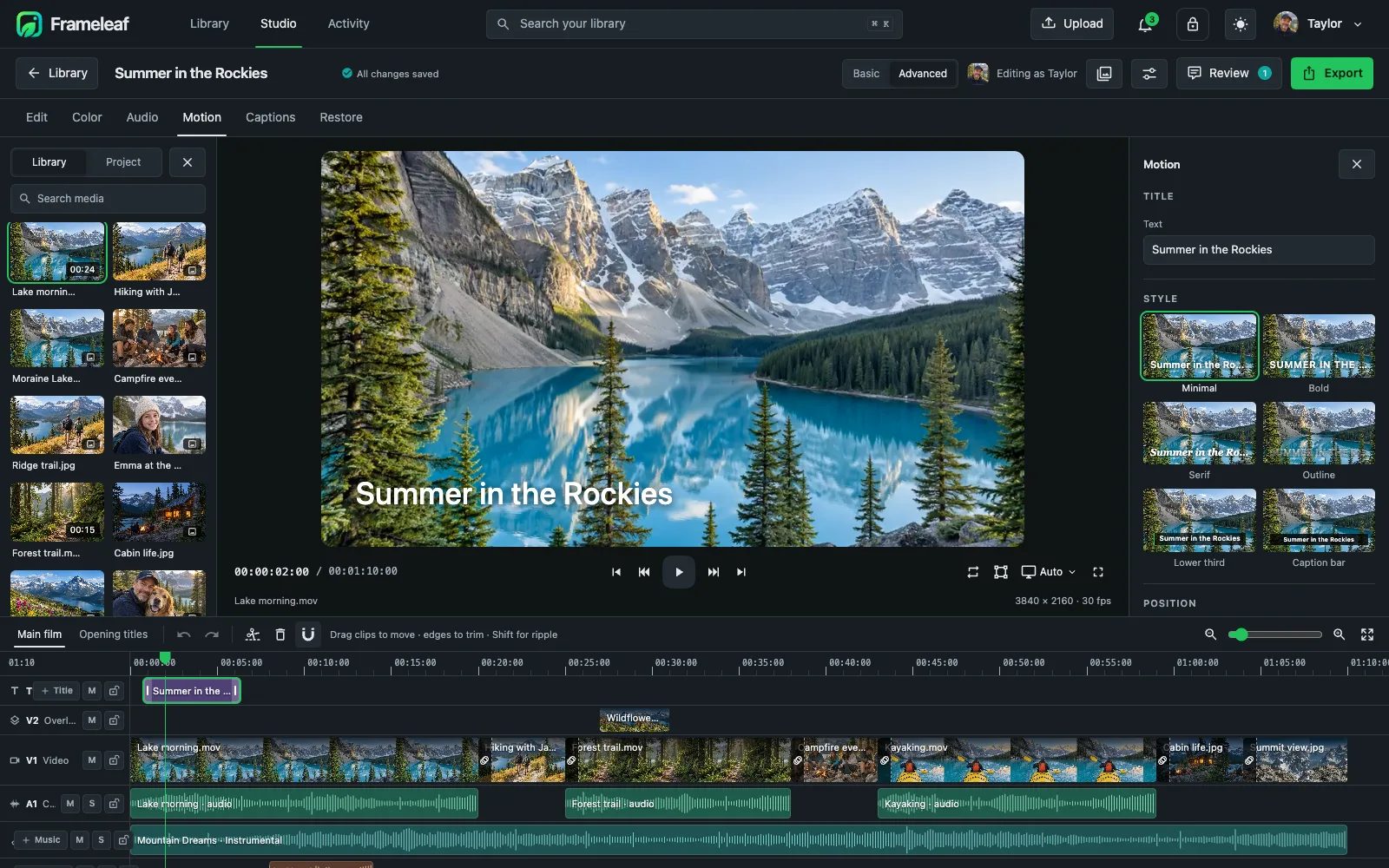
Titles and motion
Six title styles, animated in by character, word or line, positioned on a nine-point grid.
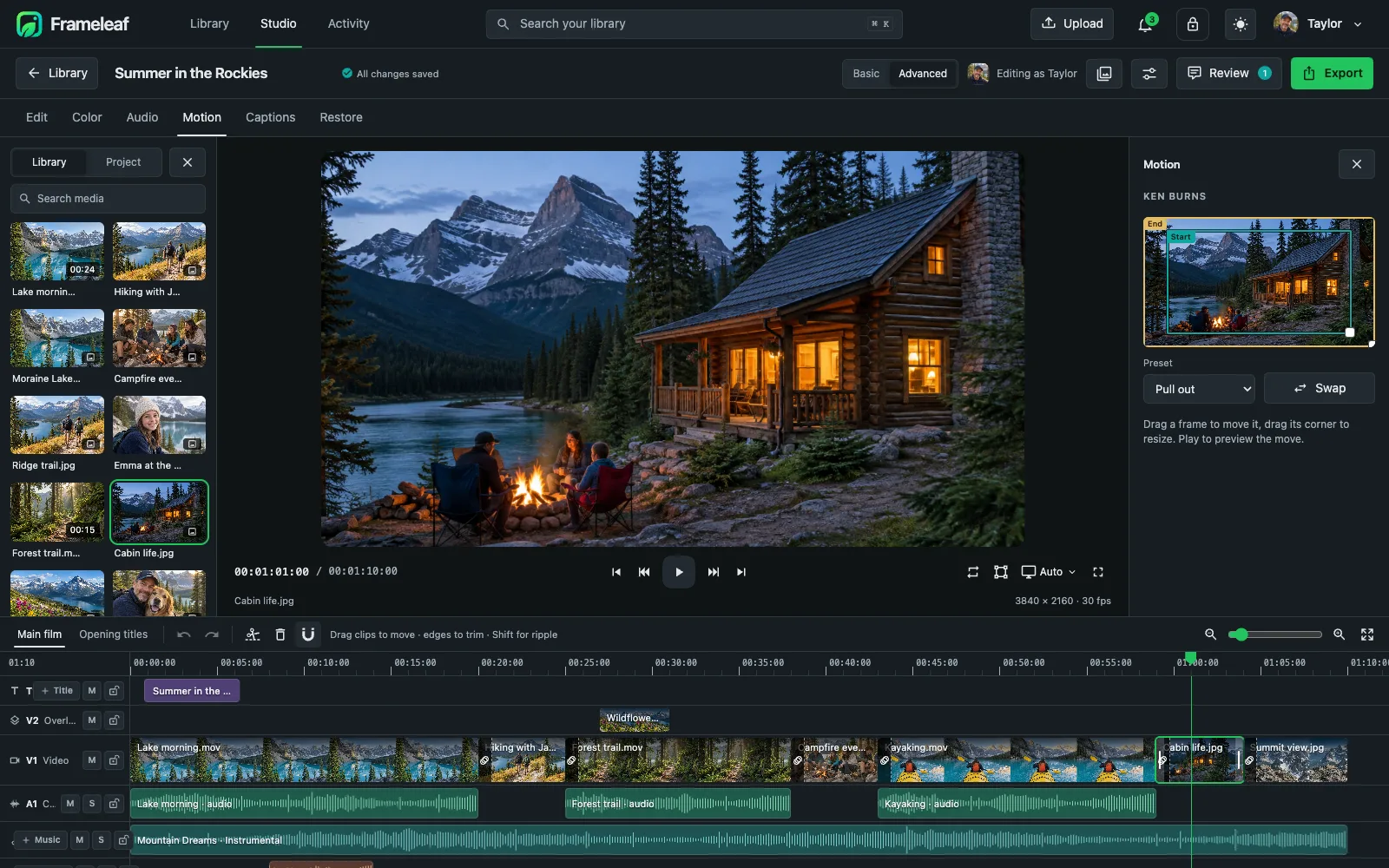
Bring photos to life
Ken Burns pans and zooms turn stills into motion. Drag the start and end frames, or pick a preset.
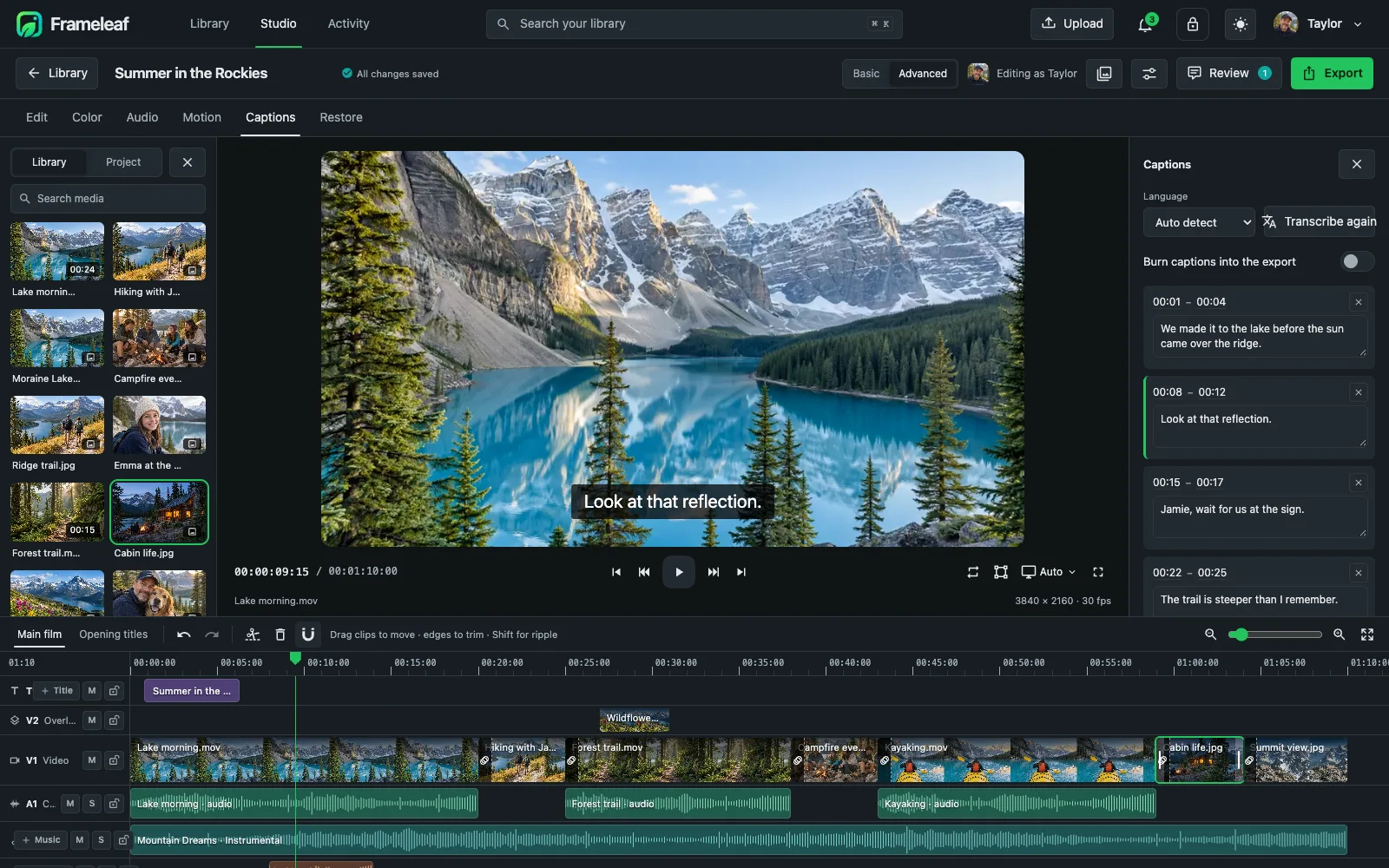
Captions from speech
Transcribe dialogue into timed captions on your server, fix any line, then burn them in or export them as a separate track.
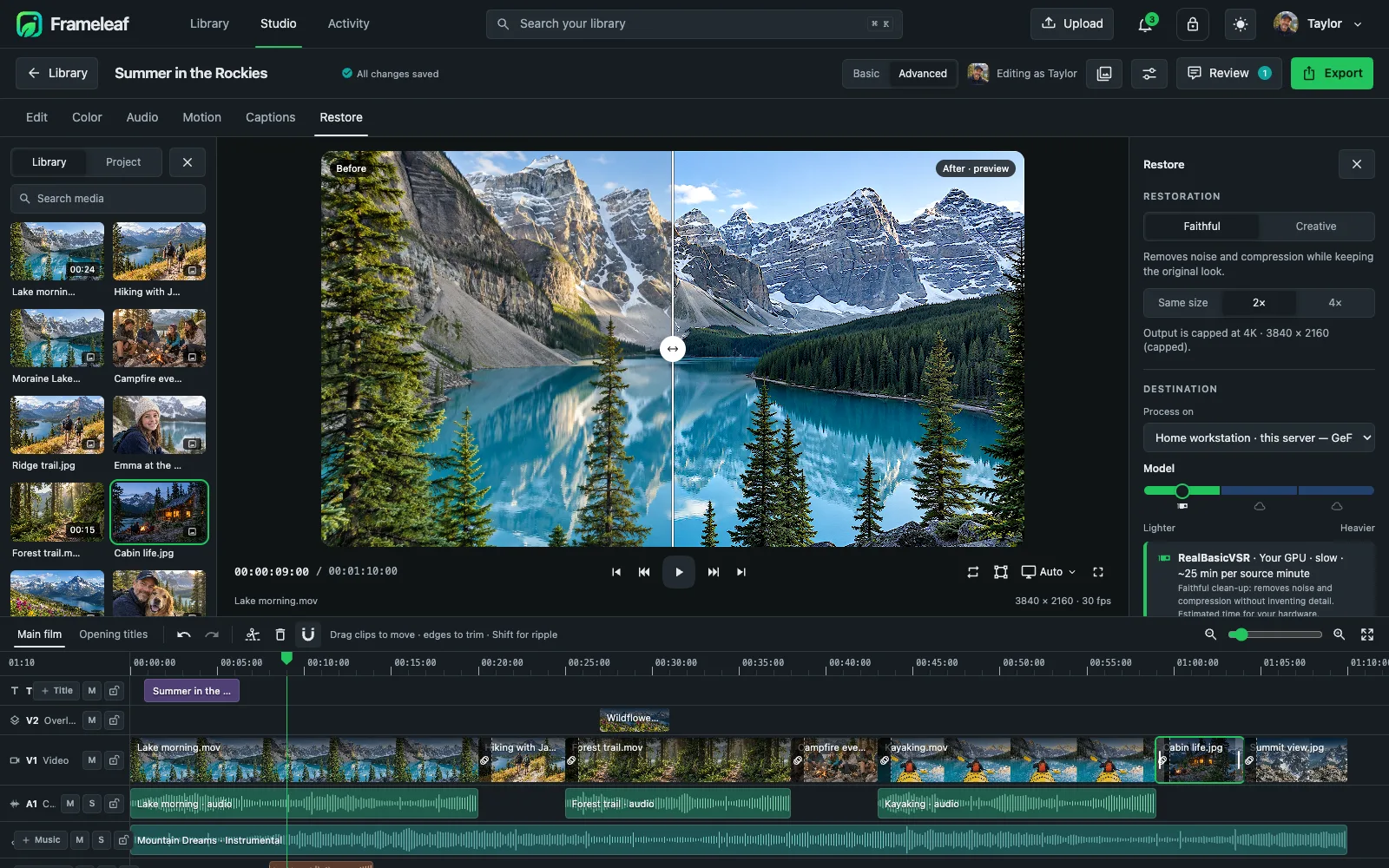
Restore old footage
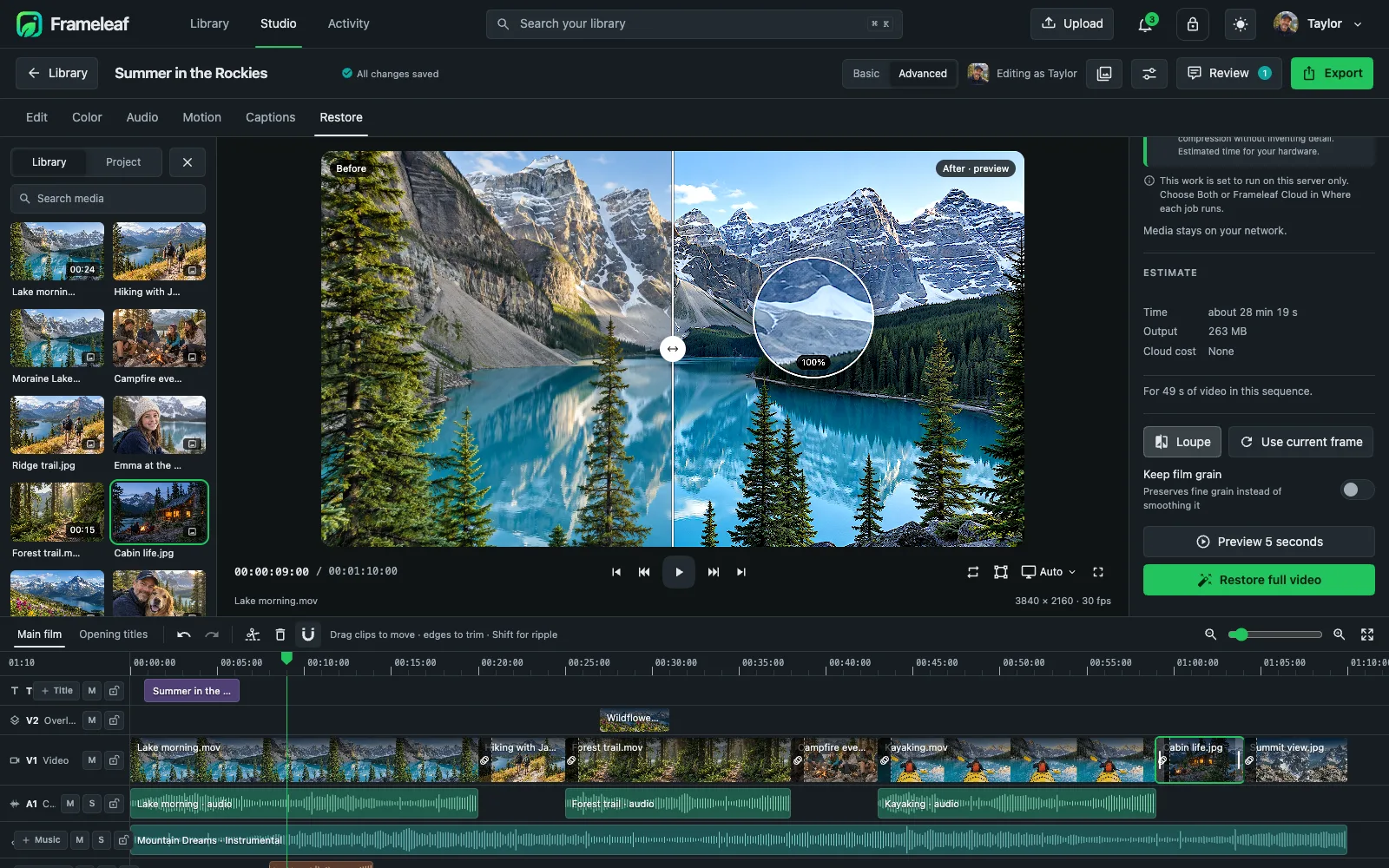
Faithful restoration removes noise and compression while keeping the original look. Preview five seconds with a split view first.
Creative restoration
Rebuilds fine detail for very small sources, with a 100% loupe to check faces and texture. Saved as a new version.
Export, rendered at home
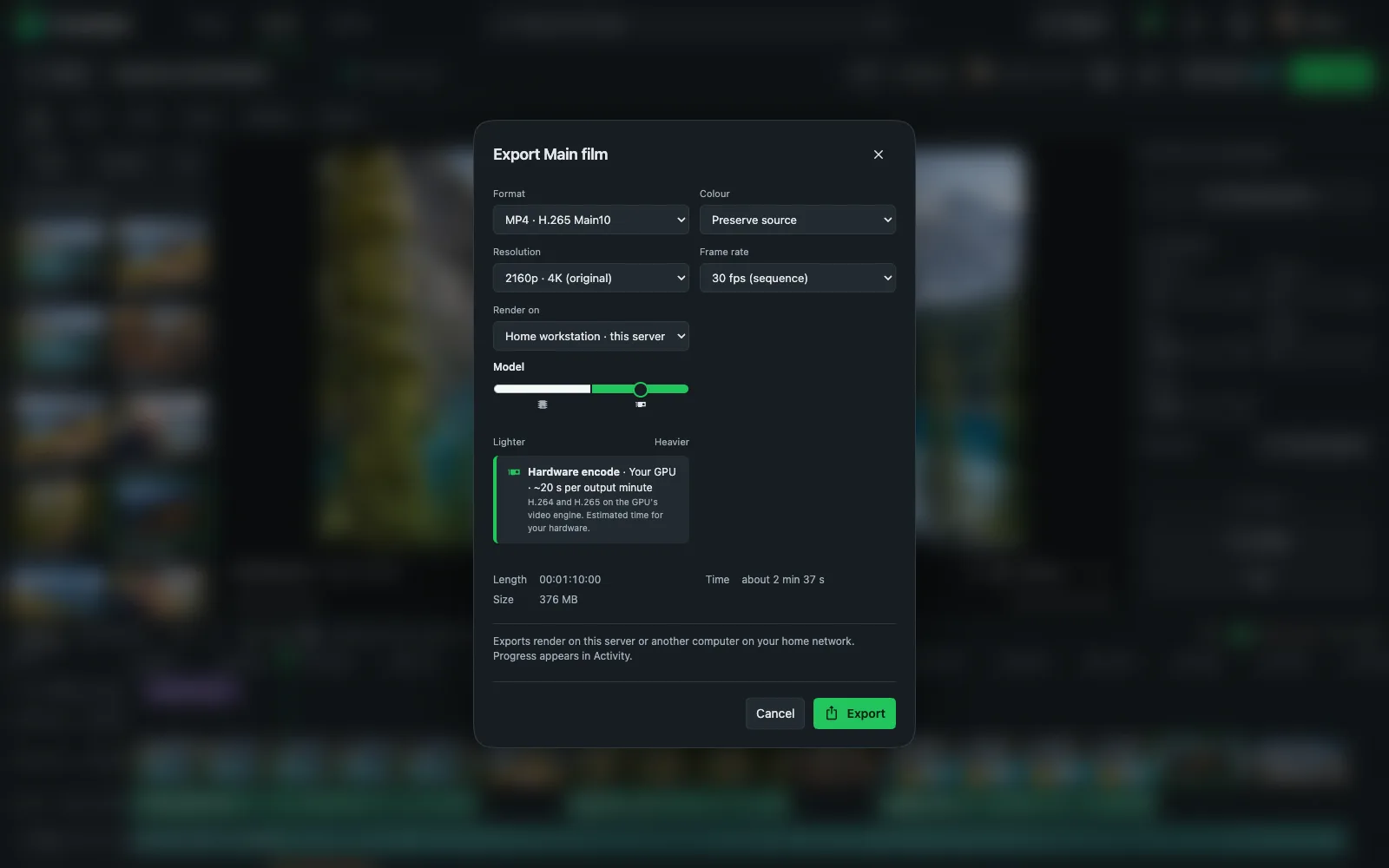
MP4 in H.265 10-bit or H.264, WebM AV1 or ProRes 422 HQ, up to 4K, keeping every audio channel. Rendering runs on your own server.
Your footage never leaves home.
Studio exports render on your Frameleaf server or another computer on your home network, never in the cloud. Your originals are never changed: every export and restoration is a new version.
Render at home
Exports run on your server or a render worker on your network. If no worker can make what you asked for, Studio says why instead of quietly lowering the quality.
Originals untouched
Projects reference your library. Trimming, grading and mixing never modify the source files.
Two ways to work
Basic keeps things simple for quick edits; Advanced reveals keyframes, scopes and the full inspector.
Saved as you go
Projects autosave with a full history you can restore, and bundle up for archiving.
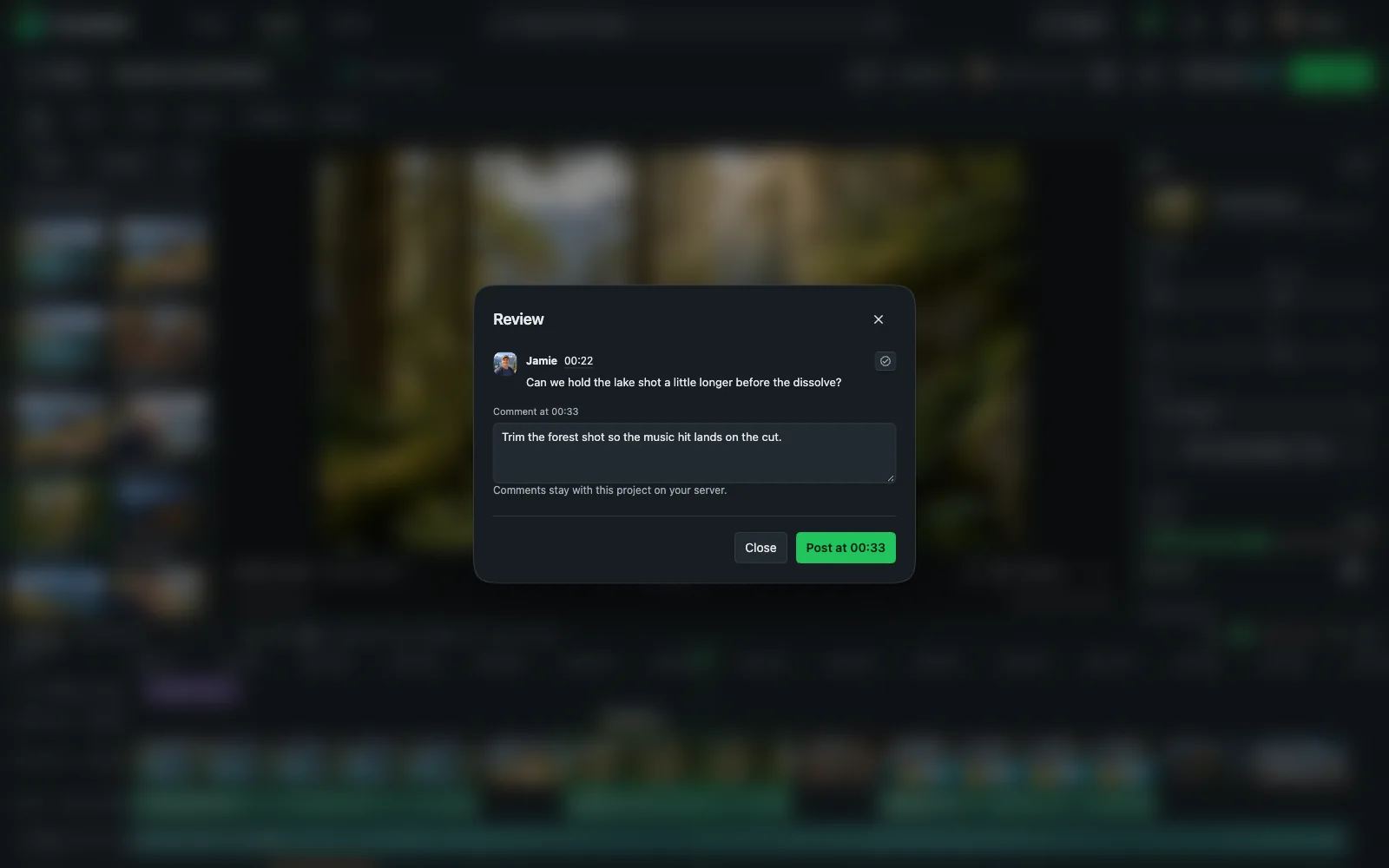
Review together.
Collect comments pinned to the exact moment they mean. One person edits a project at a time, so changes never collide; everyone else can review.
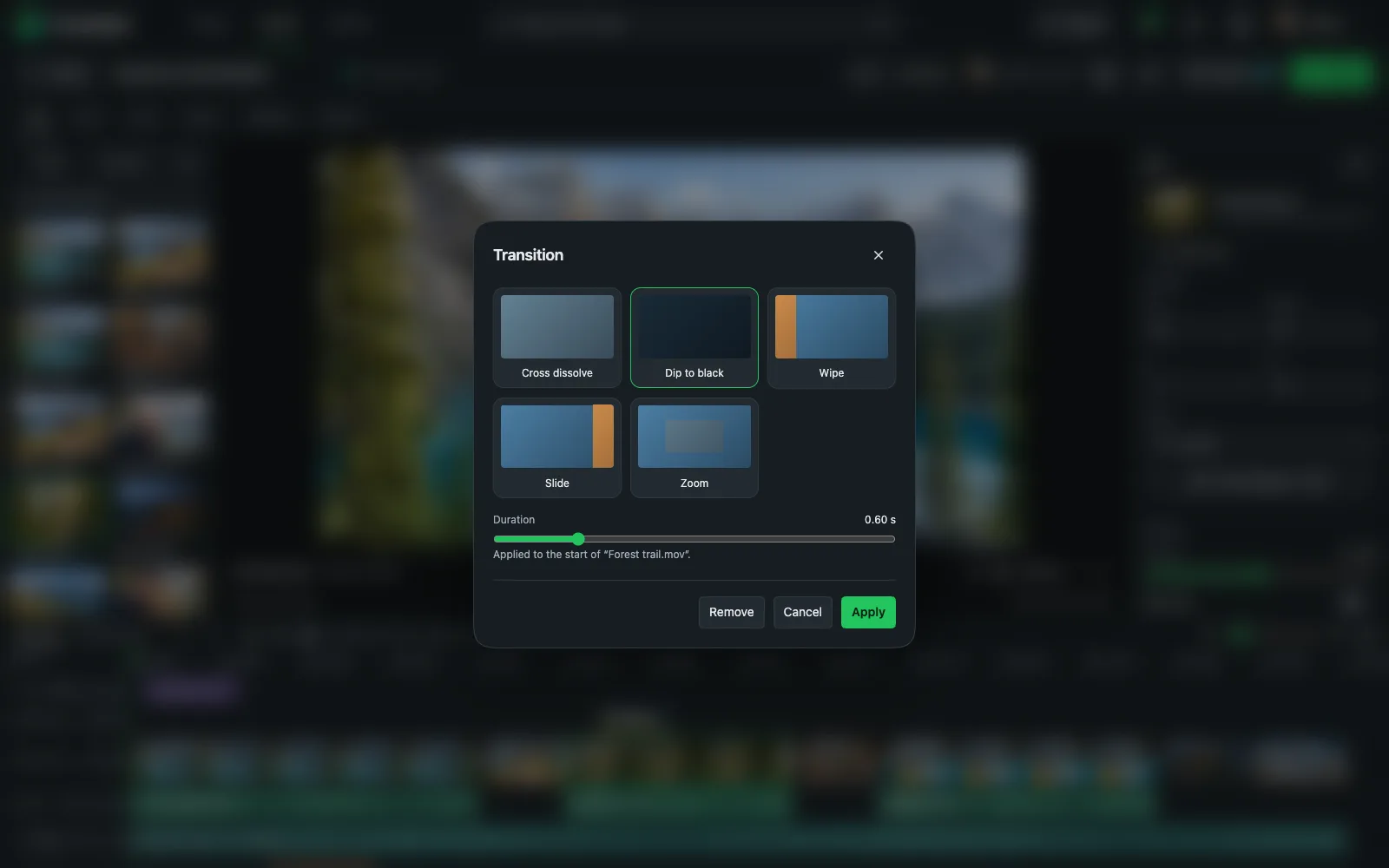
Transitions that stay out of the way.
Cross dissolve, dip to black, wipe, slide and zoom, each with an adjustable duration. Add one between any two clips.
Optional power from Frameleaf Cloud.
When your server doesn't have the GPU for a job, send it to Frameleaf Cloud. You see the cost first and pay only for what you run.
Video restoration
Faithful and Creative restoration up to 2× and 4K, previewed on a 5-second clip first.
Smooth motion
In-between frames for slow motion or a higher frame rate, at 2× or 4×, up to 120 fps and 4K.
Transcription and voice-over
Captions in eight languages and natural English voice-over, when your server cannot run them itself.
Always local
Final Studio exports always render at home, never in the cloud.
Music generation runs only on your own hardware and uses the MusicGen-small model, which is licensed for non-commercial use.